

Running a small business means wearing a dozen hats, and bookkeeping is often the one nobody wants to wear. Between chasing receipts, reconciling accounts, and manually transcribing bank statements into spreadsheets, finance admin can eat up hours every single week. That's why small business bookkeeping automation tools have become one of the fastest-growing categories in financial software. They promise to take repetitive, error-prone tasks off your plate so you can focus on running the business instead of babysitting the books.
This article breaks down what bookkeeping automation actually means, which tools matter most in 2026, how to evaluate them, and where a tool like Bank Statement Boss fits into a modern, automated workflow.
What Small Business Bookkeeping Automation Actually Solves
At its core, bookkeeping automation replaces manual, repetitive financial tasks with software that does the work faster and more accurately. For small businesses and the accountants who serve them, the biggest pain points usually fall into a few categories:
- Data entry — manually typing transactions from bank statements, invoices, or receipts into a ledger or spreadsheet
- Reconciliation — matching bank transactions to recorded entries to confirm the books are accurate
- Categorization — sorting transactions into the correct expense and income categories for tax and reporting purposes
- Document conversion — turning PDFs, scans, and statements into usable, structured data
- Reporting — generating profit and loss statements, cash flow summaries, and other financial snapshots
Each of these tasks, done manually, is slow and prone to human error. A single mistyped number on a bank statement can throw off reconciliation for an entire month, and a bookkeeper might spend hours just retyping transaction histories before any real analysis can happen. Automation tools attack these bottlenecks directly, often using optical character recognition (OCR) and machine learning to read documents, infer categories, and sync data into existing accounting platforms.
According to the U.S. Small Business Administration, poor financial record-keeping is one of the most common reasons small businesses struggle with cash flow visibility and tax compliance. Automation tools are designed to close that gap without requiring a full-time bookkeeper on staff.
The Core Categories of Bookkeeping Automation Tools
Not all automation tools do the same job. It helps to think of them in three broad categories.
1. Full-Service Accounting Platforms
These are the platforms businesses use as their financial system of record — think QuickBooks, Xero, and Sage. They handle invoicing, payroll integration, tax reporting, and general ledger management. Most have automation features built in, like bank feed syncing and rule-based categorization, but they still rely on clean, structured data coming in.
2. Document Conversion and Data Capture Tools
This is where tools like Bank Statement Boss operate. Rather than replacing your accounting platform, they prepare the raw data — PDF bank statements, credit card statements, scanned documents — and convert it into clean spreadsheets or direct uploads compatible with your accounting software. This step is often the most tedious part of bookkeeping, and it's one that general accounting platforms don't always handle well, especially with older PDF statement formats or scanned documents from legacy bank portals.
3. Workflow and Receipt Management Tools
These tools focus on expense tracking, receipt capture, and approval workflows, often through mobile apps that let employees snap a photo of a receipt and have it automatically logged.
Understanding which category solves your specific pain point is the first step toward building an automated bookkeeping stack rather than buying a single tool and hoping it does everything.
Comparing Popular Bookkeeping Automation Tools
Below is a comparison of commonly used tools across the three categories, focused on the features most relevant to small businesses and freelance bookkeepers.
| Tool | Category | Key Strength | Typical Monthly Cost (2026) |
|---|---|---|---|
| QuickBooks Online | Full-service accounting | All-in-one ledger, invoicing, payroll | $35–$235 |
| Xero | Full-service accounting | Clean UI, strong multi-currency support | $20–$80 |
| Sage Business Cloud | Full-service accounting | Strong for inventory-heavy businesses | $25–$75 |
| Bank Statement Boss | Document conversion | PDF-to-spreadsheet conversion for statements | Free–$79+ |
| Expensify | Receipt/workflow management | Mobile receipt capture, approval chains | $5–$18 per user |
| Dext | Document conversion | Receipt and invoice extraction | $20–$99 |
This comparison highlights something important: most businesses don't use just one tool. A typical modern bookkeeping stack combines a ledger platform (QuickBooks or Xero), a document conversion tool to handle statement and receipt data, and sometimes a dedicated expense workflow app for team spending. The goal isn't to find one tool that does everything — it's to connect the right tools so data flows cleanly between them.
Why Bank Statement Conversion Is the Missing Piece
Most discussions of bookkeeping automation jump straight to accounting software, but they skip over a surprisingly common bottleneck: getting bank statement data into a usable format in the first place.
Here's the typical scenario. A small business owner or their bookkeeper downloads monthly statements from one or more banks, usually as PDFs. Some banks offer CSV exports, but many — especially for older accounts, certain credit cards, or international banks — only provide PDF statements. From there, the data has to be manually retyped or copy-pasted into a spreadsheet, a process that's slow and introduces transcription errors, especially with multi-page statements containing hundreds of transactions.
This is precisely the gap that Bank Statement Boss is built to close. It uses AI-powered extraction to read PDF bank and credit card statements and convert them into clean, structured spreadsheets formatted for direct import into QuickBooks, Xero, or Sage. Instead of spending hours transcribing transactions line by line, a bookkeeper can upload a statement and get an accounting-ready file in minutes.
For freelance accountants and bookkeeping firms managing multiple clients, this kind of automation compounds quickly. If a single client's statement takes an hour to transcribe manually, and a firm manages 20 clients each month, that's 20+ hours of billable (or non-billable, if it's not charged separately) time spent on pure data entry. Automating that step frees up capacity for higher-value advisory work.
Key Features to Look for in a Bookkeeping Automation Tool
When evaluating automation tools — whether for document conversion, categorization, or full accounting — a few features consistently separate the tools worth paying for from the ones that create more work than they save.
- Accuracy of data extraction. Look for tools that clearly state their accuracy rates and allow you to review and correct extracted data before it's finalized.
- Accounting software compatibility. A tool that converts data into a format incompatible with your existing platform just creates another manual step.
- Security and compliance. Since bank statements contain sensitive financial information, tools should offer encryption, secure storage, and clear data retention policies. The Federal Trade Commission's data security guidance is a useful benchmark for what any financial SaaS tool should meet.
- Batch processing capability. For bookkeepers managing multiple clients, the ability to upload and convert multiple statements at once is a major time-saver.
- API access. For finance teams or firms with custom workflows, API access allows statement conversion to be built directly into internal systems rather than handled manually through a web dashboard.
- Pricing transparency. Usage-based or tiered pricing should be clear upfront, without hidden per-page or per-document surcharges that make costs unpredictable.
Bank Statement Boss, for example, is built around several of these priorities directly — offering formatting compatible with major accounting platforms, secure handling of sensitive statement data, and API access for higher-tier plans aimed at firms with heavier processing needs.
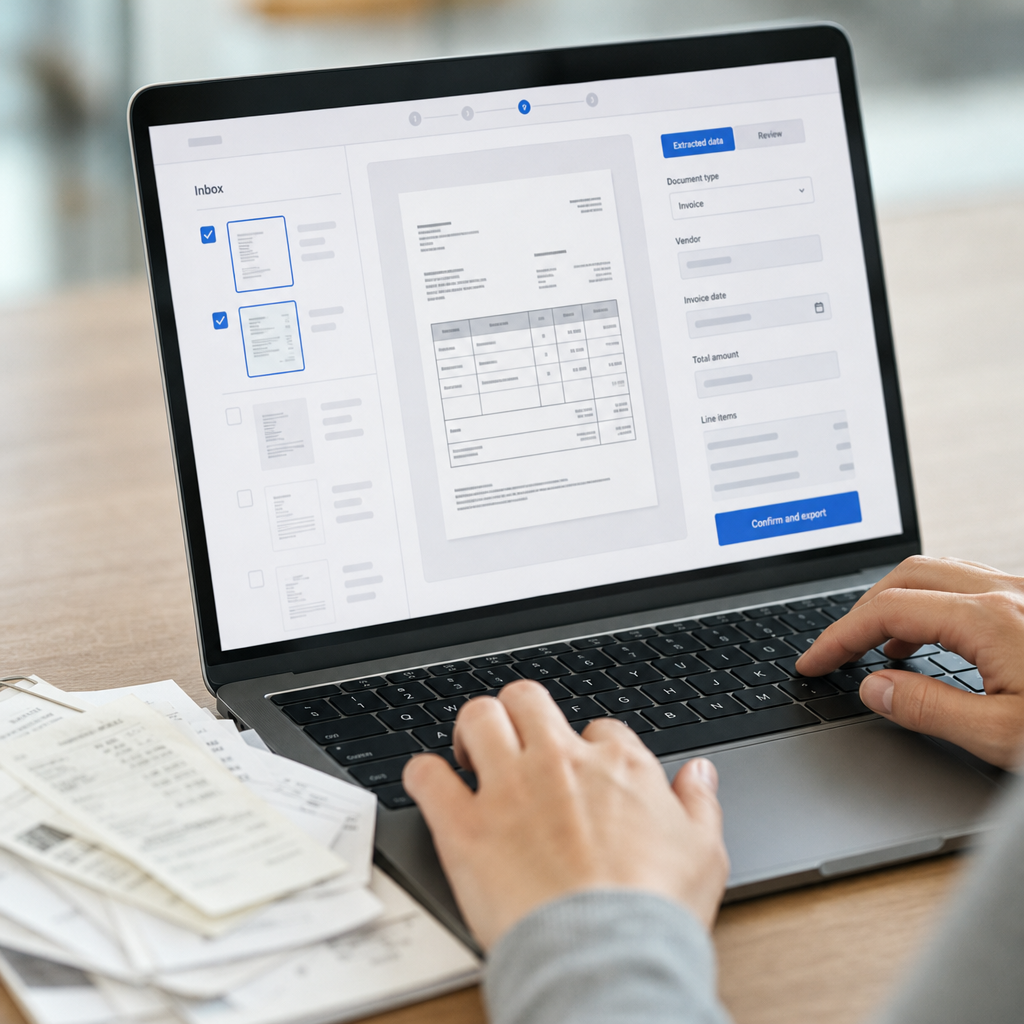
Manual Bookkeeping vs. Automated Bookkeeping: A Side-by-Side Look
It's worth putting hard numbers next to the comparison, since the time and cost savings of automation are often understated until you actually measure them.
| Factor | Manual Bookkeeping | Automated Bookkeeping |
|---|---|---|
| Time per statement (avg. 3 pages) | 30–60 minutes | 2–5 minutes |
| Error rate in transcription | Moderate to high (manual typing) | Low (AI extraction + review) |
| Scalability across multiple clients | Difficult, linear time increase | High, batch processing available |
| Cost per month (small firm, 20 clients) | Staff hours ($800–$2,000+) | Software subscription ($29–$99) |
| Data format consistency | Variable, depends on person entering | Consistent, standardized templates |
The time savings alone tend to justify the switch for most small businesses and bookkeeping firms, but the consistency benefit is just as important. When every statement is converted using the same structured process, it's much easier to spot anomalies, errors, or missing transactions during review — something that's harder to catch when formatting varies from one manually entered spreadsheet to the next.
How to Build an Automated Bookkeeping Workflow
Adopting automation tools isn't just about buying software — it's about designing a workflow where each tool handles the part it's best suited for for. Here's a practical sequence that works well for small businesses and bookkeeping firms alike:
- Collect source documents. Gather PDF bank statements, credit card statements, and receipts from all accounts each month.
- Convert statements into structured data. Use a tool like Bank Statement Boss to transform PDFs into clean spreadsheets formatted for your accounting platform.
- Import into your accounting system. Upload the converted files into QuickBooks, Xero, or Sage, where automated bank feed matching and categorization rules can take over.
- Review and reconcile. Spend time on exceptions and anomalies rather than full manual entry — automation should surface what needs attention, not require re-checking everything line by line.
- Generate reports. Once data is clean and reconciled, generate profit and loss statements, cash flow reports, and tax summaries directly from your accounting platform.
- Archive securely. Store original statements and converted files in a secure, organized system for audit trails and tax season.
This workflow reduces the manual burden at the two most repetitive steps — data entry and reconciliation prep — while still keeping a human in the loop for review and judgment calls, which remain essential for accurate books.
Common Mistakes Businesses Make When Automating Bookkeeping
Even with the right tools, automation efforts can go sideways. Some of the most common mistakes include:
- Skipping the review step entirely. Automation reduces manual work, but it doesn't eliminate the need for a human to verify flagged anomalies or unusual transactions.
- Using incompatible file formats. Converting data into a format your accounting software can't cleanly import just shifts the manual work rather than removing it.
- Ignoring security practices. Uploading sensitive financial documents to tools without clear encryption or data handling policies creates unnecessary risk.
- Trying to automate everything at once. Businesses that attempt a full overhaul of their bookkeeping stack in one go often face disruption. Gradual adoption, starting with the most time-consuming task (often statement conversion), tends to work better.
- Not training staff or clients on the new workflow. Automation tools only save time if the people using them understand how to upload documents correctly and review outputs efficiently.
Avoiding these pitfalls is less about the specific software chosen and more about having a clear process for how automation fits into the broader bookkeeping routine.
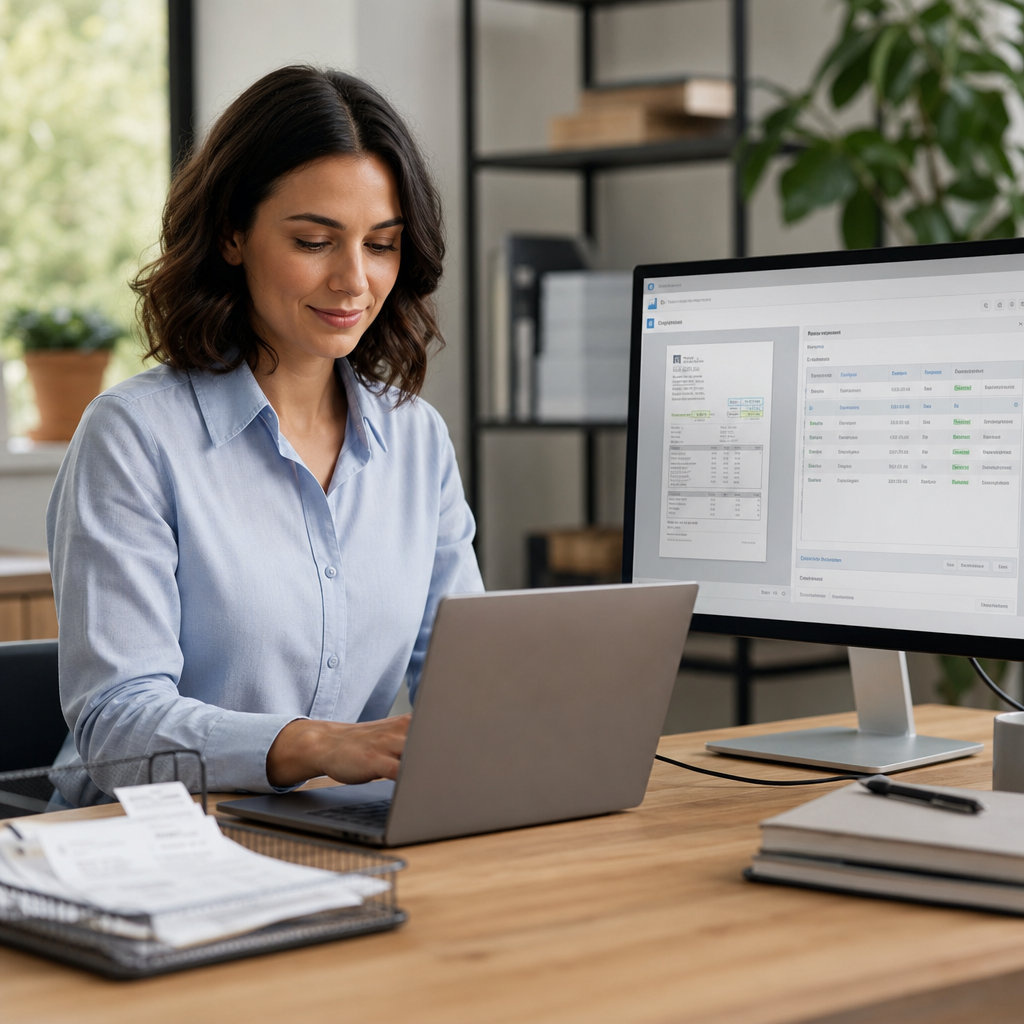
Security Considerations for Financial Document Automation
Because bookkeeping automation tools handle sensitive financial data — account numbers, transaction histories, and sometimes personally identifiable information — security can't be an afterthought. Businesses evaluating any automation tool should ask:
- Is data encrypted both in transit and at rest?
- How long is uploaded data retained, and can it be deleted on request?
- Does the provider undergo third-party security audits or certifications?
- Is access role-based, especially for firms managing multiple client accounts?
Resources like the National Institute of Standards and Technology (NIST) Cybersecurity Framework offer a useful baseline for understanding what strong data security practices look like, even for smaller SaaS providers. Any tool handling bank statement data — including Bank Statement Boss — should be transparent about these practices, since trust is a prerequisite for adoption in financial workflows.
Pricing Expectations for 2026
Pricing for bookkeeping automation tools varies widely depending on volume, features, and whether API access is included. As a general guide for 2026:
| Plan Type | Typical Price Range | Best For |
|---|---|---|
| Free / trial tier | $0 | Testing with a handful of documents |
| Starter/individual | $15–$35/month | Solo freelancers, small business owners |
| Professional/firm | $40–$99/month | Bookkeeping firms with multiple clients |
| API/enterprise | $100+/month, usage-based | Finance teams with custom integrations |
When comparing prices, it's worth calculating cost per document or per statement rather than just the subscription fee, since usage limits vary significantly between providers. A tool that looks cheaper on the surface might become expensive quickly if your volume exceeds its included limits.
Final Thoughts
Small business bookkeeping automation tools aren't about replacing accountants or bookkeepers — they're about removing the repetitive, low-value tasks that eat up time better spent on analysis, planning, and client advisory work. The most effective approach combines a solid accounting platform like QuickBooks, Xero, or Sage with a dedicated document conversion tool that handles the tedious job of turning PDF bank statements into clean, structured data.
That's exactly the role Bank Statement Boss plays. By converting bank and credit card statements into spreadsheets ready for your accounting software, with secure handling and API access for firms that need it, Bank Statement Boss removes one of the most time-consuming steps in small business bookkeeping — so you can spend less time retyping numbers and more time running your business.
Article written by FrontRank