

Every day, bookkeepers, accountants, and small business owners upload sensitive financial documents to cloud-based tools without fully understanding what happens to that data once it leaves their computer. Bank statements, credit card records, and transaction histories contain some of the most sensitive information a business has — account numbers, balances, vendor relationships, and spending patterns. Choosing a secure financial document upload tool isn't a convenience decision anymore; it's a risk management decision.
This article breaks down what "secure" actually means in the context of financial document processing, what red flags to watch for, and how to evaluate tools before you trust them with client or company data.
Why Security Matters More for Financial Documents Than Other Files
Not all uploaded files carry the same risk. A marketing team sharing a PDF brochure has little to lose if that file is intercepted. A bookkeeper uploading a client's bank statement is a different story entirely.
Bank statements typically include:
- Full account and routing numbers
- Business and personal transaction histories
- Vendor and payroll relationships
- Account balances and credit limits
- Personally identifiable information (PII) tied to business owners
If this data is exposed, mishandled, or stored insecurely, the consequences go beyond inconvenience. Businesses face regulatory exposure, client trust erosion, and in some cases direct financial fraud. According to the Federal Trade Commission, businesses that handle consumer financial data have a legal obligation to implement reasonable safeguards — and "reasonable" increasingly means encryption, access controls, and documented data handling policies.
For accounting professionals specifically, the stakes are compounded by professional liability. A bookkeeper who routes client statements through an insecure tool isn't just risking their own data — they're risking their client relationships and their firm's reputation.
Core Features of a Secure Financial Document Upload Tool
When evaluating any platform that asks you to upload bank statements or financial PDFs, there are specific technical and procedural features that separate genuinely secure tools from those that merely claim to be.
1. Encryption in Transit and at Rest
Data should be encrypted using TLS 1.2 or higher while it travels from your device to the server, and encrypted again (typically AES-256) while it sits in storage. If a vendor can't clearly explain their encryption standards, that's a warning sign.
2. Clear Data Retention Policies
A trustworthy tool tells you exactly how long your uploaded documents are stored and gives you the ability to delete them on demand. Some platforms automatically purge files after processing is complete, which significantly reduces the window of exposure.
3. Limited Data Access Internally
Even within a vendor's own team, access to uploaded financial documents should be restricted on a need-to-know basis, logged, and auditable. Look for vendors who publish information about internal access controls or who maintain compliance certifications such as SOC 2.
4. No Unnecessary Data Sharing
Secure platforms do not sell, share, or use uploaded financial data to train unrelated third-party models without explicit consent. Read the privacy policy, not just the marketing page.
5. Secure Authentication
Multi-factor authentication (MFA) and strong password requirements for user accounts reduce the risk of unauthorized access even if credentials are compromised elsewhere.
6. Compliance Awareness
Especially for tools used by financial professionals, alignment with frameworks like GLBA (Gramm-Leach-Bliley Act) and general data protection expectations under GDPR for international clients shows the vendor takes compliance seriously, even if full certification isn't required for their specific use case.
Bankstatementboss.com was built around these exact principles — encrypting uploaded statements, limiting retention windows, and giving users control over their data throughout the conversion process from PDF to spreadsheet.
Comparing Upload Security Approaches
Not every financial tool handles security the same way. The table below compares common approaches you'll encounter when evaluating document upload platforms.
| Security Approach | What It Means | Risk Level if Missing |
|---|---|---|
| End-to-end encryption | Data is unreadable in transit and storage | High — intercepted data is immediately usable |
| Automatic file deletion | Files purged after processing window | Medium — prolonged exposure if breached |
| SOC 2 / compliance certification | Independently audited security controls | Medium-High — no accountability standard |
| Multi-factor authentication | Extra login verification step | High — account takeover risk |
| Role-based access controls | Internal staff access is restricted and logged | Medium — insider risk increases |
| Clear data ownership terms | You retain rights to your uploaded data | Low-Medium — legal ambiguity over data use |
This comparison illustrates why security isn't a single checkbox — it's a layered system. A tool might encrypt data well but have no retention policy, or offer MFA but no internal access logging. True security requires multiple layers working together.
How Secure Upload Tools Handle the Bank Statement Conversion Process
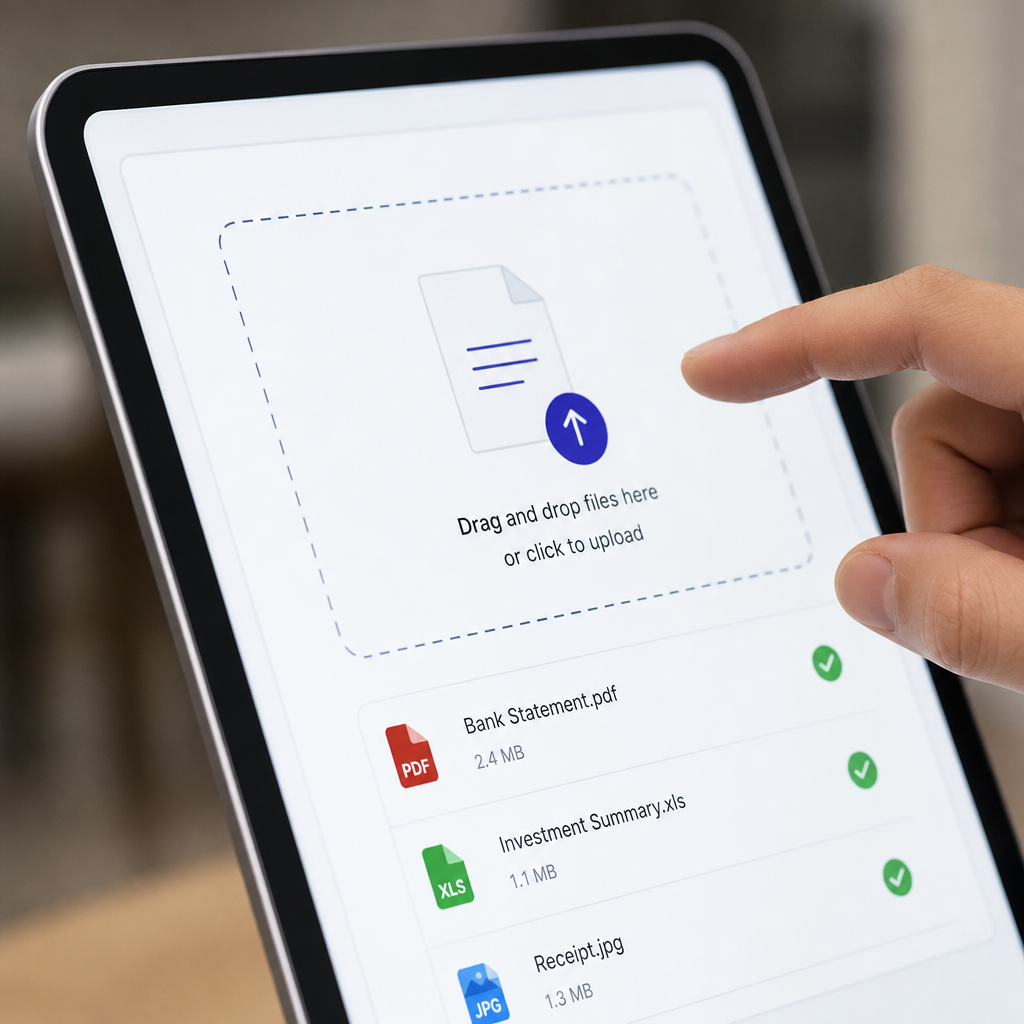
For small business owners and bookkeepers specifically, the workflow usually looks like this: a PDF bank statement is uploaded, the tool extracts transaction data using OCR or AI parsing, and the output is delivered as a structured spreadsheet compatible with accounting software.
Security needs to be built into every stage of that pipeline, not bolted on afterward. Here's what a secure version of that workflow typically includes:
- Secure upload channel — files transmitted via encrypted connection, never plain HTTP.
- Isolated processing environment — each document processed in a contained session, not mixed with other users' data.
- Automated extraction — AI or OCR reads transaction data without manual human review of sensitive details unless explicitly required for support.
- Structured export — output formatted for platforms like QuickBooks, Xero, or Sage, reducing the need to re-upload or re-share the same file elsewhere.
- Data lifecycle management — original PDFs and extracted data either deleted or securely archived based on user preference.
Bank Statement Boss follows this type of structured, security-conscious pipeline, which is particularly important for firms processing dozens or hundreds of client statements monthly. The more statements that flow through a system, the more critical it becomes that each one is handled with consistent, auditable security practices rather than ad hoc manual processes like emailing PDFs back and forth.
Red Flags That Signal a Document Upload Tool Isn't Secure
Knowing what to look for is only half the equation — knowing what to avoid is equally important. Watch for these warning signs when evaluating any financial document tool:
- No visible privacy policy or vague language about how uploaded data is used
- No mention of encryption standards anywhere in their documentation
- Free tools with no clear business model — if you're not paying for the product, your data may be the product
- No option to delete uploaded files after processing
- Generic file upload tools not built specifically for financial documents (lacking specialized compliance considerations)
- No audit trail or activity logs for account access
- Overseas data storage with no disclosure of jurisdiction, which matters for compliance with regulations like GDPR or state-level privacy laws
A useful gut check: if a vendor can't answer "where is my data stored, who can access it, and when is it deleted" in a single clear sentence, that's reason enough to look elsewhere.
Secure Upload Tools vs. Manual Data Entry
Some firms still avoid digital upload tools altogether, assuming manual entry is inherently safer because the data "never leaves the office." This reasoning has gaps. Manual processes often involve emailing PDFs, storing them in shared drives with inconsistent permissions, or printing statements — each of which introduces its own security weaknesses.
| Factor | Manual Data Entry | Secure Upload Tool |
|---|---|---|
| Speed | Slow, hours per statement | Minutes per statement |
| Human error risk | High (transcription mistakes) | Low (automated extraction) |
| Data exposure points | Email, shared drives, printers | Single encrypted channel |
| Audit trail | Often none | Logged and timestamped |
| Scalability | Difficult beyond a few clients | Easily handles high volume |
| Compliance documentation | Rarely formalized | Often built into vendor policies |
The takeaway here isn't that manual processes are reckless — it's that they often feel safer without actually offering better controls. A well-built secure upload tool, by contrast, formalizes security instead of leaving it to individual habits.
Best Practices for Bookkeepers and Finance Teams
Even with a secure tool in place, how your team uses it matters. Consider these practices as standard operating procedure:
- Vet every tool before adoption. Ask vendors directly about encryption, data retention, and compliance posture before uploading a single client document.
- Limit access internally. Not every team member needs access to every client's uploaded statements — use role-based permissions wherever available.
- Enable MFA on all accounts tied to financial document platforms, including your own internal systems and any third-party tools.
- Establish a document retention schedule. Don't let old PDFs accumulate indefinitely in cloud storage "just in case."
- Train staff on phishing awareness. Many data breaches start with compromised credentials, not sophisticated hacking. The CISA offers free resources on recognizing phishing attempts targeting financial data.
- Review vendor security updates periodically. Security postures change; a tool that was compliant last year should still meet your standards today.
For teams managing cash flow automation alongside document processing, pairing a secure conversion tool with budgeting or financial tracking platforms like alcogoal.app can help create a more complete, security-conscious financial workflow — from raw statement data to actionable financial planning.

How to Evaluate a Tool Before You Commit
Before uploading your first client document to any platform, run through this evaluation checklist:
- Does the vendor publish a clear, specific privacy policy?
- Is encryption in transit and at rest explicitly stated?
- Can you delete your data on demand?
- Does the platform offer audit logs or activity history?
- Is pricing transparent, with no hidden "your data is the product" model?
- Does the tool integrate with accounting software you already use, reducing the number of places your data has to travel?
- Is customer support responsive to security-related questions?
Running through these questions takes maybe ten minutes but can save you from a far more costly cleanup later. The National Institute of Standards and Technology publishes a cybersecurity framework that, while written for larger enterprises, offers useful language for smaller firms assessing vendor risk — concepts like "identify, protect, detect, respond, recover" translate well to evaluating any SaaS tool touching financial data.
Why This Matters More in 2026
Financial document processing has shifted rapidly toward AI-driven automation. As of 2026, more small businesses and accounting firms than ever rely on cloud-based tools to convert, store, and analyze bank statement data — which means the attack surface for sensitive financial information has grown too. Regulatory scrutiny has followed suit, with state privacy laws expanding and client expectations around data handling becoming more sophisticated.
This environment rewards vendors who treat security as a core product feature rather than an afterthought. It also rewards bookkeepers and business owners who ask harder questions before adopting new tools, rather than assuming security by default.
Final Thoughts
Choosing a secure financial document upload tool isn't about finding a platform with the most marketing buzzwords about safety — it's about verifying concrete practices: encryption, limited retention, restricted access, and transparent policies. For bookkeepers, accountants, and small business owners handling bank statements regularly, these aren't optional nice-to-haves; they're baseline requirements for protecting client trust and staying compliant.
Bankstatementboss.com was designed specifically with this standard in mind — converting PDF bank and credit card statements into clean, structured spreadsheets compatible with QuickBooks, Xero, and Sage, while handling every uploaded document with the security practices this article outlines. Whether you're processing a handful of statements a month or managing high-volume conversions through API access, the goal remains the same: faster bookkeeping without compromising the security of the financial data that makes it possible.
Article written by FrontRank