

Accountants and bookkeepers handle some of the most sensitive data that exists: bank statements, credit card records, payroll files, and tax documents belonging to clients who trust their firm to keep that information safe. Yet when it comes to converting PDF bank statements into usable spreadsheet data, many firms still rely on tools and workflows that were never designed with security in mind. The result is a quiet but serious risk — one that doesn't show up until a breach, an audit, or a client complaint forces the issue into the open.
Secure document conversion for accountants isn't just about picking a tool that works. It's about understanding where sensitive financial data travels, who can see it, how long it's stored, and what happens if something goes wrong. This article walks through the most common mistakes firms make when converting bank statements and other financial documents, and what to do instead.
Mistake 1: Treating Free Online Converters as "Good Enough"
The most common mistake is also the easiest to understand: using a free, generic PDF-to-Excel converter found through a quick search. These tools are built for general-purpose document conversion — converting a resume, a contract, or a flyer — not for financial data governed by confidentiality obligations and, in many jurisdictions, regulatory requirements.
Free converters often:
- Store uploaded files on servers with unclear retention policies
- Lack encryption in transit or at rest
- Monetize usage through data harvesting or ad networks
- Provide no audit trail of who accessed a document and when
- Offer no accountability if a breach occurs
For a one-off personal document, this might be an acceptable trade-off. For a firm converting hundreds of client bank statements a month, it's a liability sitting in plain sight. The Federal Trade Commission's Safeguards Rule explicitly requires financial institutions and firms handling customer financial data to maintain reasonable administrative, technical, and physical safeguards — a bar that most free tools don't even attempt to clear.
Mistake 2: Ignoring Where Data Physically Lives
Every document conversion tool processes files somewhere — on a server, in a cloud region, sometimes across multiple jurisdictions. Few accountants ask where. This matters more than it seems, especially for firms serving clients in states or countries with specific data residency or privacy requirements.
Questions worth asking before adopting any conversion tool:
- In which country or region are servers located?
- Is data encrypted both in transit (TLS) and at rest (AES-256 or equivalent)?
- Are uploaded files deleted automatically after processing, or retained indefinitely?
- Does the vendor undergo independent security audits (SOC 2, ISO 27001)?
- Is there a documented incident response process?
Purpose-built platforms like Bank Statement Boss are designed around these questions from the ground up, since the entire product exists to handle bank and credit card statement data — not as a side feature bolted onto a generic file utility. That focus tends to produce much stronger default security posture than tools built for broader, less sensitive use cases.
Mistake 3: Manual Re-Keying as a "Safer" Alternative
Some firms, wary of uploading client statements to any third-party service, default to manual data entry: a bookkeeper opens the PDF, reads the numbers, and types them into a spreadsheet by hand. This feels safer because the data never "leaves" the firm's own systems, but it introduces a different category of risk.
| Risk Factor | Manual Re-Keying | Automated Secure Conversion |
|---|---|---|
| Transcription errors | High — fatigue-driven typos common | Low — automated extraction |
| Time per statement | 15–30 minutes | Under 2 minutes |
| Scalability during tax season | Poor — bottlenecked by staff hours | High — batch processing |
| Audit trail | Rarely documented | Logged automatically |
| Data exposure window | Open on-screen for extended periods | Encrypted, processed, then deleted |
Manual entry doesn't eliminate risk — it just moves it. A statement left open on an unlocked screen, saved to a personal device for "convenience," or emailed unencrypted between team members creates exposure that's harder to track than a properly audited software log. According to NIST's guidance on protecting controlled unclassified information, access control and audit logging are foundational safeguards — both of which automated systems can provide far more consistently than manual processes.
Mistake 4: No Clear Data Retention or Deletion Policy
A surprising number of firms never ask a conversion vendor the simple question: "What happens to the file after you convert it?" Some tools retain uploaded documents indefinitely for "quality improvement" or caching purposes, often buried in a terms-of-service clause few people read.
For accountants, this is a direct compliance concern. Client engagement letters and professional standards frequently require that confidential information not be retained by third parties beyond what's necessary to perform the service. The AICPA's Code of Professional Conduct places confidentiality obligations squarely on practitioners, which extends to any vendor or subcontractor they use to process client data.
Best practice retention standards to look for:
- Automatic deletion of source files within a defined, short window (24–72 hours is common)
- No use of client data to train general-purpose AI models without explicit opt-in
- Clear, written data processing agreements available on request
- Option to manually purge files immediately after download
Bank Statement Boss is built around minimal retention by design — files are processed and made available for download, with clear handling policies so firms know exactly what happens to statement data at every step, rather than guessing based on vague legal language.
Mistake 5: Overlooking Access Controls Within the Firm Itself
Security isn't only about the vendor — it's also about how a firm manages access internally. Many bookkeeping and accounting practices share login credentials across staff, store converted spreadsheets in unsecured shared drives, or fail to revoke access when an employee or contractor leaves.
Common internal access failures:
- Shared "admin" logins used by multiple team members
- No multi-factor authentication on tools handling client financial data
- Converted files saved to personal cloud storage (Dropbox, personal Google Drive)
- Former employees retaining access to conversion tools or client folders
- No separation between client-facing and internal administrative permissions
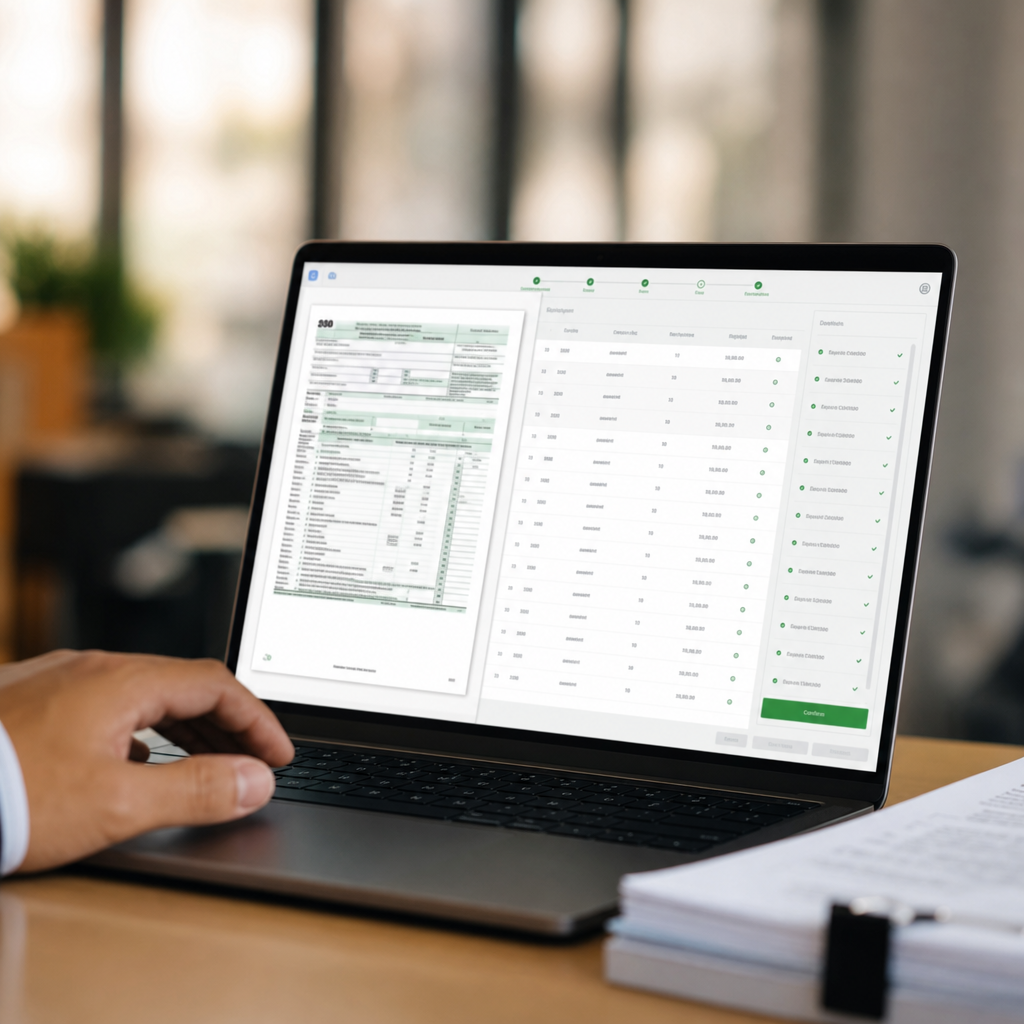
A secure conversion workflow should include role-based access, individual logins, and ideally single sign-on integration for larger teams. Tools offering API access, like the higher-tier plans available through Bank Statement Boss, allow firms to build these controls directly into their own systems rather than relying on a patchwork of shared accounts and manual file transfers.
Mistake 6: Choosing Formatting Over Security in Vendor Selection
It's easy to evaluate a document conversion tool purely on output quality — does it produce a clean spreadsheet, does it format correctly for QuickBooks or Xero, does it handle multiple statement layouts. These are legitimate priorities, but when security is an afterthought in the decision process, firms end up with a tool that's fast and convenient but exposes them to risk they didn't fully evaluate.
A more balanced vendor evaluation should weigh both dimensions:
| Evaluation Criterion | Why It Matters |
|---|---|
| Accounting software compatibility | Saves reformatting time, reduces import errors |
| Encryption standards (TLS 1.2+, AES-256) | Protects data in transit and at rest |
| Independent security certifications | Validates security claims beyond marketing copy |
| Data retention policy | Limits long-term exposure of client information |
| Audit logging | Supports compliance and incident investigation |
| API availability | Enables secure, controlled integration at scale |
| Pricing transparency | Avoids surprise costs tied to volume or features |
Firms that build this kind of checklist before choosing a tool tend to make far better long-term decisions than those chasing the fastest or cheapest option in the moment. The Journal of Accountancy has repeatedly highlighted that technology adoption decisions in accounting firms often underweight security considerations relative to speed and cost — a pattern worth actively resisting.
Mistake 7: Assuming Compliance Is the Vendor's Problem Alone
Perhaps the most consequential mistake is assuming that once a firm hands data to a conversion tool, responsibility for its security transfers entirely to that vendor. In reality, accountants and bookkeeping firms typically retain professional and, in many cases, legal responsibility for how client data is handled — regardless of which tools are used in the process.
This means firms should:
- Review a vendor's security documentation before onboarding, not after an incident
- Maintain their own internal policy for which tools are approved for client data
- Include data handling practices in client engagement letters where appropriate
- Periodically reassess vendors as the firm scales or regulations change
- Train staff on secure upload, storage, and deletion practices
Due diligence doesn't need to be exhaustive for every piece of software a firm touches, but for anything processing raw financial statements — names, account numbers, transaction histories — it deserves real scrutiny. The Consumer Financial Protection Bureau and similar regulatory bodies continue to emphasize that data handling accountability doesn't disappear simply because a third-party tool is involved.
What Secure Conversion Should Actually Look Like
Having covered what goes wrong, it's worth outlining what a sound, secure document conversion workflow looks like in practice for an accounting or bookkeeping firm in 2026.
A well-designed process typically includes:
- Encrypted upload — files transmitted over secure, encrypted connections only
- Purpose-built processing — software designed specifically for financial statement formats, not repurposed general file tools
- Defined retention windows — source files automatically deleted after a short, known period
- Structured, compatible output — spreadsheets formatted for direct import into QuickBooks, Xero, or Sage, reducing manual handling after conversion
- Role-based internal access — individual logins, permission tiers, and optional SSO
- API integration for scale — allowing higher-volume firms to automate ingestion without manual uploads at all
- Transparent documentation — clear answers available on security practices, not buried in dense legal text

This is precisely the gap that Bank Statement Boss was built to close — taking the specific, narrow problem of converting bank and credit card statement PDFs into structured data, and solving it with both accuracy and security as first-order design goals rather than afterthoughts. Formatting compatibility with major accounting platforms means less manual rework once data is converted, which itself reduces the number of times sensitive information needs to be touched, copied, or re-saved across systems — each one a small additional point of exposure.
A Quick Comparison: Conversion Approaches at a Glance
| Approach | Security Posture | Speed | Best Fit |
|---|---|---|---|
| Free generic PDF converters | Weak — unclear data handling | Fast | Non-sensitive, one-off documents only |
| Manual data entry | Moderate — error-prone, hard to audit | Slow | Very low volume, highly controlled environments |
| Purpose-built secure conversion tools | Strong — encryption, retention policy, audit logs | Fast | Firms processing client financial statements regularly |
| In-house custom-built scripts | Variable — depends entirely on internal expertise | Moderate | Large firms with dedicated engineering resources |
For the vast majority of small accounting practices, freelance bookkeepers, and finance teams, the purpose-built tool category offers the best balance of security, speed, and cost — without requiring in-house engineering investment that few firms can justify for this single task.
Building Secure Habits Around Any Tool You Choose
Even the most secure platform can't fully protect a firm that pairs it with careless internal habits. A few practical habits make a meaningful difference regardless of which conversion tool is in use:
- Use unique logins for every staff member, never shared credentials
- Enable multi-factor authentication wherever it's offered
- Delete locally downloaded spreadsheets once they've been imported into accounting software
- Avoid emailing raw bank statements or converted files as unencrypted attachments
- Periodically review which staff and contractors still have active access
- Keep a simple internal log of which tools are approved for handling client financial documents
These habits cost almost nothing to implement but close off some of the most common, avoidable points of exposure that firms encounter.
Final Thoughts
Secure document conversion for accountants isn't a single feature to check off — it's a combination of vendor selection, internal access discipline, retention awareness, and ongoing diligence. The mistakes outlined here are common precisely because they're easy to overlook in the rush of busy season or the appeal of a free tool that seems to work well enough. But the cost of getting this wrong — a data breach, a compliance failure, a client relationship damaged by carelessness — far outweighs the convenience saved in the moment.
Firms that take a deliberate approach to document conversion, asking the right questions about encryption, retention, and access before adopting a tool, put themselves in a far stronger position heading into each new tax season. Bank Statement Boss was built specifically for this challenge: converting PDF bank and credit card statements into clean, structured spreadsheets formatted for QuickBooks, Xero, and Sage, with secure data handling and API access built in for firms that need to scale. For accountants and bookkeepers who want speed without compromising on the trust their clients place in them, that combination is exactly the point.
Article written by FrontRank