

Every bookkeeper and small business owner eventually hits the same wall: a stack of PDF bank statements that need to become usable spreadsheet data. Manually transcribing transactions into Excel or Google Sheets can eat three hours per client, per month — time that could be spent reconciling accounts, advising clients, or simply closing the laptop earlier. A reliable PDF to spreadsheet converter online collapses that three-hour chore into roughly three minutes, and understanding how these tools actually work is the difference between a smooth close and a frustrating afternoon of copy-paste errors.
This article breaks down what these converters do, how to evaluate them, what they cost, and where the hidden risks live — particularly around data security and formatting accuracy for accounting software.
What a PDF to Spreadsheet Converter Actually Does
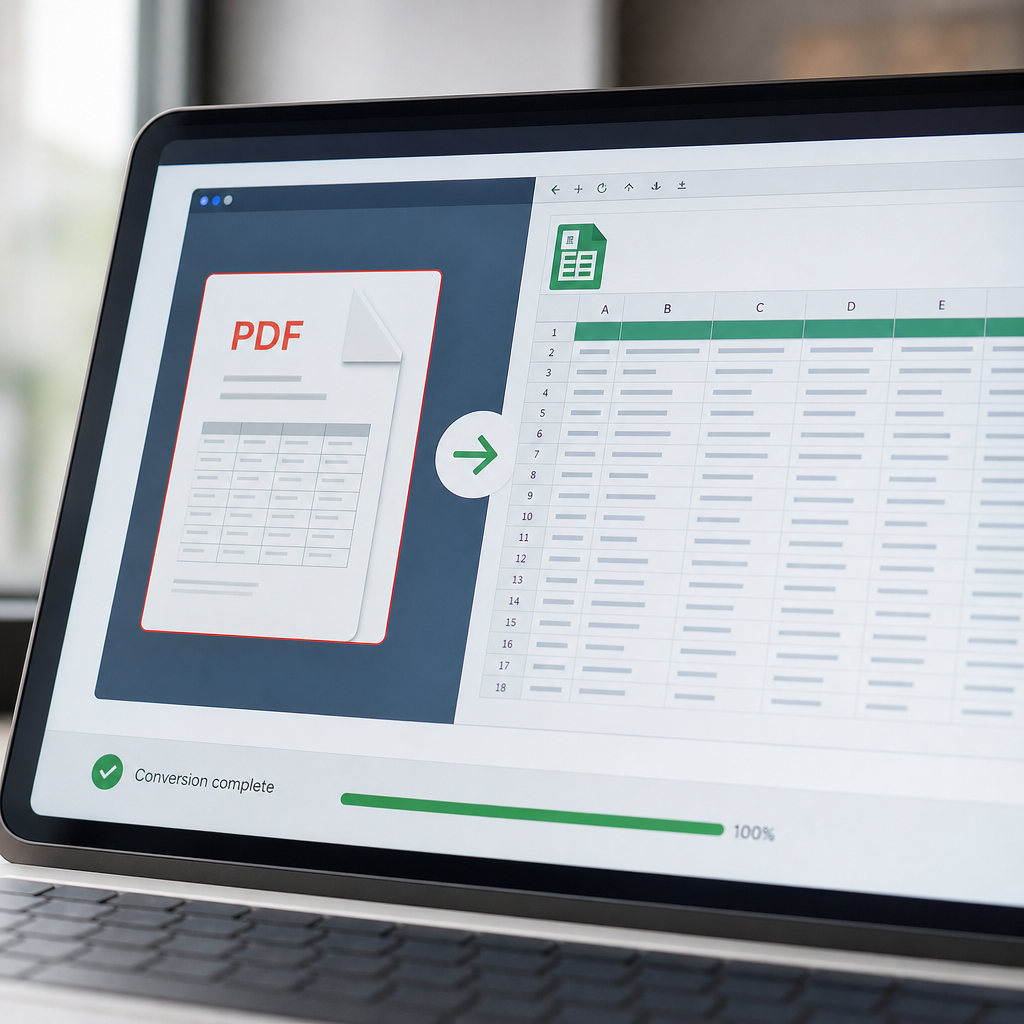
At its core, a PDF to spreadsheet converter reads the text and layout of a PDF document and reconstructs it as rows and columns in a format like XLSX or CSV. For simple PDFs — invoices, receipts, basic reports — this is relatively straightforward. Bank and credit card statements, however, are a much harder case.
Statements vary wildly by institution. Some stack transactions in a single column; others split debits and credits across separate columns; many include running balances, multi-line memo fields, or inconsistent date formats. A generic converter built for general documents often mangles this structure, producing spreadsheets with merged cells, missing decimals, or transactions split across multiple rows.
Purpose-built financial document converters, like Bank Statement Boss, use machine learning models trained specifically on bank statement layouts. Rather than just extracting raw text, they understand the semantic structure of a statement: which column is the date, which is the description, which is the amount, and how to reconcile running balances against individual transactions. This distinction — generic OCR versus purpose-trained extraction — is the single biggest factor separating a usable export from a spreadsheet you'll spend another hour cleaning up.
Why Manual Entry and Generic Tools Fall Short
Before AI-driven converters became mainstream, bookkeepers had three realistic options: type the data manually, hire a virtual assistant to do it, or use a free generic PDF-to-Excel tool. Each comes with tradeoffs that are easy to underestimate until they cost you a client.
Manual entry is slow and error-prone. Industry studies on data entry accuracy consistently show that manual transcription carries error rates between 1% and 4% per field, which sounds small until you're processing hundreds of transactions across a dozen clients monthly. A single misplaced decimal can throw off a reconciliation and trigger hours of troubleshooting.
Outsourced typists reduce your personal time investment but introduce turnaround delays and confidentiality concerns, since you're handing sensitive financial documents to a third party with no guaranteed data handling standard.
Generic free converters (the kind that top a Google search for "convert PDF to Excel free") are built for general business documents, not multi-page financial statements. They frequently struggle with:
- Multi-column transaction layouts common in credit card statements
- Statements spanning 10+ pages with repeating headers
- Scanned (image-based) PDFs that require OCR rather than text extraction
- Currency symbols, negative values in parentheses, and regional date formats
The National Institute of Standards and Technology has published extensively on OCR accuracy benchmarks, and the data is clear: accuracy drops significantly on documents with complex tabular structures unless the underlying model has been specifically trained for that document type.
Key Features to Look for in an Online Converter
Not all converters are created equal, and the right choice depends on your workflow. When evaluating a PDF to spreadsheet converter online, prioritize these capabilities:
- Accounting software compatibility — Does the output map cleanly to QuickBooks, Xero, or Sage import formats, or will you need to manually reformat columns?
- Batch processing — Can you upload multiple statements at once, or are you stuck converting one PDF at a time?
- Scanned document support — Does it handle image-based PDFs via OCR, not just digitally generated ones?
- Data security certifications — Look for encryption in transit and at rest, and clear data retention policies.
- Accuracy on multi-bank formats — Can it parse statements from dozens of different banks without manual template setup?
- API access — For firms processing high volumes, is there a way to integrate the converter directly into existing workflows?
- Export flexibility — Does it output to CSV, XLSX, and accounting-ready formats like QBO or OFX?
Tools like Bank Statement Boss are built around these exact priorities, offering formatting presets for major accounting platforms so the spreadsheet you download is ready to import, not just ready to read.
Comparing Conversion Methods: Speed, Accuracy, and Cost
The table below compares the realistic tradeoffs across the main approaches bookkeepers and small business owners use today.
| Method | Avg. Time per Statement | Typical Accuracy | Accounting Format Ready | Approx. Cost |
|---|---|---|---|---|
| Manual data entry | 45–90 minutes | 96–99% (human fatigue reduces accuracy over volume) | No — manual formatting required | Labor cost only |
| Outsourced virtual assistant | 24–48 hour turnaround | 95–98% | Sometimes | $8–$20/hour |
| Generic free PDF converter | 5–10 minutes + cleanup | 70–85% on complex statements | Rarely | Free, but hidden cleanup time |
| AI-powered statement converter (e.g. Bank Statement Boss) | 1–3 minutes | 95–99%+ | Yes | Subscription-based, per-page or per-document |
As the table shows, the real cost of "free" tools is almost always hidden in cleanup time. A converter that saves five minutes on upload but costs you thirty minutes fixing misaligned columns isn't actually saving you anything.
Pricing Models: What You Should Expect to Pay
Pricing for online PDF-to-spreadsheet tools generally falls into a few structures. Understanding these helps you avoid overpaying for features you won't use, or underpaying and hitting volume walls mid-month.
| Pricing Model | Best For | What to Watch For |
|---|---|---|
| Pay-per-document | Occasional users, solo freelancers | Costs add up quickly at scale |
| Monthly subscription (tiered by page/document volume) | Bookkeepers and small accounting firms | Check overage fees before committing |
| Annual plans with API access | Finance teams, agencies processing many clients | Confirm API rate limits and uptime SLAs |
| Free tier with limited conversions | Testing a tool before purchase | Often capped at 1–3 documents/month |
Most professional-grade converters, including Bank Statement Boss, offer tiered monthly plans scaled to the number of pages or statements processed, with higher tiers unlocking API access — a critical feature for firms that want to automate statement ingestion directly into their practice management or accounting software rather than uploading files one by one through a browser.
Data Security: The Question Too Many Users Skip
Bank statements contain some of the most sensitive data a business handles: account numbers, transaction histories, balances, and sometimes personal identifying information. Before uploading any statement to an online converter, it's worth pausing on security — not as an afterthought, but as a primary selection criterion.
Ask these questions of any tool before trusting it with client data:
- Is data encrypted both in transit (TLS) and at rest?
- Does the provider have a published data retention and deletion policy?
- Are uploaded files automatically purged after processing, or stored indefinitely?
- Is the company compliant with relevant frameworks such as SOC 2 or GDPR where applicable?
- Does the provider sell or share data with third parties for model training?
The Federal Trade Commission's guidance on safeguarding customer information is a useful baseline for understanding what accountants and bookkeepers are expected to maintain when handling client financial data, even when outsourcing part of the workflow to a SaaS tool. Similarly, the Consumer Financial Protection Bureau offers resources on how financial data should be handled by third-party services. If a converter can't clearly answer the questions above, that's a signal to look elsewhere, regardless of how fast or cheap it is.
Bank Statement Boss addresses this directly by building secure data handling into its core architecture, with encrypted processing and clear data policies — a necessary baseline for any firm handling client financial records, not just a nice-to-have.
Step-by-Step: Converting a Bank Statement PDF Online
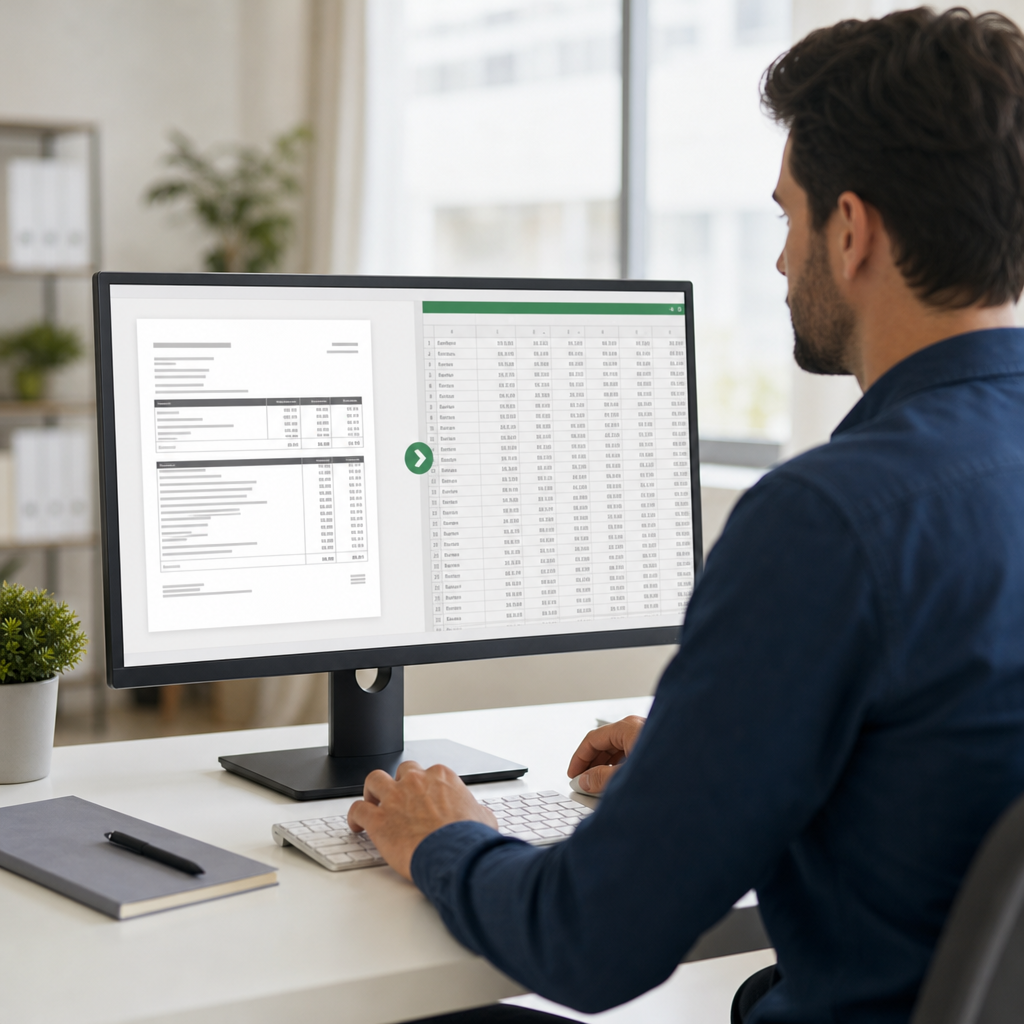
For readers who haven't used an AI-based converter before, here's the general workflow you can expect, using a tool like Bank Statement Boss as the model:
- Upload the PDF statement — drag and drop single or multiple files, including scanned or password-protected documents where supported.
- Automatic parsing — the tool identifies the bank's layout and extracts transaction rows, dates, descriptions, and amounts.
- Review and verify — a preview screen lets you spot-check extracted data against the original PDF before export.
- Select output format — choose CSV, XLSX, or a format pre-mapped for QuickBooks, Xero, or Sage.
- Download or sync — export directly, or for API-enabled plans, push the structured data straight into your accounting software or practice management system.
This workflow typically takes two to three minutes per statement once you're familiar with the interface, compared to the 45-90 minutes manual entry often requires for a statement with 100+ transactions.
Common Mistakes When Choosing a Converter
Even experienced bookkeepers make avoidable mistakes when selecting a conversion tool. Watch for these pitfalls:
- Choosing based on price alone — the cheapest tool often lacks accounting-format exports, costing you time in reformatting.
- Ignoring scanned PDF support — if your clients send photographed or faxed statements, confirm OCR capability before subscribing.
- Not testing with a real multi-page statement — free trials often use simple sample files that don't reflect real-world complexity.
- Overlooking batch limits — some "unlimited" plans cap the number of pages per document or per month; read the fine print.
- Skipping the security review — as noted above, this should never be an afterthought given the sensitivity of financial data.
A quick way to vet a tool is to run one of your messiest real statements — multi-page, multiple transaction types, maybe even scanned — through the free tier before committing to a paid plan.
Who Benefits Most From Online PDF-to-Spreadsheet Conversion
While virtually anyone handling financial paperwork can benefit, certain groups see outsized returns on adopting these tools:
- Freelance bookkeepers and accountants managing multiple clients, where even modest per-client time savings compound monthly.
- Small business owners who handle their own books and want to avoid the tedium (and error risk) of manual entry.
- Finance teams at growing companies reconciling statements across multiple accounts or subsidiaries.
- Tax preparers during peak season, when volume of historical statements to review spikes dramatically.
- Property managers and landlords reconciling multiple account statements for different properties.
For context on broader bookkeeping automation trends, the Journal of Accountancy has covered how automation is reshaping routine bookkeeping tasks, freeing professionals to focus on advisory work rather than data entry — a trend that document conversion tools sit squarely within.
Final Thoughts
Choosing the right PDF to spreadsheet converter online isn't just about speed — it's about accuracy, security, and whether the output actually plugs into the accounting workflow you already use. Generic tools might save a few minutes upfront but often cost more in cleanup time and carry real risks when it comes to handling sensitive financial data. Purpose-built solutions designed specifically for bank and credit card statements close that gap by combining fast, accurate extraction with formatting that's ready for QuickBooks, Xero, or Sage from the moment it's downloaded.
Bank Statement Boss was built precisely for this use case: converting messy, inconsistent bank statement PDFs into clean, accounting-ready spreadsheets in minutes, with the security and format compatibility that bookkeepers and finance teams actually need. Whether you're processing one statement a month or hundreds across multiple clients, the right converter turns a tedious chore into a two-minute task — giving you back the hours that matter for actual accounting work, not data entry.
Article written by FrontRank