
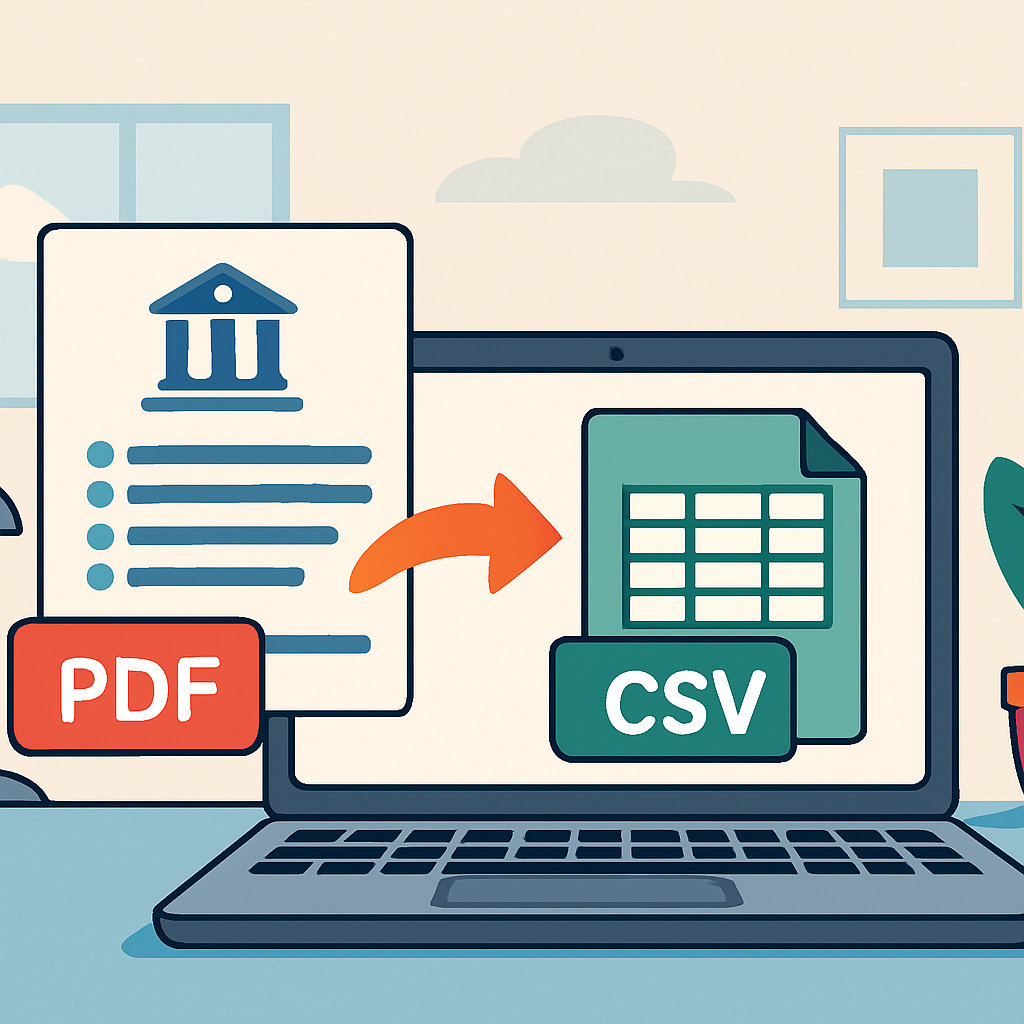
Manually transcribing bank statement data into spreadsheets is one of the most tedious tasks in accounting and bookkeeping. A reliable PDF to CSV converter bank statement tool eliminates hours of manual data entry, reduces costly errors, and gets your financial data into a usable format in minutes. Whether you're reconciling accounts, preparing tax filings, or importing transactions into QuickBooks or Xero, converting PDF statements into structured spreadsheets is now a critical part of modern financial workflows.
In this guide, we'll explore why PDF bank statement conversion matters, how the technology works, what to look for in a converter, and how tools like Bank Statement Boss are transforming the way small businesses, accountants, and bookkeepers manage their financial data.
Why Bank Statements Are Still Stuck in PDF Format
Despite the rise of open banking and digital-first financial tools, most banks still deliver monthly statements as PDF files. These documents are designed for human readability, not machine processing. They often contain:
- Multi-column layouts with inconsistent spacing
- Headers, footers, and page breaks that interrupt transaction tables
- Watermarks, logos, and formatting elements that confuse basic text extraction
- Varying date formats and currency symbols depending on the bank and region
This creates a real problem for accountants and business owners who need transaction-level data in a structured format like CSV or Excel. Without automation, someone has to manually retype every line item—a process that's slow, error-prone, and simply unsustainable when dealing with dozens of client accounts or multiple business bank accounts.
According to the American Institute of CPAs, manual data entry remains one of the top time drains for small accounting firms, often consuming 15-20% of a bookkeeper's monthly workload. That's time that could be spent on higher-value advisory work instead of retyping numbers from a PDF.
alt="PDF to CSV converter bank statement" />
How a PDF to CSV Converter for Bank Statements Works
Modern converters use a combination of optical character recognition (OCR), machine learning, and pattern recognition to identify and extract transaction data from PDF bank statements. Here's a simplified breakdown of the process:
- Upload the PDF statement — whether it's a scanned image or a digitally generated PDF from your bank's online portal.
- AI-powered parsing — the tool identifies the statement structure, including columns for date, description, debit, credit, and balance.
- Data validation — advanced systems cross-check running balances to catch OCR errors and ensure transaction totals reconcile correctly.
- Export to CSV or accounting format — the cleaned data is exported into CSV, Excel, or direct import formats compatible with QuickBooks, Xero, or Sage.
Unlike basic PDF-to-text tools, purpose-built solutions like Bank Statement Boss are trained specifically on bank statement layouts from hundreds of financial institutions worldwide. This specialization is what separates a generic converter from one that delivers consistently accurate results across different bank formats.
The National Institute of Standards and Technology has published extensive research on OCR accuracy benchmarks, showing that specialized, domain-trained models consistently outperform general-purpose OCR engines when dealing with structured financial documents.
Key Features to Look for in a Bank Statement Converter
Not all PDF to CSV converters are created equal. When evaluating a tool for your accounting workflow, consider the following criteria:
- Accuracy rate — Look for tools that advertise verified accuracy rates (ideally 95%+) and offer balance reconciliation checks.
- Bank compatibility — The tool should support statements from major banks in your region, as well as international institutions if you work with global clients.
- Output format flexibility — CSV is standard, but direct compatibility with QuickBooks, Xero, and Sage saves additional import steps.
- Security and privacy — Since bank statements contain sensitive financial data, the platform should use encryption and have a clear data retention policy.
- Batch processing — For accountants and bookkeepers managing multiple clients, the ability to upload and convert multiple statements simultaneously is essential.
- Pricing transparency — Subscription tiers should scale with usage, and a free plan or trial is valuable for testing accuracy before committing.
These features directly impact how much time and manual review your team will need to invest even after conversion. A tool that gets you 70% of the way there still leaves significant manual cleanup, while a 99% accurate tool like Bank Statement Boss minimizes post-processing work almost entirely.
Comparing Manual Entry, Generic OCR Tools, and Specialized Converters
To understand the real value of a dedicated bank statement converter, it helps to compare the three most common approaches businesses use today.
| Method | Time per 50-page Statement | Accuracy | Cost | Best For |
|---|---|---|---|---|
| Manual data entry | 2-4 hours | Variable (human error risk) | Labor cost only | Very small, occasional needs |
| Generic OCR/PDF tools | 30-60 minutes + heavy editing | 70-85% | Low to moderate | One-off conversions |
| Specialized converter (e.g., Bank Statement Boss) | 2-5 minutes | 99% | Subscription-based | Ongoing bookkeeping, multiple clients |
As the table shows, specialized converters dramatically reduce both time investment and error rates. For accounting firms processing dozens of statements monthly, this efficiency gain translates directly into billable hours saved or capacity for additional clients.
Step-by-Step: Converting Your Bank Statement PDF to CSV
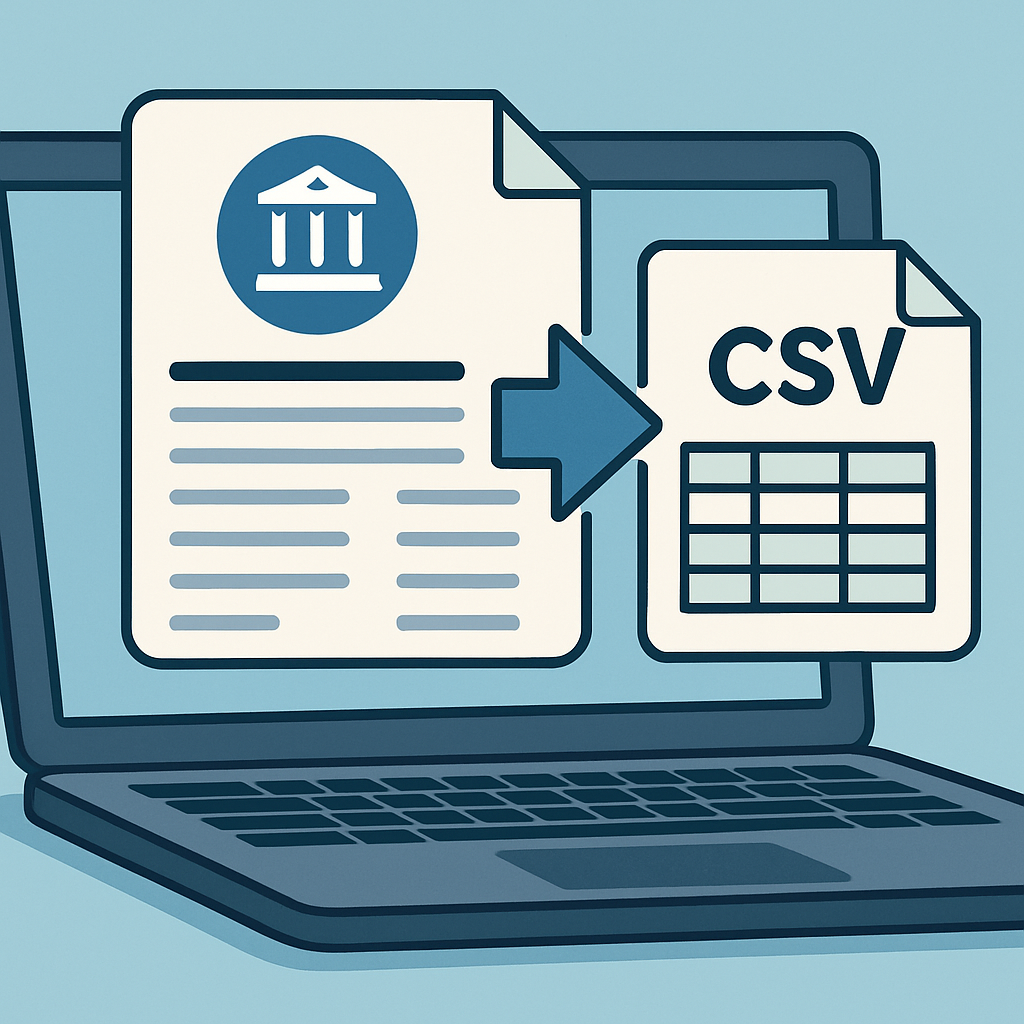
Here's a practical walkthrough of how the conversion process typically works using a dedicated platform:
- Gather your PDF statements — Download statements directly from your bank's online portal to ensure the highest quality file (avoid scanned photocopies when possible).
- Create an account — Most platforms, including Bank Statement Boss, offer a free tier to test conversion quality before upgrading.
- Upload your files — Drag and drop single or multiple PDFs. Batch upload is especially useful for accountants managing several clients.
- Select your output format — Choose CSV for spreadsheet use, or select a direct QuickBooks/Xero/Sage-compatible format for seamless import.
- Review the extracted data — Even with 99% accuracy, it's good practice to spot-check a few transactions and confirm the closing balance matches your statement.
- Download or sync — Export the file to your computer or push it directly into your accounting software if the integration is supported.
This workflow typically takes under five minutes per statement, compared to hours of manual work. For bookkeepers juggling multiple client accounts each month, this time savings compounds significantly across a full client roster.
Use Cases: Who Benefits Most from PDF to CSV Conversion
While virtually anyone dealing with bank statements can benefit from automated conversion, certain roles see outsized returns on their time investment:
Small Business Owners Entrepreneurs managing their own books often lack the time or expertise for manual reconciliation. Converting statements to CSV allows for quick import into budgeting tools or simple Excel-based tracking systems, giving owners a clearer real-time view of cash flow.
Bookkeepers and Accountants Professionals managing multiple clients need to process statements from a variety of banks each month. A converter that supports most major banks worldwide removes the friction of learning each bank's unique statement format, allowing bookkeepers to standardize their workflow across all clients.
Finance Teams at Growing Companies As businesses scale, the volume of transactions and accounts grows too. Finance teams need to consolidate data from multiple business accounts, credit cards, and even international subsidiaries. Automated conversion tools that support multi-currency and multi-format statements streamline this consolidation process.
Auditors and Financial Analysts When reviewing historical financial records, auditors often need to convert years of archived PDF statements into analyzable spreadsheet data. Batch processing capabilities make this historical data conversion far more manageable than it would be through manual re-entry.
The Association of International Certified Professional Accountants has noted growing demand for automation tools among accounting professionals, driven largely by staffing shortages and increased client expectations for faster turnaround times.
Comparing Output Formats: CSV vs. Direct Accounting Software Integration
| Output Format | Compatibility | Setup Effort | Ideal Use Case |
|---|---|---|---|
| CSV | Universal (Excel, Google Sheets, most software) | Low | General spreadsheet analysis, custom templates |
| QuickBooks format | QuickBooks Online/Desktop | Minimal | Direct bookkeeping import |
| Xero format | Xero accounting platform | Minimal | Cloud-based accounting workflows |
| Sage format | Sage accounting software | Minimal | Mid-size business accounting |
Choosing the right output format depends on your existing tech stack. If you're already working within QuickBooks or Xero, a direct import format saves an additional formatting step compared to a generic CSV that requires manual column mapping. Bank Statement Boss supports all of these formats, allowing users to choose the export type that best fits their existing accounting environment.
Security and Compliance Considerations
Because bank statements contain highly sensitive information—account numbers, transaction histories, and personal identifying details—security should be a top priority when selecting a conversion tool. Look for the following safeguards:
- End-to-end encryption during file upload and processing
- Automatic file deletion after a defined retention period
- No third-party data sharing for AI model training without explicit consent
- Compliance with data protection regulations such as GDPR or CCPA where applicable
The Federal Trade Commission provides guidance on safeguarding consumer financial information, which is a useful reference point when evaluating any third-party tool that will handle your banking data. Reputable converters will be transparent about their security practices and typically publish this information directly on their website.
Common Challenges and How to Solve Them
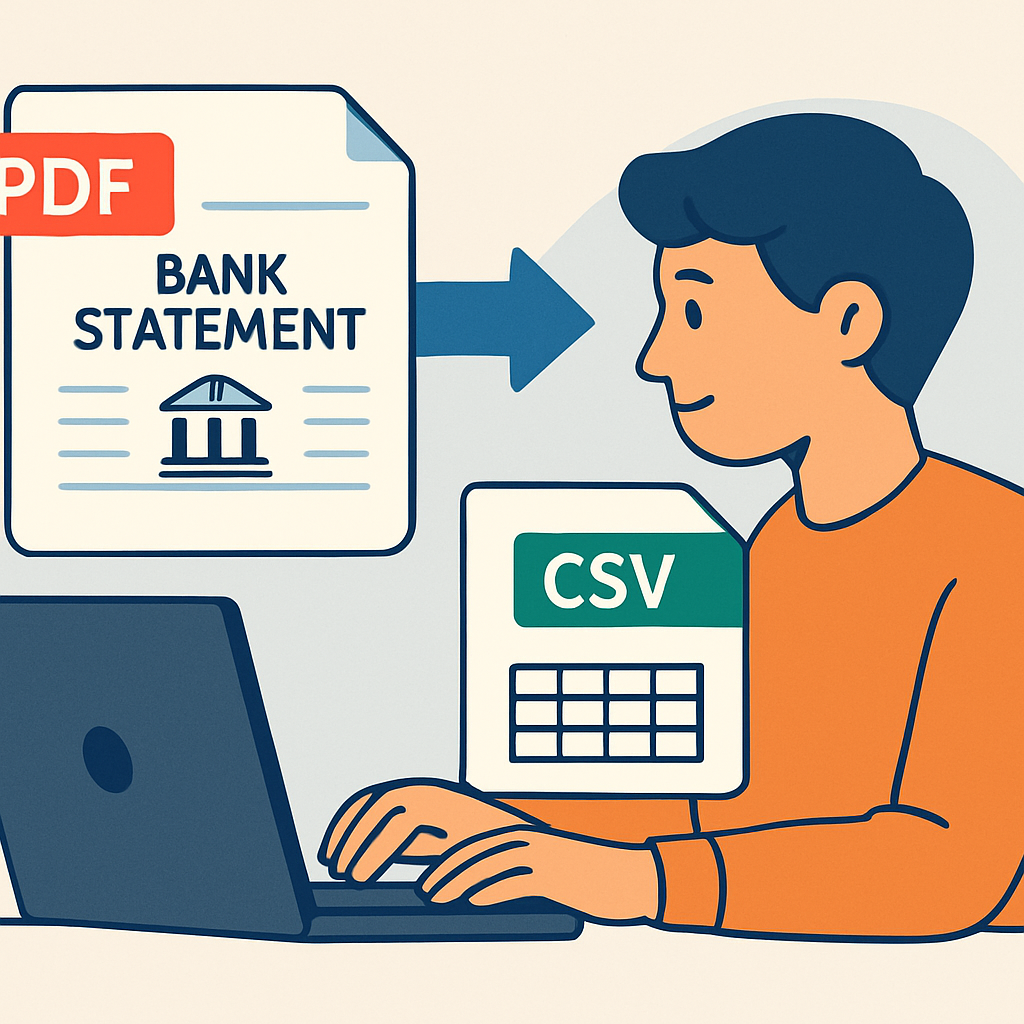
Even with advanced AI-driven conversion, certain challenges can still arise:
Scanned or Low-Quality PDFs Statements that have been printed and re-scanned often have lower OCR accuracy due to image noise. Solution: whenever possible, download the original digital PDF directly from your bank's portal rather than using a scanned copy.
Non-Standard Statement Layouts Some smaller or regional banks use unconventional formatting that may not be immediately recognized. Solution: choose a converter that's continuously updated with new bank templates and offers customer support for edge cases.
Multi-Currency Statements Businesses operating internationally may have statements with mixed currencies or foreign transaction fees. Solution: select a tool specifically built to handle multi-currency data, ensuring conversion doesn't strip out important currency indicators.
Password-Protected PDFs Many banks now issue password-protected statements for security. Solution: use a converter that supports password-protected file uploads without requiring you to manually strip protection beforehand.
A tool like Bank Statement Boss is designed specifically to handle these edge cases, offering broad bank compatibility and dedicated support for unusual or difficult-to-parse statement formats.
Choosing the Right Subscription Plan
Most PDF to CSV converters, including Bank Statement Boss, offer tiered pricing to accommodate different usage levels:
- Free tier — Ideal for testing accuracy with a limited number of pages or statements per month.
- Starter/Individual plans — Suited for small business owners converting their own statements regularly.
- Professional/Firm plans — Designed for bookkeepers and accountants managing multiple clients, often with higher page limits and batch processing.
- Enterprise plans — For larger finance teams needing API access, custom integrations, or high-volume processing.
When evaluating plans, calculate your expected monthly statement volume and compare it against the page or document limits of each tier. Firms with fluctuating client volume may benefit from flexible month-to-month plans rather than long-term annual commitments.
Frequently Asked Questions
Is it safe to upload bank statements to an online converter? Reputable services use encryption and clear data retention policies. Always review a provider's privacy policy before uploading sensitive financial documents.
Can I convert statements from any bank? Most modern converters, including Bank Statement Boss, support statements from hundreds of banks globally, though obscure or highly customized formats may occasionally require manual review.
Do I need technical skills to use a PDF to CSV converter? No. Most platforms are designed with a simple drag-and-drop interface requiring no coding or technical background.
How accurate are these tools compared to manual entry? Leading tools achieve up to 99% accuracy, often outperforming manual entry, which is subject to human error, especially with large volumes of data.
Final Thoughts
Converting bank statement PDFs into clean, structured CSV files is no longer a luxury—it's a necessity for accountants, bookkeepers, and business owners who want to save time, reduce errors, and streamline their financial workflows. Choosing the right tool means evaluating accuracy, bank compatibility, security, and integration options carefully.
Bank Statement Boss offers a compelling solution for professionals seeking a fast, accurate, and secure way to transform PDF bank and credit card statements into spreadsheet or accounting-ready formats. With 99% accuracy, broad bank support, and flexible pricing including a free tier, it's built specifically to meet the needs of small business owners, accountants, and finance professionals looking to eliminate manual data entry for good.
Article written by FrontRank