

Freelance bookkeeping looks simple from the outside: download statements, categorize transactions, reconcile, repeat. In practice, the job lives or dies on the tools you choose. Pick the wrong ones and you'll spend your evenings fixing broken exports, chasing duplicate entries, and apologizing to clients for late deliverables. Pick the right ones and you can serve twice as many clients in the same number of hours.
This article walks through the most common mistakes freelance bookkeepers make when assembling their toolkits, what those mistakes actually cost in time and money, and how to build a stack that holds up as your client roster grows. Whether you're a solo bookkeeper juggling five clients or a growing practice onboarding new businesses every month, these lessons apply.
Mistake 1: Relying on Manual Data Entry for Bank Statements
The single biggest time sink in freelance bookkeeping is manual transaction entry. Many bookkeepers still open PDF statements, squint at line items, and retype them into spreadsheets or accounting software. This approach feels "free" because it doesn't require new software spend, but the real cost shows up in billable hours you can't recover.
Consider the math: a typical monthly bank statement with 150-200 transactions takes roughly 45-90 minutes to manually transcribe and check for errors. Multiply that by 10 clients and you've lost an entire workweek to data entry alone — before you've done any actual bookkeeping, analysis, or client communication.
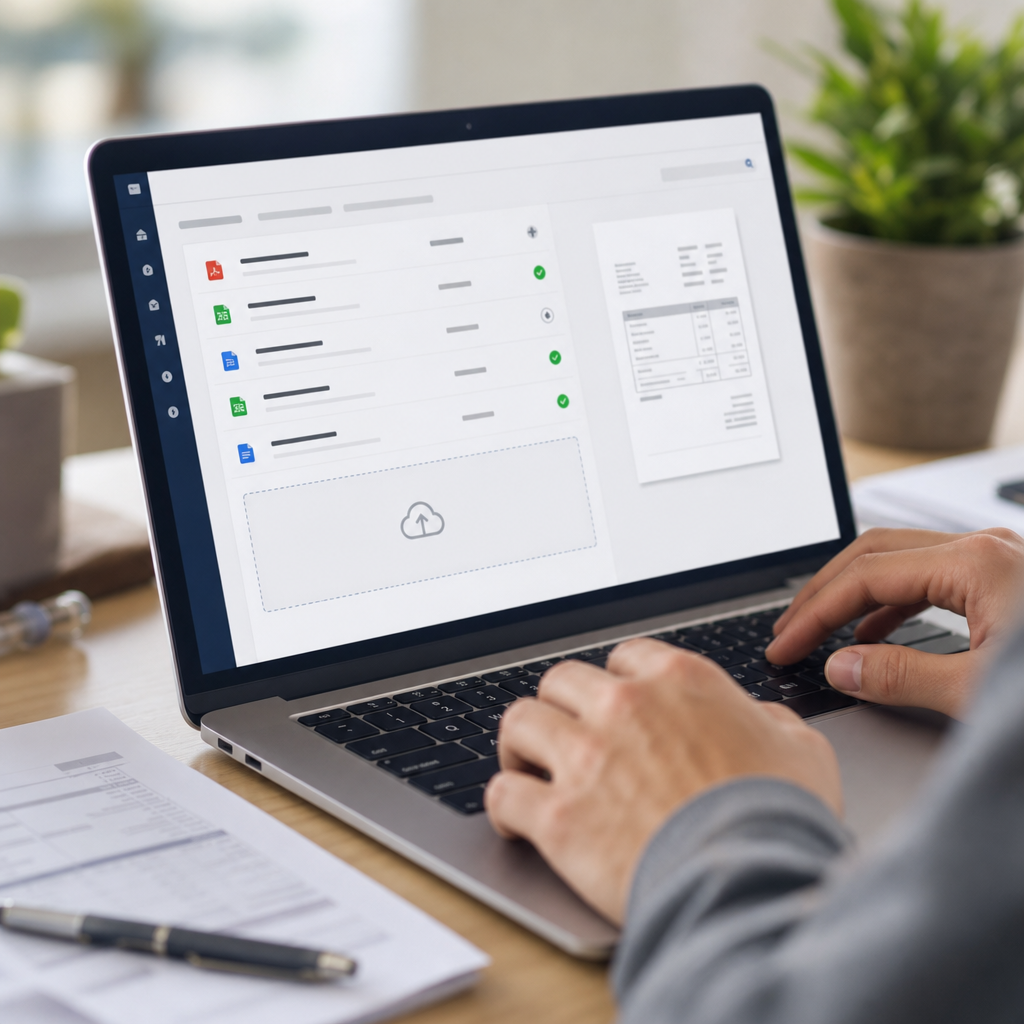
This is precisely the gap that tools like Bank Statement Boss were built to close. Instead of manually typing out transactions, you upload the PDF statement and the AI-powered converter extracts the data into a clean spreadsheet formatted for QuickBooks, Xero, or Sage in minutes. For bookkeepers managing multiple clients across different banks, this alone can reclaim 10+ hours a month.
Mistake 2: Choosing Tools That Don't Talk to Each Other
Freelance bookkeepers often cobble together a stack piecemeal — a PDF reader here, a spreadsheet template there, a separate invoicing app, and whatever accounting software the client happens to use. The problem isn't having multiple tools; it's having tools that don't integrate.
When your bank statement converter doesn't export in a format your accounting platform accepts, you end up doing manual cleanup anyway, which defeats the purpose of automating in the first place. Before adopting any new tool, check:
- Does it export directly to CSV, XLSX, QBO, or OFX formats?
- Is the column structure compatible with QuickBooks Online, Xero, or Sage without reformatting?
- Can it handle multiple bank formats (different banks structure PDF statements differently)?
- Does it support API access for larger practices that want to automate the pipeline entirely?
Bank Statement Boss addresses this directly by offering formatting compatible with major accounting platforms out of the box, plus API access on higher-tier plans for bookkeepers who want to connect the conversion process to their existing workflow software. This kind of interoperability is what separates a tool that saves time from one that just moves the bottleneck.
Mistake 3: Ignoring Data Security Until It's a Problem
Bank statements contain some of the most sensitive data a small business has — account numbers, balances, vendor relationships, payroll details. Yet many freelance bookkeepers use free online PDF converters or email statements back and forth without considering where that data is stored, who can access it, or how long it's retained.
This isn't a hypothetical risk. Financial data breaches and mishandled client information can end a freelance bookkeeping practice overnight, both through direct liability and the reputational damage of a leaked client ledger. The Federal Trade Commission and the AICPA both publish guidance on data handling obligations that apply to anyone processing financial records on behalf of clients, and it's worth reviewing these before you pick a tool.
When evaluating any software that will touch client bank data, ask:
- Is data encrypted in transit and at rest?
- Does the provider have a clear data retention and deletion policy?
- Is the service SOC 2 compliant or independently audited?
- Can you control who on your team has access to uploaded files?
Secure data handling is a core part of what Bank Statement Boss offers, which matters enormously for freelance bookkeepers who are personally liable for how they handle client financial documents.
Mistake 4: Underestimating the Cost of "Free" Tools
Free tools are tempting when you're building a client base and margins are thin. But "free" bank statement converters and generic PDF-to-Excel tools often come with hidden costs:
- Limited page or transaction counts per conversion
- Poor accuracy on non-standard statement layouts, requiring manual correction
- No customer support when something breaks mid-deadline
- No compliance guarantees for handling sensitive financial data
- Export formats that don't match what your accounting software expects
A tool that's "free" but requires an extra hour of manual cleanup per client isn't actually saving you money — it's just moving the cost from your software budget to your time budget, and your time is the one resource you can't buy more of.
| Tool Type | Upfront Cost | Hidden Cost | Best For |
|---|---|---|---|
| Free generic PDF converter | $0 | High (manual cleanup, no support) | One-off, low-volume conversions |
| Manual spreadsheet entry | $0 | Very high (hours per client/month) | Very small practices, 1-2 clients |
| Bank Statement Boss | Tiered monthly plans | Low (minimal correction needed) | Growing practices, multiple clients |
| Outsourced data entry service | Per-document fee | Medium (turnaround delays) | Overflow work, large batches |
Mistake 5: Not Planning for Scale
A tool that works fine for three clients can completely fall apart at fifteen. Freelance bookkeepers frequently choose software based on their current workload without considering what happens when they land their next five clients.
Questions worth asking before you commit to a tool long-term:
- Does pricing scale reasonably as volume increases, or does it jump sharply at certain tiers?
- Can the tool batch-process multiple statements at once, or only one at a time?
- Is there API access for building custom workflows as your practice grows?
- Does the vendor offer higher-tier plans with added features rather than forcing you to switch platforms entirely?
Bank Statement Boss is built with this scaling problem in mind — its tiered plans include API access for bookkeepers and finance teams who want to automate statement processing as part of a larger practice management system, rather than hitting a ceiling and having to migrate everything to a new vendor mid-year.
Mistake 6: Overlooking Client Communication Tools
Bookkeeping tools aren't limited to the ones that touch financial data directly. Many freelancers underinvest in the client communication and lead management side of the business, which creates its own bottleneck: you can process statements quickly, but you're slow to onboard new clients or follow up on missing documents.
A simple, dedicated system for managing client inquiries and intake — rather than relying on a cluttered personal inbox — makes a measurable difference in how many clients you can onboard smoothly each month. Services like leadmailbox.com are built specifically to help freelancers and small service businesses manage incoming client communication without things slipping through the cracks, which matters just as much as your bookkeeping software when you're trying to grow sustainably.
Pairing a strong statement-processing tool with a reliable communication system closes the loop: statements get converted fast, and client onboarding doesn't stall waiting on missing documents or unanswered emails.
Mistake 7: Choosing Based on Price Alone Instead of Total Time Saved
It's tempting to pick the cheapest available tool, but the real metric that matters for a freelance bookkeeper is cost per hour saved, not cost per month. A $29/month tool that saves you 10 hours is worth far more than a free tool that saves you two hours and introduces errors you have to track down later.
Here's a simple framework for comparing tools on actual value rather than sticker price:
| Factor | Why It Matters |
|---|---|
| Accuracy rate on real-world statements | Determines how much manual correction you'll need |
| Time to convert a typical statement | Directly affects how many clients you can serve per week |
| Format compatibility with your accounting software | Avoids extra reformatting steps |
| Support responsiveness | Matters when a deadline is on the line |
| Security and compliance posture | Protects you from liability |
When you run the numbers this way, tools built specifically for the bookkeeping workflow — rather than generic document converters — almost always come out ahead, because they're designed around the exact pain points of this job: multiple banks, multiple clients, and strict formatting requirements for accounting platforms.
Building a Freelance Bookkeeper Toolkit That Actually Works
Once you've avoided the mistakes above, what does a solid toolkit actually look like? Most successful freelance bookkeepers converge on a similar core stack, even if the specific brands differ:
- A bank statement conversion tool that turns PDFs into clean, accounting-software-ready spreadsheets — this is the highest-leverage automation in the entire workflow.
- Cloud accounting software such as QuickBooks Online, Xero, or Sage, matched to what your clients already use or are willing to adopt.
- A secure file-sharing and storage system for exchanging sensitive documents with clients.
- A client communication and intake tool to manage onboarding and ongoing requests without losing track of anything.
- A reconciliation or review checklist process to catch errors before they reach the client's books, even when using automated tools.
The National Association of Certified Bookkeepers and the Institute of Certified Bookkeepers both publish standards and continuing education resources that can help freelancers benchmark their workflow against industry best practice, which is worth doing periodically as your practice matures.

How Bank Statement Boss Fits Into the Workflow
For the specific task of converting bank and credit card statements, Bank Statement Boss is built around the exact pain points described above:
- AI-powered extraction that handles varied bank statement layouts without requiring manual template setup for each client.
- Clean, structured spreadsheet output that's immediately usable rather than requiring reformatting.
- Compatibility with QuickBooks, Xero, and Sage, so the converted data drops into your existing accounting workflow.
- Secure data handling, addressing the liability concerns freelance bookkeepers face when processing client financial documents.
- API access on higher-tier plans, allowing growing practices to automate the conversion step as part of a larger internal system.
Instead of treating statement conversion as a side task, the platform treats it as the foundational automation that everything else in a bookkeeping practice depends on — because if the raw data isn't clean and properly formatted from the start, every downstream step (categorization, reconciliation, reporting) takes longer and carries more risk of error.
A Quick Comparison: Manual vs. Automated Statement Processing
| Metric | Manual Entry | Automated Conversion (Bank Statement Boss) |
|---|---|---|
| Time per 150-transaction statement | 45-90 minutes | Under 5 minutes |
| Error rate | Higher, especially with fatigue | Low, with structured validation |
| Scalability across clients | Poor — linear time cost per client | High — batch processing available |
| Format compatibility | Manual reformatting required | Built-in QuickBooks/Xero/Sage formatting |
| Security controls | Depends on individual practices | Centralized, secure handling |
Final Thoughts on Choosing Freelance Bookkeeper Tools
The freelance bookkeepers who scale successfully aren't necessarily the ones working the longest hours — they're the ones who've eliminated the avoidable mistakes above. Manual data entry, poor tool integration, security blind spots, false savings from free tools, lack of scalability planning, neglected client communication systems, and price-only decision-making all quietly cap how many clients a bookkeeper can realistically serve.
Fixing even one or two of these issues tends to free up meaningful time. Fixing all of them is how a one-person bookkeeping practice turns into a sustainable, growing business. Tools like bankstatementboss.com exist specifically to remove the most time-consuming, error-prone part of the job — turning messy PDF statements into clean, accounting-ready data — so that freelance bookkeepers can spend their time on the advisory and analytical work that actually grows their practice, rather than retyping numbers from a scanned document at midnight.
Article written by FrontRank