

Every tax season, CPAs and bookkeepers face the same bottleneck: clients hand over stacks of PDF bank statements, and someone has to manually transform them into usable spreadsheet data before any real accounting work can begin. For a firm processing statements from dozens of clients, this manual data entry can eat up 10 to 15 hours a week — time that could be billed for advisory work instead of retyping transaction rows.
A document conversion tool for CPAs solves this exact problem. These platforms use optical character recognition (OCR) and machine learning to pull transaction data directly from PDF bank and credit card statements and output clean, formatted spreadsheets ready for QuickBooks, Xero, Sage, or Excel. But not all tools are built the same, and understanding the real costs — in dollars, time, and accuracy — matters before you commit to one.
This article breaks down what these tools cost, how they compare, and what capabilities separate a genuinely useful solution from a glorified PDF-to-text converter.
Why Manual Statement Processing Is More Expensive Than It Looks
Many firms still rely on manual data entry or junior staff to retype bank statement transactions into spreadsheets. On paper, this looks "free" because it's absorbed into existing payroll. In reality, the hidden costs add up fast.
- Labor cost: At an average bookkeeper wage of $24–$30/hour, manually transcribing a single 20-page statement can take 30–45 minutes. Multiply that across 50 client accounts monthly and you're looking at 25–35 hours of pure data entry.
- Error cost: Manual transcription error rates typically range from 1–4%, according to data entry accuracy studies. A single misplaced decimal or transposed digit can cascade into hours of reconciliation work later.
- Opportunity cost: Every hour spent on data entry is an hour not spent on tax strategy, client advisory, or growing the practice — the work that actually generates higher margins.
- Turnaround delays: Clients waiting on manually processed statements often experience multi-day delays during peak season, hurting client satisfaction and retention.
When you tally labor, errors, and lost billable opportunity, manual processing frequently costs more per client than a modern document conversion tool that automates the heavy lifting in seconds.
What a Document Conversion Tool for CPAs Actually Does
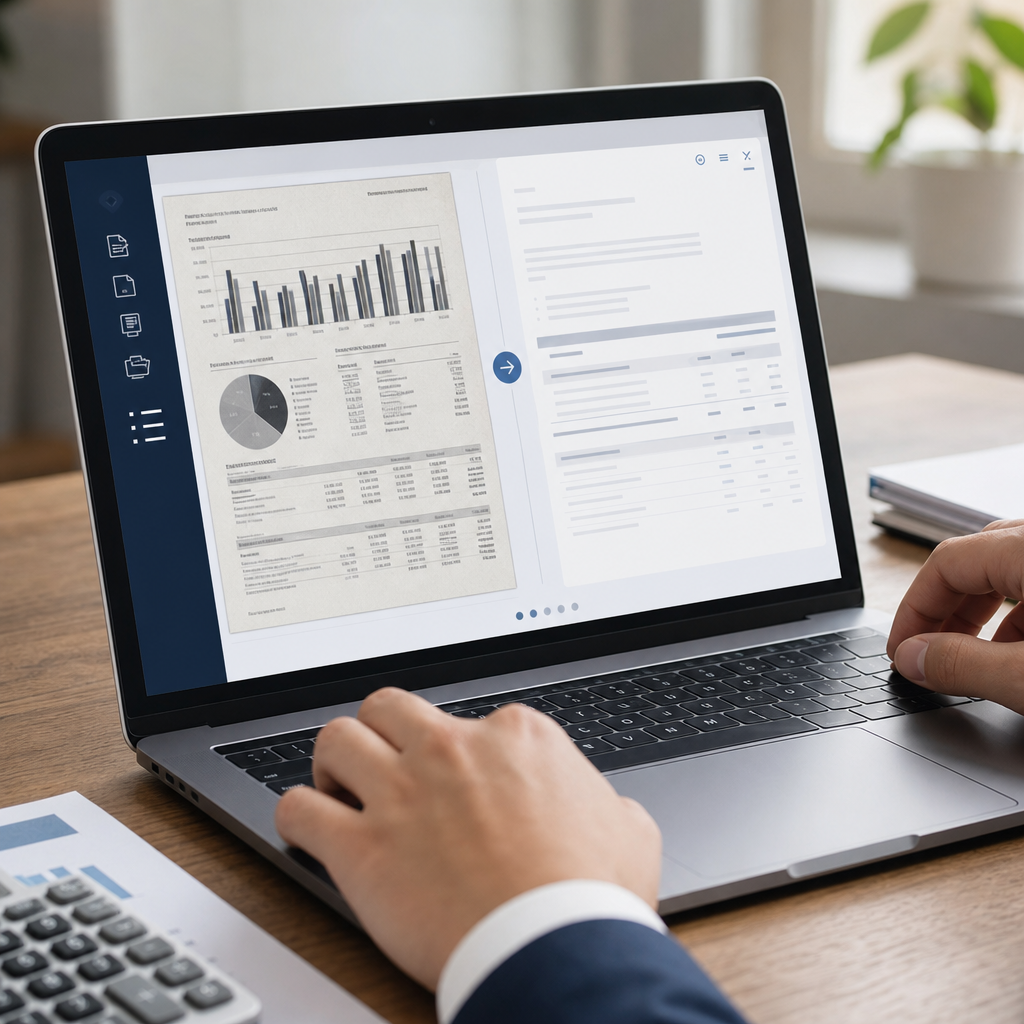
At its core, a document conversion tool ingests a PDF bank or credit card statement and extracts structured data: transaction dates, descriptions, debit/credit amounts, and running balances. The best tools go further, offering:
- Multi-bank format recognition — correctly parsing statements from hundreds of different banks and credit unions, each with unique layouts.
- Accounting software-ready exports — formatting data to match QuickBooks, Xero, or Sage import templates so you skip manual column remapping.
- Batch processing — converting dozens or hundreds of statements at once instead of one file at a time.
- Secure handling — encryption in transit and at rest, since bank statements contain sensitive financial data.
- API access — for firms wanting to embed conversion directly into their existing workflow or practice management software.
Platforms like Bank Statement Boss are built specifically around this workflow, using AI to recognize statement formats automatically and output clean spreadsheets without requiring manual template setup for every new client bank.
Pricing Breakdown: What These Tools Typically Cost
Pricing for document conversion tools varies based on volume, features, and whether you need API access. Below is a general breakdown of what CPA firms can expect across the market in 2026.
| Plan Tier | Typical Monthly Cost | Pages/Statements Included | Best For |
|---|---|---|---|
| Starter/Free Trial | $0–$15 | 10–25 pages | Solo bookkeepers testing the tool |
| Professional | $29–$79 | 100–500 pages | Small firms, freelance accountants |
| Business | $99–$249 | 1,000–3,000 pages | Growing practices with multiple clients |
| Enterprise/API | $299+ (custom) | Unlimited or high-volume tiers | Firms integrating conversion into software stacks |
Most providers charge per page or per statement beyond included limits, typically ranging from $0.05 to $0.25 per page. Annual billing often reduces costs by 15–20% compared to month-to-month plans.
When comparing providers, factor in not just the subscription price but also:
- Whether OCR accuracy holds up on scanned or low-quality PDFs
- Whether the output requires manual cleanup before import
- Customer support responsiveness during tax season crunch periods
- Data retention and security certifications
Comparing Manual Processing vs. Outsourcing vs. Automated Conversion
CPA firms generally choose between three approaches to statement processing. Here's how they stack up on cost, speed, and accuracy.
| Method | Avg. Cost per Statement | Turnaround Time | Typical Accuracy | Scalability |
|---|---|---|---|---|
| Manual in-house entry | $8–$15 (labor cost) | 30–45 minutes | 96–99% | Low |
| Outsourced data entry service | $3–$8 | 1–3 business days | 95–98% | Medium |
| AI document conversion tool | $0.05–$0.25 | Under 1 minute | 97–99.5% | High |
The data makes clear why automated tools have become standard in modern accounting workflows: they combine the lowest per-unit cost with the fastest turnaround and comparable or better accuracy than manual methods. The American Institute of CPAs has increasingly highlighted automation and AI literacy as core competencies for the profession, reflecting this broader industry shift.
Key Features CPAs Should Evaluate Before Choosing a Tool
Not every document conversion tool is built with accounting workflows in mind. Before subscribing, CPAs and bookkeepers should evaluate the following criteria closely.
1. Accuracy on Real-World Statements
Marketing claims of "99% accuracy" mean little if the tool fails on scanned, low-resolution, or non-standard statement formats. Ask providers for a free trial using your actual client documents, including messier scans, before committing.
2. Format Compatibility
The tool should export directly into formats accepted by QuickBooks, Xero, and Sage without requiring you to manually reorder or rename columns. This single feature alone can save hours per import cycle.
3. Security and Compliance
Bank statements contain highly sensitive data. Look for:
- SOC 2 compliance or equivalent security certification
- Encryption both in transit and at rest
- Clear data retention and deletion policies
- No storage of statement data beyond what's needed for processing
Resources like the National Institute of Standards and Technology (NIST) provide useful baseline frameworks for evaluating a vendor's data security posture.
4. Batch and Multi-Client Handling
Firms serving multiple clients need the ability to upload and process statements in bulk, ideally with client-level organization so files don't get mixed up.
5. API and Integration Options
Larger firms or those building custom practice management stacks benefit from API access that lets conversion happen automatically as part of a broader document intake pipeline. This is particularly valuable for firms also using automation tools elsewhere in their stack — for instance, teams exploring broader financial automation platforms like alcogoal.app alongside document conversion to streamline end-to-end bookkeeping workflows.
6. Customer Support During Peak Season
Tax season isn't the time to discover your vendor has a 48-hour support response time. Check reviews specifically mentioning support quality during Q1 and Q4 crunch periods.
Step-by-Step: How CPAs Typically Implement a Conversion Tool
Adopting a new tool into an existing practice doesn't need to be disruptive. Most firms follow a similar rollout process:
- Pilot with one client file type. Start with your most common bank format to validate accuracy before expanding usage.
- Compare output against manual entry. Run the same statement through both methods once to confirm the automated output matches expectations.
- Set up export templates. Configure the tool's export settings to match your accounting software's import requirements (QuickBooks, Xero, or Sage).
- Train staff on the review step. Even highly accurate tools benefit from a quick human review pass, especially for unusual transactions or merged line items.
- Scale to full client base. Once confidence is established, roll the tool out across all client statement processing, ideally with batch upload for efficiency.
- Monitor and adjust plan tier. As volume grows, revisit your subscription tier to ensure you're not overpaying for unused capacity or hitting page limits mid-month.
This phased approach minimizes risk while letting firms realize time savings quickly — often within the first billing cycle.

Measuring ROI: What Time Savings Translate Into
For CPA firms evaluating whether a document conversion tool for CPAs is worth the subscription cost, the math is usually straightforward. Consider a mid-sized bookkeeping practice handling 40 clients, each requiring monthly statement processing.
- Manual approach: 40 clients × 35 minutes average per statement = roughly 23 hours monthly on data entry alone.
- Automated approach: Same volume processed in under 2 hours total, including review time.
- Hours reclaimed: Approximately 21 hours per month, or over 250 hours annually.
At a conservative billable rate of $75/hour for advisory or tax work, those reclaimed hours represent over $18,000 in annual revenue potential — far exceeding the cost of most mid-tier conversion tool subscriptions, which typically run $1,200–$3,000 annually.
Beyond direct revenue, firms report secondary benefits:
- Faster month-end close for clients, improving retention
- Reduced staff burnout during tax season
- Fewer reconciliation errors requiring rework
- Ability to take on more clients without proportionally increasing headcount
The Journal of Accountancy has published extensively on how automation is reshaping staffing models in public accounting, noting that firms adopting automation tools are better positioned to handle talent shortages affecting the profession industry-wide.
Common Pitfalls When Adopting a New Conversion Tool
Even strong tools can underdeliver if firms skip proper setup. Watch for these common mistakes:
- Skipping the trial phase. Jumping straight to an annual contract without testing on your actual statement formats risks unpleasant surprises.
- Ignoring export formatting. A tool that extracts data accurately but doesn't map cleanly into your accounting software's import fields still creates manual work.
- Underestimating page volume. Firms often underestimate how many pages they process monthly, leading to overage charges. Track your actual volume for a month before selecting a plan tier.
- Neglecting security review. Don't assume all vendors handle sensitive financial data responsibly — verify certifications and policies directly.
- Not training the full team. If only one staff member understands the tool, workflow bottlenecks simply shift rather than disappear.
Avoiding these pitfalls ensures the tool delivers the full time and cost savings it promises rather than becoming another underused subscription.
Choosing the Right Tool for Your Practice Size
Not every firm needs the same tier of functionality. Here's a quick guide based on practice size:
- Solo practitioners and freelance bookkeepers: A starter or professional plan with strong accuracy and simple exports is usually sufficient. Prioritize ease of use over advanced API features.
- Small to mid-sized firms: Business-tier plans with batch processing and multi-client organization become essential once you're managing 15+ clients regularly.
- Larger firms and finance teams: API access and custom integration become valuable for embedding conversion into broader practice management or ERP systems.
Whatever the size of your practice, the underlying goal is the same: eliminate manual transcription, reduce errors, and free up staff time for higher-value work. A platform like Bank Statement Boss is designed to scale across these use cases, offering straightforward conversion for solo bookkeepers while also supporting API access for firms with more complex integration needs.
Final Thoughts
The cost of a document conversion tool for CPAs is easy to calculate — typically a few hundred to a few thousand dollars annually depending on volume. The cost of not using one is harder to see but far larger: dozens of lost billable hours, higher error rates, slower client turnaround, and burned-out staff during peak season. As accounting workflows continue shifting toward automation, firms that adopt reliable conversion tools now position themselves to scale client volume without proportionally scaling headcount.
Bank Statement Boss was built to address exactly this challenge, turning messy PDF bank and credit card statements into clean, accounting-ready spreadsheets formatted for QuickBooks, Xero, and Sage. With secure data handling and API access available for growing firms, it offers a practical, cost-effective way for CPAs, bookkeepers, and finance teams to reclaim hours of manual work every week while keeping client data organized and accurate.
Article written by FrontRank