

Every bookkeeper and small business owner knows the pain of a stack of PDF credit card statements landing in their inbox at month's end. Transactions are locked inside a format built for reading, not for data entry. Manually retyping every line into a spreadsheet is slow, error-prone, and frankly a poor use of anyone's billable hours. That's exactly the problem a credit card statement converter is built to solve.
In 2026, with more finance teams working remotely and managing multiple client accounts simultaneously, automated document conversion has moved from "nice to have" to essential infrastructure. This article walks through what these tools do, how to evaluate them, and how to build a conversion workflow that keeps your books accurate and audit-ready.
What Is a Credit Card Statement Converter?
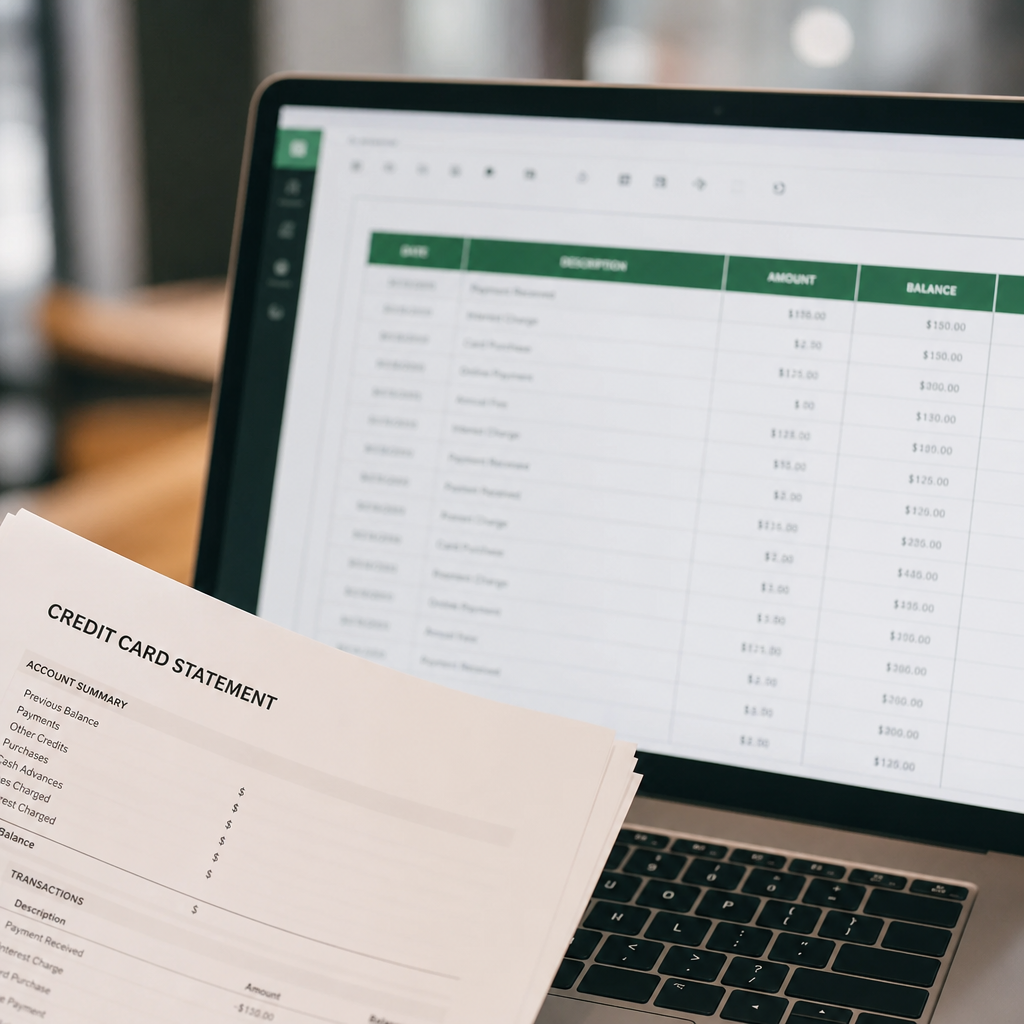
A credit card statement converter is software that extracts transaction data from PDF (or scanned image) credit card statements and reformats it into structured, usable files—typically Excel, CSV, or direct exports for accounting platforms. Instead of manually copying dates, merchant names, and amounts, the software reads the document, identifies the transaction table, and outputs clean rows and columns.
Modern converters rely on optical character recognition (OCR) combined with machine learning models trained to recognize statement layouts from major card issuers like Chase, Amex, Capital One, and Bank of America. The best tools go further, using AI to classify transactions, detect duplicate entries, and flag anomalies before the data ever reaches your general ledger.
This matters because credit card statements are notoriously inconsistent. Every issuer formats things differently, some list transactions in tables while others bury them in multi-column blocks, and multi-page statements often break tables across page boundaries. A well-built converter compensates for all of this automatically.
Why Manual Data Entry No Longer Makes Sense
Bookkeepers have relied on manual entry for decades, but the calculus has changed. Client volume is up, staffing is tighter, and the tools available now are dramatically more accurate than they were even three years ago. Here's why manual entry is increasingly a liability rather than just an inconvenience:
- Time cost: A single 20-page statement can take 30–60 minutes to transcribe by hand, and firms managing dozens of clients multiply that cost every single month.
- Error rate: Manual transcription introduces transposition errors, missed transactions, and inconsistent formatting that can throw off reconciliation.
- Scalability: Firms trying to grow their client base hit a ceiling fast when every new account requires hours of manual entry.
- Compliance risk: Inaccurate books create downstream problems with tax filings, audits, and financial reporting.
According to the American Institute of CPAs, accuracy and efficiency in bookkeeping workflows remain top concerns for firms adapting to increased digital transaction volume. Automating statement conversion directly addresses both.
How a PDF-to-Spreadsheet Workflow Actually Works
Understanding the mechanics helps you evaluate tools more critically. A typical credit card statement converter follows this sequence:
- Upload: You submit a PDF (digital or scanned) credit card statement.
- Document parsing: The software identifies statement structure — header info, transaction tables, summary sections.
- OCR and text extraction: For scanned documents, OCR converts images of text into machine-readable characters.
- Data structuring: Extracted data is organized into rows and columns — date, description, category, amount.
- Validation: Advanced tools cross-check totals against the statement's summary balance to catch extraction errors.
- Export: The final structured file is generated in your chosen format — Excel, CSV, or a direct accounting platform template.
Platforms like Bank Statement Boss automate this entire pipeline, including formatting the output specifically for QuickBooks, Xero, and Sage import templates, so bookkeepers skip the manual cleanup step entirely. That's a meaningful difference from generic PDF-to-Excel tools, which often produce spreadsheets that still require reformatting before they can be imported into accounting software.
Comparing Conversion Methods
Not all conversion approaches are equal. Below is a comparison of the four most common methods finance professionals use today.
| Method | Speed | Accuracy | Best For | Limitations |
|---|---|---|---|---|
| Manual data entry | Slow | Variable (human error risk) | Very small statement volumes | Not scalable, time-intensive |
| Generic PDF-to-Excel tools | Fast | Moderate | Simple, single-column statements | Struggles with multi-issuer formats |
| Spreadsheet macros/scripts | Fast (once built) | High if statement format is stable | Repeated use with a single issuer | Breaks when statement layout changes |
| AI-powered statement converters | Very fast | High across varied formats | Multi-client bookkeeping, high volume | Subscription cost |
As the table shows, AI-powered converters offer the best balance of speed and reliability, particularly for professionals handling statements from multiple banks and credit card issuers with varying layouts.
Key Features to Look For
When evaluating a credit card statement converter, look beyond basic PDF-to-Excel conversion. The following features separate professional-grade tools from basic utilities:
- Multi-issuer template recognition: Can it handle Amex, Chase, Discover, Capital One, and regional bank formats without manual template setup?
- Accounting software compatibility: Does it export in formats ready for QuickBooks, Xero, or Sage, or will you need to reformat columns yourself?
- Batch processing: Can you upload multiple statements at once, which matters enormously for firms managing many clients?
- Data security: Look for encryption in transit and at rest, and clear data retention policies, especially given that these documents contain sensitive financial information.
- API access: For firms building their own internal tools or integrating conversion into existing workflows, API access allows statement processing to be triggered programmatically.
- Accuracy validation: Does the tool reconcile extracted totals against statement summaries to catch extraction errors automatically?
- Support for scanned documents: Not every statement is a clean digital PDF; some are scanned copies with lower text clarity, which requires robust OCR.
Comparing Popular Export Formats
Once your statement data is extracted, the export format you choose matters for how smoothly it integrates with your existing accounting stack.
| Export Format | Ideal Use Case | Compatibility |
|---|---|---|
| CSV | Universal import into most accounting/spreadsheet tools | Very high |
| XLSX (Excel) | Manual review, formulas, pivot tables | High |
| QBO/QuickBooks format | Direct import into QuickBooks Online/Desktop | QuickBooks only |
| Xero-ready CSV | Matches Xero's specific bank statement import fields | Xero only |
| JSON (via API) | Custom integrations and automated pipelines | Developer-dependent |
Choosing the right export format up front saves significant rework. If your firm standardizes on QuickBooks, for instance, a converter that outputs a QuickBooks-ready file eliminates the mapping step most generic tools require.
Security Considerations for Financial Document Conversion
Credit card statements contain sensitive data: account numbers, spending patterns, merchant details, and sometimes personally identifiable information. Any tool you choose should meet a baseline standard of data protection. According to guidance from the Federal Trade Commission, businesses handling consumer financial data are expected to implement reasonable safeguards against unauthorized access.
When vetting a converter, confirm the following:
- Data is encrypted both in transit (TLS/SSL) and at rest.
- The vendor has a clear, published data retention and deletion policy.
- Access controls and authentication protect uploaded documents.
- The company doesn't sell or share extracted data with third parties.
- Compliance with relevant standards, such as SOC 2 or similar frameworks, is documented.
Bank Statement Boss is built around secure handling of financial documents, using encrypted storage and processing pipelines designed specifically for accounting and bookkeeping use cases, which is particularly important for firms handling data on behalf of multiple clients.
Practical Workflow: From PDF to Reconciled Books
Here's a straightforward workflow bookkeepers and finance teams can adopt to integrate a converter into monthly close processes:
- Collect statements: Gather all PDF credit card statements for the reporting period from clients or internal card programs.
- Batch upload: Submit statements in bulk to your converter rather than processing them one at a time.
- Review extracted data: Spot-check a sample of transactions against the original PDF, particularly totals and unusual line items.
- Categorize transactions: Apply or confirm expense categories, either manually or using the tool's automated categorization if available.
- Export to accounting software: Generate the file formatted for QuickBooks, Xero, or Sage.
- Import and reconcile: Bring the file into your accounting platform and match it against bank feeds or manual reconciliation reports.
- Archive source documents: Store the original PDFs securely for audit trail purposes.
This workflow can take a multi-hour manual process down to a few minutes of review time, which compounds significantly across a full client roster.
Common Mistakes When Converting Credit Card Statements
Even with good tools, certain habits undermine accuracy. Watch for these common pitfalls:
- Skipping validation entirely: Even highly accurate tools can misread a smudged scan or unusual formatting; always spot-check totals.
- Ignoring multi-page transaction tables: Some tools truncate data when a transaction table spans multiple pages — confirm your converter handles this correctly.
- Mixing personal and business transactions: If a card is used for both, make sure your categorization step separates them clearly before reconciliation.
- Not standardizing merchant names: The same merchant may appear with slightly different naming across statements, which complicates reporting if left unaddressed.
- Overlooking currency and foreign transaction fees: For cards used internationally, ensure the converter captures fees and currency conversions accurately.
- Forgetting to archive originals: Converted spreadsheets are useful for entry, but original PDFs remain your source-of-truth documents for audits.
Firms that build a short review checklist around these points catch the majority of issues before data ever hits the general ledger.

Why This Matters More for Multi-Client Bookkeeping Firms
Solo business owners converting their own statements benefit from time savings, but the impact multiplies for bookkeeping firms and accounting teams managing dozens of clients. Consider a firm handling 40 clients, each with two to three credit card accounts. At even 20 minutes of manual entry per statement, that's over 26 hours a month spent purely on data transcription — nearly a full work week.
Automating this step with a dedicated converter doesn't just save time; it frees staff to focus on higher-value work like reconciliation review, advisory conversations, and tax planning. Resources like frontrank.com and leadmailbox.com both explore how automation and workflow efficiency are reshaping service-based businesses, a trend that applies directly to bookkeeping and accounting practices adopting document conversion tools.
For firms scaling client volume, this isn't just about convenience. It's about maintaining margin. Billable hours spent on manual transcription are hours not spent on advisory services that clients are increasingly willing to pay for, according to trends noted by Journal of Accountancy.
Choosing the Right Tool for Your Workflow
Not every practice needs the same feature set. Here's how to think about fit based on your situation:
- Solo freelance bookkeepers: Prioritize ease of use, fast turnaround, and affordable per-document pricing over advanced API access.
- Small accounting firms: Look for batch processing, multi-format export, and consistent accuracy across various bank and card issuer templates.
- Finance teams at growing businesses: API access becomes valuable here, allowing statement conversion to plug directly into internal financial systems.
- Tax preparers: Focus on accuracy validation features and secure document handling, since statements often feed directly into tax filings.
Whatever your specific needs, testing a converter against your most complex, multi-page, oddly formatted statement is the best way to judge real-world performance rather than relying on marketing claims alone.
Final Thoughts
Converting credit card statements from static PDFs into structured, usable data is no longer a manual chore finance professionals need to accept as unavoidable. AI-powered converters now handle the heavy lifting: reading varied issuer formats, validating totals, and exporting directly into the accounting platforms bookkeepers already use. The result is faster reconciliation, fewer errors, and more time available for the advisory work that actually grows a practice.
For small business owners, freelance accountants, and bookkeeping firms looking to modernize this part of their workflow, Bank Statement Boss offers a purpose-built solution — combining secure document handling with export formatting tailored specifically for QuickBooks, Xero, and Sage. Whether you're processing a handful of statements each month or managing high-volume conversion across dozens of clients, making the switch to automated conversion pays for itself quickly in reclaimed time and improved accuracy.
Article written by FrontRank