
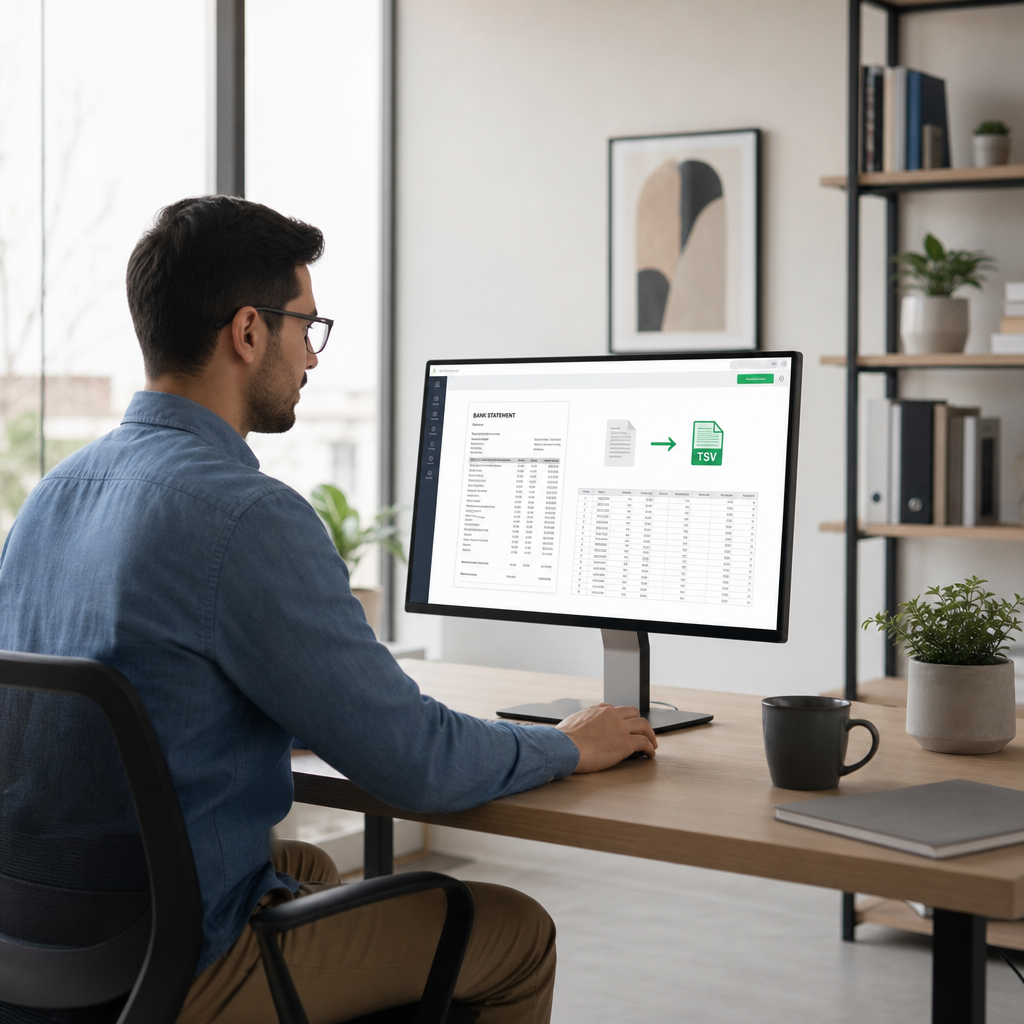
Bookkeepers and finance teams often need bank transaction data in a format that plays nicely with scripts, databases, and accounting imports. Tab-separated values (TSV) files are a plain-text favorite for this because they handle commas inside transaction descriptions — think "Payment, Invoice #1023" — without breaking column alignment the way CSV sometimes does. If you've been searching for a reliable way to convert bank statement to TSV, this article walks through every practical option, the real costs involved, and how to avoid the formatting headaches that trip up so many finance professionals.
Whether you're reconciling a single checking account or processing statements for dozens of clients, understanding the fastest and most accurate path to a clean TSV file can save hours every month.
Why TSV Still Matters for Financial Data
TSV files are a plain-text format where each column is separated by a tab character rather than a comma. While CSV remains more common for everyday spreadsheet work, TSV has specific advantages that make it the preferred choice in certain financial and technical workflows.
Key reasons bookkeepers and developers choose TSV over CSV:
- Fewer parsing errors: Transaction descriptions often contain commas, which can corrupt CSV columns unless properly escaped. Tabs rarely appear in bank statement text, making TSV more reliable.
- Better compatibility with scripts and databases: Many ETL pipelines, SQL import tools, and programming languages (Python's pandas, for example) parse TSV cleanly by default.
- Cleaner imports into legacy systems: Some older accounting or ERP systems were built around tab-delimited imports rather than comma-delimited ones.
- Easier manual inspection: When opened in a plain text editor, TSV columns are often easier to visually scan than comma-delimited text.
According to W3C's guidance on CSV and tabular data, the choice of delimiter matters significantly when data contains embedded punctuation — which is exactly the situation with merchant names and memo fields on bank statements.
The Manual Method: Exporting and Converting by Hand
Many small business owners still try to produce a TSV file manually, especially when they only need to process one or two statements. Here's what that process typically looks like:
- Download the PDF statement from your bank's online portal.
- Open the PDF and manually copy transaction rows into a spreadsheet application like Excel or Google Sheets.
- Clean up the data — removing headers, footers, page numbers, and any merged cells that didn't copy correctly.
- Standardize date formats and amounts, since banks often mix formats like MM/DD/YYYY and DD-MMM-YY on the same statement.
- Save or export the file as TSV, using "File > Save As > Tab-delimited text" in Excel or a similar option in Google Sheets.
This works, but it's slow and error-prone. A typical one-page statement with 30-40 transactions can take 20-30 minutes to transcribe and clean manually. Multiply that by multiple accounts, multiple months, or multiple clients, and the hours add up quickly. Manual entry also introduces transcription errors — misread digits, skipped transactions, or incorrect decimal placement — that can cause real problems during reconciliation.
The AICPA's guidance on data integrity in financial reporting consistently emphasizes that manual re-entry of financial data is one of the most common sources of error in small business bookkeeping.
Automated Conversion: How AI-Powered Tools Handle the Job
Automated bank statement converters use optical character recognition (OCR) combined with machine learning models trained specifically to recognize the layout patterns of bank and credit card statements. Instead of treating a PDF as a flat image, these tools identify:
- Transaction date columns
- Description or payee fields
- Debit and credit amounts
- Running balances
- Statement period headers and account metadata
Once parsed, the tool exports the structured data into your chosen format — TSV, CSV, XLSX, or even direct integrations with accounting platforms.
Bank Statement Boss is built specifically for this task. It converts PDF bank and credit card statements into clean, structured spreadsheets, with formatting already aligned to QuickBooks, Xero, and Sage import requirements. Rather than fighting with column headers and date formats after the fact, users get a file that's ready to import or further process into TSV immediately.
The core advantage of an AI-based approach over basic OCR is contextual understanding. A simple rule-based scanner might simply "read" the characters on a page, but it won't necessarily know that a smudged or oddly formatted number is a transaction amount rather than a page number or account identifier. AI models trained on thousands of statement layouts learn to make that distinction reliably, even across different bank formats.
Manual vs. Automated Conversion: A Side-by-Side Comparison
| Factor | Manual Conversion | Automated Conversion (e.g., Bank Statement Boss) |
|---|---|---|
| Time per statement (30-40 transactions) | 20-30 minutes | Under 1 minute |
| Risk of transcription errors | High | Low |
| Handles multi-page statements | Tedious, error-prone | Yes, automatically |
| Multi-currency or multi-bank support | Manual reformatting needed | Built-in normalization |
| Accounting software compatibility | Requires manual reformatting | Pre-formatted for QuickBooks, Xero, Sage |
| Scalability for multiple clients | Poor | High |
| Upfront cost | "Free" (but time-intensive) | Subscription or per-document fee |
As the table shows, the manual method isn't truly free — it simply shifts the cost from a subscription fee to billable hours. For a bookkeeper charging clients by the hour, every minute spent manually transcribing data is time not spent on higher-value advisory work.
Step-by-Step: Converting a Bank Statement to TSV with an Automated Tool
Here's a typical workflow using a converter like bankstatementboss.com:
- Upload the PDF statement (or a batch of statements) to the platform.
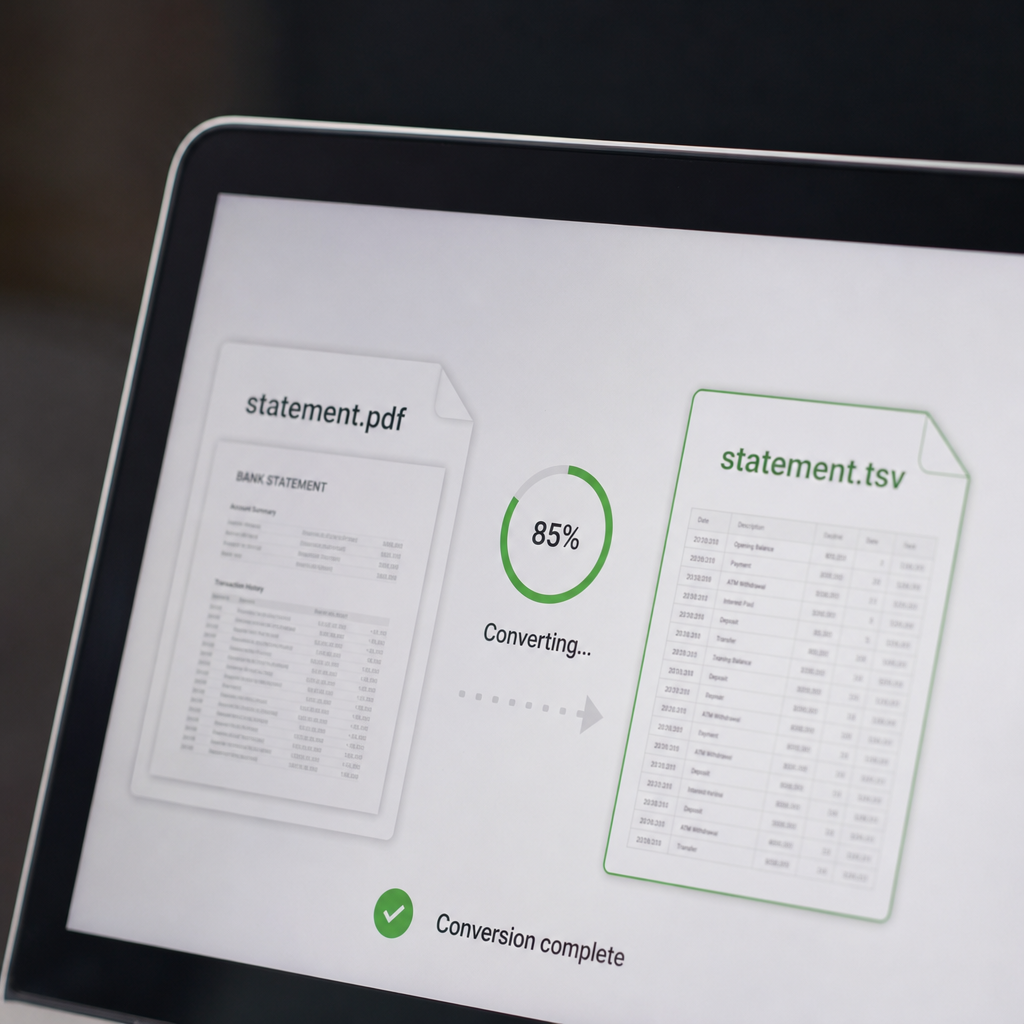
- Let the AI engine extract transactions, including dates, descriptions, debits, credits, and balances.
- Review the structured preview to confirm accuracy — most tools show a side-by-side view of the original PDF and the extracted data.
- Select your export format. While many platforms default to CSV or XLSX, you can typically open the exported file in Excel or Google Sheets and re-save it as tab-delimited text (TSV) in a few seconds, or request TSV output directly if the platform supports it.
- Import into your accounting software or feed the TSV file into your internal reporting scripts, database, or reconciliation tool.
For teams managing recurring statement imports, Bank Statement Boss also offers API access on higher-tier plans, allowing the entire upload-extract-export pipeline to be automated without any manual file handling at all.
Common Formatting Pitfalls When Converting Bank Statements
Even with automation, there are a few recurring issues that can cause problems if you're not paying attention. Being aware of these pitfalls — whether you're doing conversion manually or using software — will save you reconciliation headaches later.
- Inconsistent date formats: Statements from different banks (or even different account types at the same bank) may use different date formats. Make sure your final TSV file has one consistent, unambiguous format like YYYY-MM-DD.
- Negative number conventions: Some statements show debits in parentheses, others with a minus sign, and others in a separate column entirely. Decide on one convention before importing into your accounting system.
- Merged or split transaction descriptions: Long merchant names sometimes wrap across two lines in the original PDF, which can cause OCR tools (and manual copying) to split them into two rows.
- Hidden characters and encoding issues: Tab characters or non-standard symbols embedded in exported data can break TSV parsing if the file isn't saved with proper UTF-8 encoding.
- Running balance mismatches: Always spot-check that the running balance column ties out mathematically with the debit/credit entries — this is one of the fastest ways to catch a missed or duplicated transaction.
The IRS recordkeeping guidelines remind business owners that financial records need to be both accurate and retrievable for several years, which is another reason clean, structured digital exports matter more than scanned paper trails.
Comparing File Formats: TSV vs CSV vs XLSX vs Direct Accounting Import
Choosing the right output format depends on what you're going to do with the data next. Here's how the most common options stack up.
| Format | Best For | Pros | Cons |
|---|---|---|---|
| TSV | Scripts, databases, data pipelines | Handles embedded commas well; simple plain text | Less universally recognized by non-technical users |
| CSV | General spreadsheet use, most software imports | Nearly universal support | Can break with unescaped commas in descriptions |
| XLSX | Manual review, formatting, formulas | Supports formatting, multiple sheets, formulas | Larger file size; not ideal for automated pipelines |
| Direct accounting import (QBO/Xero format) | Immediate bookkeeping use | No manual mapping needed | Locked to a specific software's schema |
If your downstream process is a custom script, a SQL database import, or any tool where comma-delimited data could cause parsing issues, TSV is usually the safer choice. If you're handing the file to a less technical colleague, CSV or XLSX might be more approachable.

Security Considerations When Converting Financial Documents
Bank statements contain sensitive information — account numbers, balances, and transaction histories — so the method you choose for conversion matters from a security standpoint, not just a convenience one.
When evaluating any conversion tool, consider:
- Encryption in transit and at rest: Files should be encrypted both while uploading and while stored on the provider's servers.
- Data retention policies: Understand how long your uploaded statements and extracted data are kept, and whether you can request deletion.
- Compliance certifications: Look for providers that follow recognized security frameworks. The National Institute of Standards and Technology (NIST) cybersecurity framework is a commonly referenced benchmark for data handling practices.
- Access controls: If you're working with a team, make sure the platform supports role-based permissions so not everyone has access to every client's data.
Bank Statement Boss builds secure data handling into its core design, which matters significantly for bookkeepers and accountants who have a fiduciary responsibility to protect client financial information. Unlike generic OCR tools or free online converters that may not disclose their data retention practices, a platform built specifically for financial documents tends to take these obligations more seriously.
Choosing the Right Approach for Your Workflow
Not every business has the same volume or complexity of bank statement conversion needs. Here's a quick way to think about which approach fits your situation:
Choose manual conversion if:
- You only process one or two statements per month
- The statements are short and simple (few transactions)
- You have no budget for software and ample time available
Choose a free or basic OCR tool if:
- You need occasional conversions with simple formatting needs
- You're comfortable manually fixing errors afterward
- You don't need accounting software compatibility
Choose a dedicated AI-powered platform like Bank Statement Boss if:
- You manage multiple clients or accounts regularly
- You need output formatted for QuickBooks, Xero, or Sage
- Accuracy and time savings matter more than a zero-dollar price tag
- You want API access to automate the entire pipeline
- Data security and compliance are priorities
For freelance accountants and bookkeepers in particular, the time saved by automating this process often pays for itself within the first few client statements processed. Spending 30 minutes manually transcribing a statement that could be accurately converted in under a minute isn't a good use of billable time, especially during busy periods like tax season or month-end close.
Frequently Asked Questions
Can I convert a scanned (image-based) bank statement to TSV? Yes, as long as the conversion tool uses OCR capable of reading image-based PDFs, not just digitally native ones. AI-powered tools generally handle scanned statements more reliably than basic text-extraction scripts, which often fail entirely on image-based files.
Will converting to TSV preserve my transaction categories? Most bank statements don't include spending categories natively — that's typically something added by accounting software after import. However, some advanced tools can auto-categorize transactions as part of the extraction process.
Is TSV better than CSV for accounting software imports? It depends on the software. Most modern accounting platforms accept CSV more readily, so TSV is generally more useful for technical workflows, scripts, or database imports rather than direct software uploads.
How accurate is AI-based statement conversion compared to manual entry? When using a purpose-built tool trained on financial document layouts, accuracy rates are typically very high, often exceeding what manual data entry achieves once human fatigue and transcription errors are factored in.
Final Thoughts
Converting a bank statement to TSV doesn't have to mean hours of manual copy-pasting or wrestling with inconsistent formatting. Whether you're a solo bookkeeper handling a handful of client accounts or a finance team processing dozens of statements every month, the right tool makes the difference between a quick, accurate export and a frustrating afternoon of cleanup work.
Bank Statement Boss was built to solve exactly this problem — turning messy PDF statements into clean, structured data that's ready for TSV export, accounting software import, or further automation through API access. If accuracy, speed, and secure data handling matter to your workflow, it's worth testing how much time an AI-powered conversion process can save compared to doing it by hand.
Article written by FrontRank