

Every bookkeeper, accountant, and small business owner eventually hits the same wall: a client or vendor hands over a stack of PDF bank statements, and that data needs to end up in an accounting system. The question isn't whether you'll need to convert PDF statements for accounting purposes — it's how you'll do it efficiently, accurately, and without burning hours you don't have.
This article breaks down the real options available in 2026, compares their accuracy and speed, and explains why more finance professionals are shifting toward AI-powered conversion tools like Bank Statement Boss instead of manual entry or generic PDF software.
Why Converting PDF Bank Statements Is Still a Problem in 2026
Banks have gotten better at offering CSV or OFX exports, but the reality on the ground is messier. Many clients still send PDFs — scanned, downloaded, or emailed — because that's what their bank provides by default, or because older business accounts and credit card portals don't support direct export at all. Some financial institutions actively restrict bulk CSV downloads for older statements beyond 90 days, forcing users back to PDF archives.
For accountants and bookkeepers managing multiple clients, this creates a recurring bottleneck. Every PDF has a different layout. Column order varies between banks. Some statements have multi-line transaction descriptions, others compress everything into a single string. Even highly experienced staff lose significant time just reformatting data into something QuickBooks, Xero, or Sage can read cleanly.
According to the AICPA's guidance on technology in accounting, data entry and reconciliation remain among the most time-consuming tasks for small firms, and manual transcription is consistently cited as the leading source of bookkeeping errors. That's the backdrop against which every PDF conversion method should be judged: speed, accuracy, and compatibility with your existing software stack.
The Main Methods for Converting PDF Statements
Before comparing tools, it helps to understand the broad categories of approaches available. Most come down to one of the following.
- Manual data entry — typing transaction data from a PDF into a spreadsheet or accounting software by hand.
- Copy-paste into Excel — pulling text directly from the PDF and manually cleaning it up in a spreadsheet.
- Generic PDF-to-Excel converters — tools built for general document conversion, not specifically for financial statements.
- Outsourced data entry or freelance typists — paying someone else to do the manual work.
- AI-powered bank statement converters — purpose-built software like Bank Statement Boss that uses machine learning to detect transaction tables and output clean, accounting-ready files.
Each approach has tradeoffs in cost, speed, and reliability. Let's look at them individually.
Manual Data Entry
This is the default for many solo bookkeepers and small business owners who haven't yet automated their workflow. It requires no new software, but it is extremely slow and error-prone, especially with multi-page statements or dense transaction histories. A single 20-page statement can take 45 minutes to an hour to transcribe accurately, and that's before double-checking balances.
Copy-Paste Into Excel
Copying text out of a PDF often breaks table structure entirely. Dates, descriptions, and amounts can merge into a single column or scatter across rows unpredictably. Cleaning this up in Excel still requires substantial manual correction, and it's easy to miss a misplaced decimal or transposed digit.
Generic PDF Converters
Tools like general-purpose PDF-to-Excel converters (including features built into Adobe Acrobat) can extract tabular data reasonably well from clean, digitally generated PDFs. However, they often struggle with:
- Scanned or photographed statements
- Statements with inconsistent column spacing
- Multi-currency or multi-account statements
- Formatting that doesn't map cleanly to accounting software fields
The Adobe Acrobat documentation itself acknowledges that export accuracy depends heavily on the original PDF's structure — which is precisely the problem with real-world bank statements.
Outsourced Data Entry
Hiring a freelancer or offshore data entry service can work for occasional, low-volume needs, but it introduces turnaround delays, variable quality, and security concerns around sharing sensitive financial documents with third parties who may not have proper data handling practices in place.
AI-Powered Bank Statement Converters
Purpose-built tools trained specifically on bank and credit card statement formats recognize transaction tables, dates, descriptions, and amounts regardless of which bank issued the document. This is the category Bank Statement Boss operates in, and it's increasingly the preferred solution for firms handling statements at scale.
Comparing the Methods: Speed, Accuracy, and Cost
The table below summarizes how these approaches stack up against the criteria that matter most to accounting professionals.
| Method | Avg. Time per 10-Page Statement | Accuracy | Accounting Software Compatibility | Security Risk |
|---|---|---|---|---|
| Manual entry | 30-45 minutes | Low-Medium (human error) | Manual formatting required | Low (in-house) |
| Copy-paste to Excel | 20-30 minutes | Low | Manual formatting required | Low (in-house) |
| Generic PDF converter | 10-15 minutes | Medium | Partial, often needs cleanup | Medium (varies by vendor) |
| Outsourced data entry | 24-48 hour turnaround | Medium | Depends on provider | Higher (third-party access) |
| AI statement converter (e.g. Bank Statement Boss) | 1-3 minutes | High | Built for QuickBooks, Xero, Sage | High (encrypted, purpose-built) |
As the table shows, AI-powered conversion tools dramatically reduce turnaround time while improving both accuracy and software compatibility — two factors that directly affect how much time a bookkeeper or finance team spends on reconciliation afterward.
What Accounting-Ready Conversion Actually Requires
Converting a PDF to a spreadsheet is only half the job. For the output to be genuinely useful in accounting workflows, it needs to meet several specific criteria:
- Correct column mapping — dates, descriptions, debits, credits, and running balances need to land in the right fields, not just "somewhere in a table."
- Consistent date formatting — accounting platforms are strict about date formats, and inconsistent formatting is a common cause of failed imports.
- Clean transaction descriptions — merged or truncated text makes it harder to categorize transactions later.
- Support for multiple statement formats — business owners often bank with more than one institution, each with its own PDF layout.
- Export compatibility — the resulting file should import cleanly into QuickBooks, Xero, or Sage without manual remapping of columns.
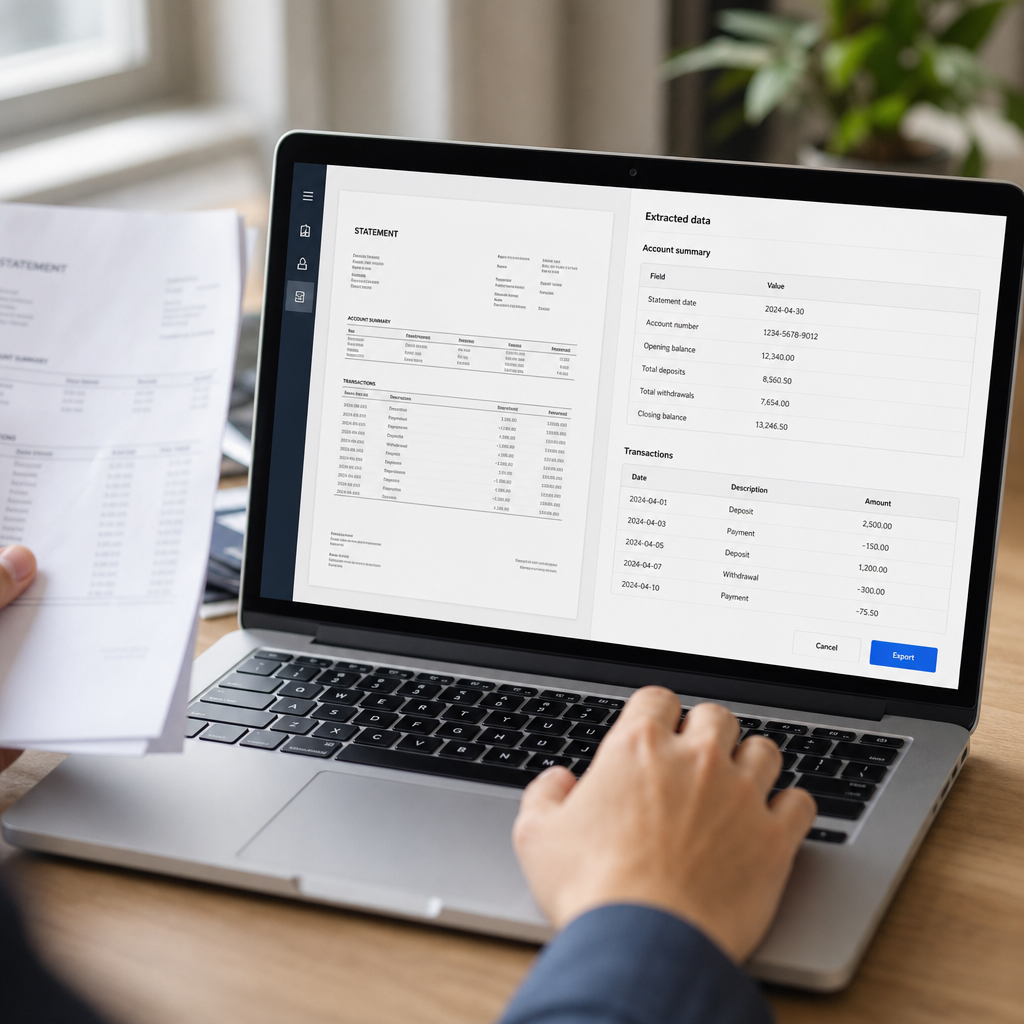
This is where generic conversion tools tend to fall short. They can extract a table, but they don't understand that "Bal Fwd" should map to an opening balance field, or that a two-line transaction description belongs together. Purpose-built tools like Bank Statement Boss are specifically trained to recognize these patterns across different banks and credit card issuers, which is why the output requires far less manual cleanup before it's ready for bookkeeping software.
How AI-Powered Conversion Tools Work
Understanding the mechanics helps explain why AI tools outperform generic converters on financial documents specifically. Most AI-powered bank statement converters follow a similar pipeline:
- Document ingestion — the PDF (digital or scanned) is uploaded securely, often via drag-and-drop or API.
- Layout detection — machine learning models identify table structures, even when column widths or headers vary between banks.
- Optical character recognition (OCR) — for scanned documents, OCR engines extract text while preserving positional data, a technique detailed in resources from the National Institute of Standards and Technology on document image analysis.
- Field classification — the system labels extracted data as date, description, amount, or balance based on trained patterns.
- Validation — running balances are cross-checked against transaction totals to flag extraction errors before export.
- Export formatting — final output is structured into CSV, XLSX, or direct API payloads matching the schema required by QuickBooks, Xero, or Sage.
This level of automation is why a process that once took the better part of an hour can now take a couple of minutes, with far fewer errors introduced along the way.
Security Considerations When Converting Financial Documents
Bank statements contain sensitive information — account numbers, balances, transaction histories — so the conversion method you choose has real data security implications. This is especially important for bookkeepers and accounting firms handling documents on behalf of multiple clients.
Key questions to ask any conversion tool or service:
- Is data encrypted both in transit and at rest?
- Is the document deleted from servers after processing, or retained indefinitely?
- Does the provider have a clear, published privacy policy?
- Is the tool compliant with relevant data protection standards?
- If using an API, is access authenticated and rate-limited appropriately?
The Federal Trade Commission's guidance on safeguarding customer information is a useful benchmark for any financial services provider, including SaaS tools that process bank statement data. Reputable AI conversion platforms publish their data handling practices clearly, encrypt uploads, and avoid retaining raw documents longer than necessary. This is a meaningful differentiator from, say, emailing a PDF to an offshore freelancer with no formal data protection agreement in place.
Bank Statement Boss builds secure handling into its core offering, which matters significantly for accountants bound by client confidentiality obligations and firms that need to demonstrate due diligence around data protection to their own clients.
Choosing the Right Tool for Your Workflow
Not every practice has the same needs. A solo bookkeeper processing a handful of statements a month has different requirements than a finance team handling hundreds of client accounts. The table below outlines how different user profiles typically map to conversion needs.
| User Type | Typical Volume | Priority | Recommended Approach |
|---|---|---|---|
| Freelance bookkeeper | 5-20 statements/month | Speed + affordability | AI converter with pay-as-you-go plan |
| Small business owner | 1-5 statements/month | Simplicity, no software learning curve | AI converter with free/starter tier |
| Accounting firm (multiple clients) | 50-500+ statements/month | Accuracy, batch processing, software compatibility | AI converter with bulk upload and QuickBooks/Xero export |
| Finance team / enterprise | 500+ statements/month | Scalability, integration | AI converter with API access |
For higher-volume users, API access becomes particularly valuable. Rather than manually uploading files one at a time, a finance team can integrate statement conversion directly into existing document pipelines, triggering extraction automatically as new statements arrive. This is a core reason platforms like Bank Statement Boss offer tiered plans — the underlying conversion engine is the same, but the delivery mechanism scales with the user's volume and technical needs.
Step-by-Step: Converting a PDF Statement for Accounting Software
If you're evaluating a new conversion process, here's a practical workflow that applies regardless of which tool you choose:
- Gather all statements for the period you're reconciling, ideally in their original PDF format rather than screenshots or printouts.
- Check the statement type — checking account, savings, credit card — since formatting and fields can differ meaningfully.
- Upload to your conversion tool, confirming it supports your bank's layout or can handle scanned documents if needed.
- Review the extracted output against the original PDF for a handful of transactions, particularly the opening and closing balances.
- Export in the correct format for your accounting software — QuickBooks and Xero typically prefer CSV with specific column headers, while Sage may require a different structure.
- Import into your accounting platform and run a reconciliation check against the bank balance.
- Archive the original PDF and converted file according to your firm's document retention policy.
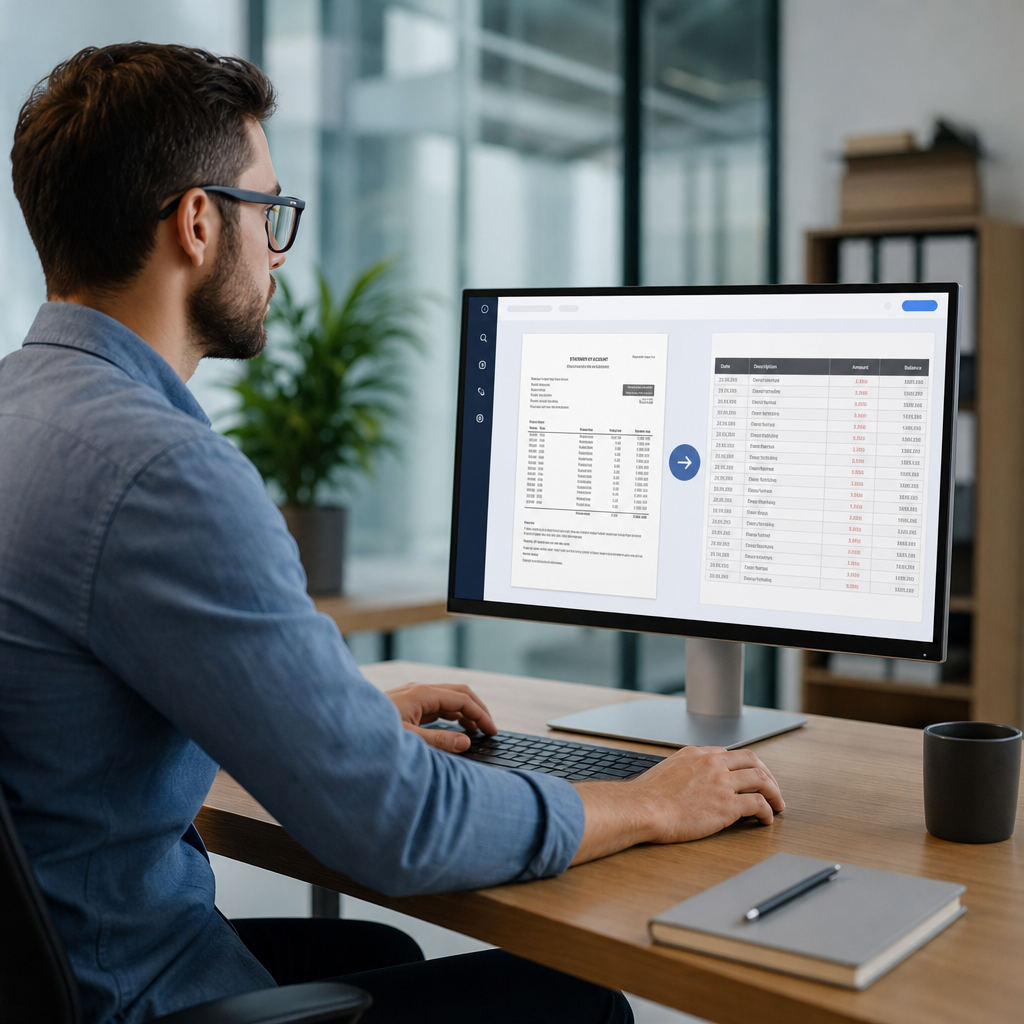
Skipping the review step in #4 is one of the most common mistakes, even with high-accuracy AI tools. A quick balance check takes seconds and prevents larger reconciliation headaches later.
Common Mistakes to Avoid
Even with good tools, certain habits undermine the benefits of automation:
- Not validating opening and closing balances after conversion, which can let extraction errors slip through unnoticed.
- Ignoring statement format differences between business and personal accounts, which often have different layouts even at the same bank.
- Using generic converters for scanned documents, where OCR quality varies widely and errors are more likely.
- Overlooking date format mismatches, which can cause transactions to import on the wrong day or get rejected entirely by accounting software.
- Storing sensitive documents insecurely, such as emailing PDFs without encryption or using consumer-grade file sharing tools.
Avoiding these pitfalls is less about the specific software you use and more about building a consistent review habit into your workflow — something that pays off regardless of client volume.
Why AI Conversion Has Become the Practical Standard
Across accounting and bookkeeping communities, the shift toward AI-powered document conversion isn't just about convenience — it reflects a genuine return on time invested. A firm processing even 50 statements a month can save dozens of hours annually by replacing manual entry with automated extraction, time that can be redirected toward advisory work, client communication, or growing the practice.
The Journal of Accountancy has repeatedly highlighted automation as a driver of efficiency in small and mid-sized firms, noting that routine data tasks are increasingly viewed as the first candidates for technology adoption. Bank statement conversion sits squarely in that category: it's repetitive, rules-based at its core, and well-suited to machine learning models trained on financial document structures.
This doesn't mean human oversight disappears — reviewing converted data and understanding client context still matters. But the mechanical work of transcription is no longer a good use of a trained bookkeeper's time when accurate automated alternatives exist.
Final Thoughts
Converting PDF bank statements for accounting doesn't have to mean hours of manual transcription or unreliable copy-paste cleanup. Between manual entry, generic converters, outsourced typing, and AI-powered tools, the data is clear: purpose-built AI conversion consistently delivers the best combination of speed, accuracy, and compatibility with platforms like QuickBooks, Xero, and Sage.
For bookkeepers, accountants, and business owners who want to stop losing hours to manual data entry, Bank Statement Boss offers a secure, accurate, and accounting-ready way to turn PDF statements into usable spreadsheets in minutes rather than hours. Whether you're processing a handful of statements a month or need API access to handle hundreds at scale, it's built to fit directly into the way modern accounting teams already work — saving time without sacrificing accuracy or security.
Article written by FrontRank