

Every small business owner, bookkeeper, or finance professional eventually faces the same tedious task: turning a stack of PDF bank statements into usable spreadsheet data. Manual re-keying is slow, error-prone, and simply doesn't scale when you're managing multiple clients or accounts. That's why converting a bank statement to spreadsheet online has become an essential workflow for modern accounting teams in 2026.
This article walks through why online conversion matters, how it works, what to look for in a tool, and how to avoid common pitfalls — all while keeping your financial data secure and your books accurate.
Why Convert Bank Statements to Spreadsheets in the First Place
Bank statements arrive as PDFs because that's the universal format banks use for secure, printable records. But PDFs are terrible for actual bookkeeping work. You can't filter transactions, run formulas, or import a PDF directly into most accounting software without manual intervention.
Converting statements to spreadsheet format (CSV or XLSX) unlocks several critical capabilities:
- Faster reconciliation — matching transactions against invoices or ledgers becomes a sort-and-filter exercise instead of manual cross-referencing.
- Accounting software compatibility — platforms like QuickBooks, Xero, and Sage all accept structured spreadsheet or CSV imports, but not raw PDFs.
- Error reduction — manual transcription introduces typos, especially with decimal points and transaction dates.
- Audit readiness — clean spreadsheets are easier to review, annotate, and archive for compliance purposes.
- Time savings — what might take an hour per statement manually can take under a minute with the right tool.
For freelance accountants managing a dozen clients, or finance teams processing statements from multiple business accounts, this isn't a nice-to-have — it's foundational to an efficient workflow.
How Online Bank Statement Conversion Actually Works
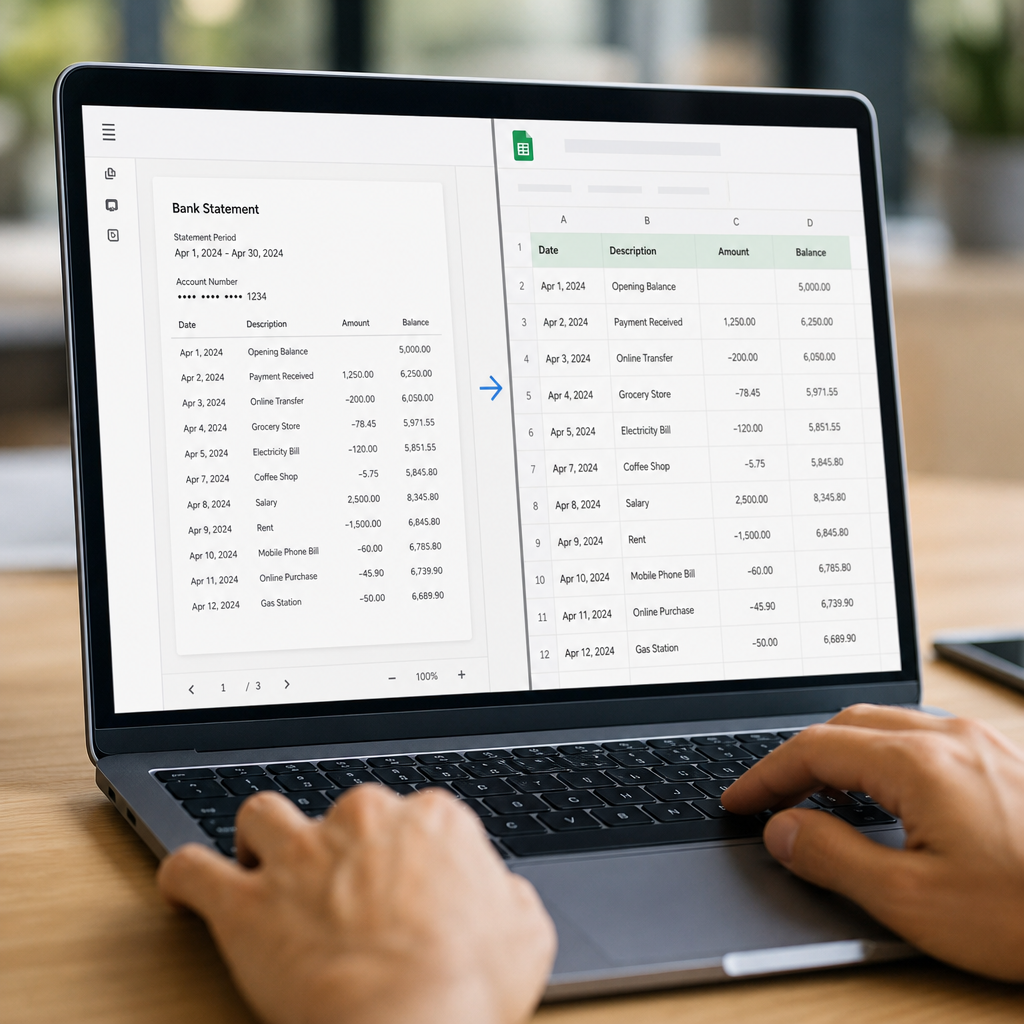
Modern conversion tools use a combination of optical character recognition (OCR) and machine learning to parse PDF statements, even when they're scanned images rather than digital text. The general process looks like this:
- Upload — You upload one or more PDF statements through a secure web portal.
- Parsing — The tool identifies the statement's layout, recognizing columns for date, description, debit, credit, and balance.
- Structuring — Extracted data is organized into rows and columns, matching standard spreadsheet formatting.
- Validation — Many tools cross-check running balances to catch parsing errors automatically.
- Export — You download the result as CSV, XLSX, or a format pre-mapped for QuickBooks, Xero, or Sage.
This is precisely the workflow that Bank Statement Boss was built around. The platform uses AI-powered extraction to handle statements from hundreds of banks worldwide, converting them into clean, structured spreadsheets within minutes — without requiring any manual column mapping.
According to the Consumer Financial Protection Bureau, accurate record-keeping is a core expectation for both consumers and small businesses managing financial accounts, which makes reliable conversion tools more than just a convenience — they support basic financial compliance.
Key Features to Look For in a Conversion Tool
Not all bank statement converters are built the same. Before choosing a platform, evaluate it against these criteria:
- Accuracy rate — look for tools that advertise and can demonstrate high parsing accuracy, ideally above 98%.
- Bank coverage — does it support your bank's statement format, including international banks if needed?
- Output compatibility — can it export directly in formats accepted by QuickBooks, Xero, or Sage?
- Security and encryption — is your financial data encrypted in transit and at rest, and is it deleted after processing?
- Batch processing — can you upload multiple statements or multiple months at once?
- API access — for teams with higher volume, does the provider offer an API to automate the pipeline entirely?
Bank Statement Boss checks each of these boxes, offering encrypted uploads, automatic deletion policies, and API access on higher-tier plans for firms that want to integrate conversion directly into their existing software stack.
Comparing Manual Entry, Generic Tools, and Purpose-Built Converters
To understand the real value of a dedicated conversion platform, it helps to compare the main approaches side by side.
| Method | Time per Statement | Accuracy | Accounting Software Ready | Scalability |
|---|---|---|---|---|
| Manual data entry | 30–60 minutes | Low to medium (human error risk) | No — requires reformatting | Poor |
| Generic OCR/PDF tools | 10–20 minutes | Medium (misreads tables often) | Partial — needs cleanup | Moderate |
| Purpose-built converter (e.g., Bank Statement Boss) | Under 2 minutes | High (98%+ typical) | Yes — pre-formatted exports | Excellent |
The difference becomes especially clear at scale. A bookkeeper handling 20 client accounts monthly could spend over 15 hours on manual entry, compared to under an hour using an automated, purpose-built converter.
Accounting Software Compatibility: What Matters Most
One of the biggest frustrations for bookkeepers isn't just extracting the data — it's getting that data into the accounting platform without reformatting everything from scratch. Each major platform has its own quirks:
| Platform | Preferred Import Format | Common Pitfall |
|---|---|---|
| QuickBooks | CSV or QBO/QFX | Column headers must match exactly, or import fails |
| Xero | CSV with specific date formatting | Date format mismatches (DD/MM vs MM/DD) cause rejected imports |
| Sage | CSV or XML | Requires consistent decimal and currency formatting |
Because of these nuances, a converter that understands the destination platform saves significant rework. Bank Statement Boss formats output specifically for these three platforms, reducing the back-and-forth that typically happens when a generic export gets rejected on import.
For additional guidance on accounting data standards, the American Institute of CPAs publishes resources on maintaining accurate digital financial records, which is useful context for firms formalizing their digitization workflows.
Security Considerations When Converting Financial Documents Online
Bank statements contain sensitive information — account numbers, transaction histories, and sometimes personal identifying details. Before uploading any financial document to an online tool, verify the following:
- Encryption in transit — the site should use HTTPS/TLS encryption for all uploads.
- Encryption at rest — files should be encrypted while stored, even temporarily.
- Data retention policy — look for a clear statement on how long files are kept and when they're deleted.
- Compliance certifications — SOC 2 or similar certifications indicate a provider has undergone independent security audits.
- Access controls — for team accounts, make sure user permissions can be restricted appropriately.
The National Institute of Standards and Technology provides a widely referenced cybersecurity framework that many SaaS providers align with when designing secure data handling practices. When evaluating any bank-statement conversion tool, it's worth checking whether the vendor references similar standards in their security documentation.
Bank Statement Boss addresses these concerns directly, with encrypted processing and clear data handling policies designed for financial professionals who can't afford to take chances with client data.
Step-by-Step: Converting Your First Bank Statement Online
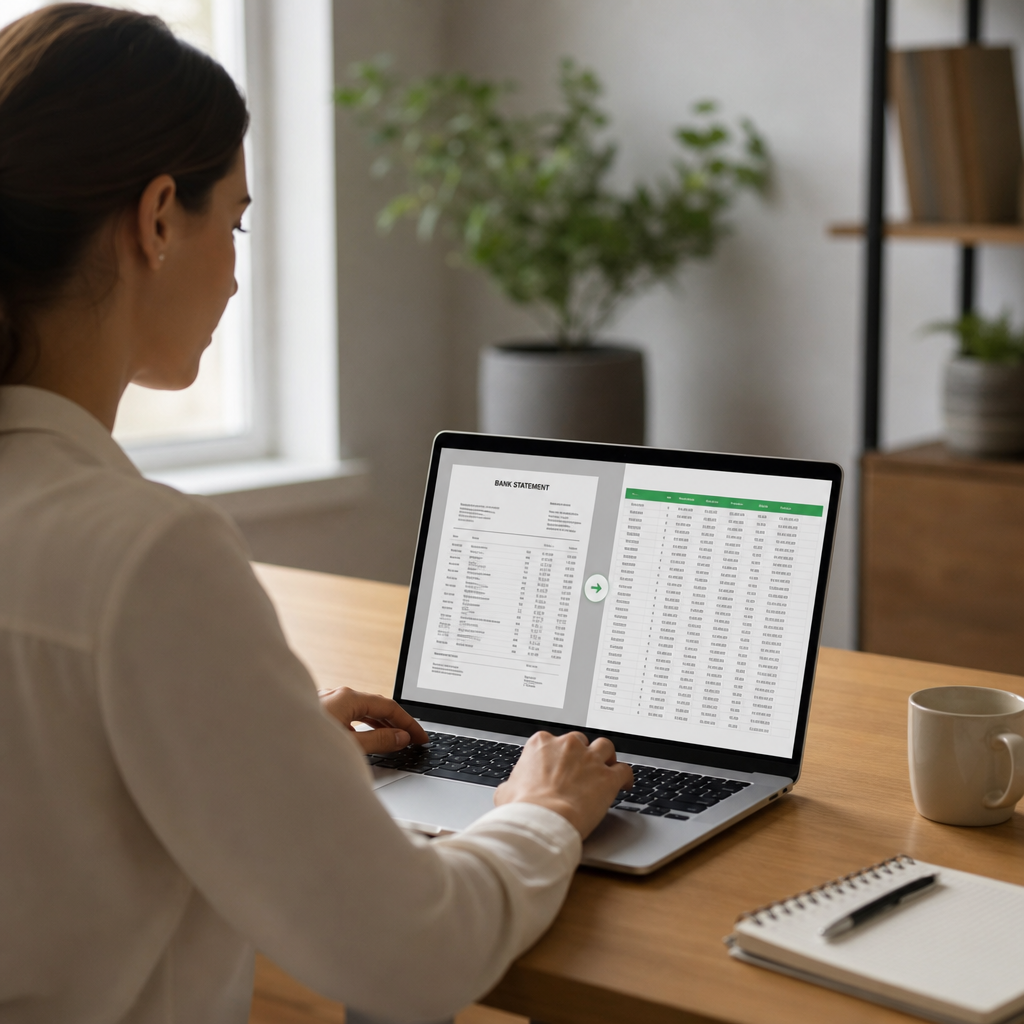
If you're new to this process, here's a simple walkthrough for converting a PDF bank statement into a usable spreadsheet:
- Gather your PDF statements — download them directly from your bank's portal rather than using screenshots or printed scans, which reduce accuracy.
- Choose a converter — select a tool with strong accuracy and accounting software compatibility, such as Bank Statement Boss.
- Upload the file(s) — most tools support drag-and-drop or batch upload for multiple months at once.
- Review the extracted data — check a sample of transactions against the original PDF, particularly the first and last entries and the running balance.
- Export in your preferred format — choose CSV, XLSX, or a direct accounting-software format.
- Import into your accounting platform — follow your software's import wizard, mapping columns if prompted.
- Reconcile — compare the imported totals against your bank's statement summary to confirm nothing was missed.
This workflow typically takes just a few minutes per statement once you're familiar with the process, compared to much longer manual approaches.
Common Mistakes to Avoid
Even with a capable tool, a few habits can undermine the quality of your converted data:
- Skipping validation — always spot-check a sample of transactions rather than assuming 100% accuracy.
- Mixing statement formats — uploading statements from multiple banks in one batch can sometimes confuse generic tools; purpose-built converters handle this better.
- Ignoring currency formatting — international statements often use different decimal and thousands separators, which can cause import errors downstream.
- Not backing up original PDFs — always retain the source documents for audit trail purposes, even after conversion.
- Overlooking duplicate transactions — when converting multiple overlapping statement periods, duplicate entries can slip into your ledger if you're not careful.
Being aware of these pitfalls helps ensure that the efficiency gains from automated conversion don't come at the cost of accuracy.
Who Benefits Most from Online Bank Statement Conversion
While almost anyone handling financial records can benefit, a few groups see outsized returns on adopting this workflow:
- Freelance bookkeepers managing multiple clients, each with different banks and statement formats.
- Small business owners who handle their own books but lack time for manual data entry.
- Accounting firms processing high volumes of client statements monthly or quarterly.
- Finance teams at growing companies who need to scale reconciliation processes without scaling headcount.
- Tax preparers who need clean annual transaction histories during tax season.
For these users, tools like Bank Statement Boss aren't just a convenience — they directly affect billable efficiency and client satisfaction. Firms that reduce manual data entry time can redirect those hours toward higher-value advisory work instead.
If you're also exploring ways to streamline client communication alongside document processing, resources like leadmailbox.com offer tools geared toward organizing business correspondence efficiently, which pairs well with a cleaner financial document pipeline.
Pricing Expectations in 2026
As of 2026, pricing for bank statement conversion tools generally falls into a few tiers, based on volume and feature access:
| Tier | Typical Monthly Cost | Features |
|---|---|---|
| Free/Starter | $0–$10 | Limited pages/statements per month, basic CSV export |
| Professional | $20–$50 | Higher volume limits, accounting software formatting |
| Business/API | $75+ | API access, batch processing, priority support |
Choosing the right tier depends on your volume. A solo bookkeeper with five clients may only need a starter or professional plan, while an accounting firm processing hundreds of statements monthly will benefit from API access to automate the entire pipeline.
Frequently Asked Questions
Is it safe to upload bank statements to an online converter? As long as the provider uses encryption, clear data retention policies, and ideally third-party security certifications, it's generally safe. Always review a provider's security page before uploading sensitive documents.
Can converted spreadsheets be imported directly into QuickBooks or Xero? Yes, provided the converter formats the output to match each platform's expected column structure and date formatting. Tools built specifically for accounting workflows, like Bank Statement Boss, handle this automatically.
What file formats are typically supported for output? Most tools support CSV and XLSX at minimum, with some offering direct QBO, QFX, or OFX formats for deeper accounting software integration.
How accurate is AI-based statement conversion? Leading tools report accuracy rates above 98% for standard statement layouts, though scanned or low-quality PDFs can reduce accuracy slightly. Always validate a sample before relying fully on converted data.
Final Thoughts
Converting a bank statement to spreadsheet online is no longer a niche convenience — it's a standard part of efficient, modern bookkeeping. Whether you're a freelance accountant managing dozens of clients or a small business owner trying to stay on top of monthly reconciliation, the right tool can save hours of manual work while reducing costly errors.
Bank Statement Boss was built specifically for this purpose: fast, accurate, AI-powered conversion from PDF to spreadsheet, with formatting ready for QuickBooks, Xero, and Sage, secure data handling throughout, and API access for teams ready to automate their entire document pipeline. If you're ready to stop manually transcribing bank statements and start reclaiming hours of your workweek, Bank Statement Boss offers a straightforward, secure path to cleaner books and faster reconciliations.
Article written by FrontRank