
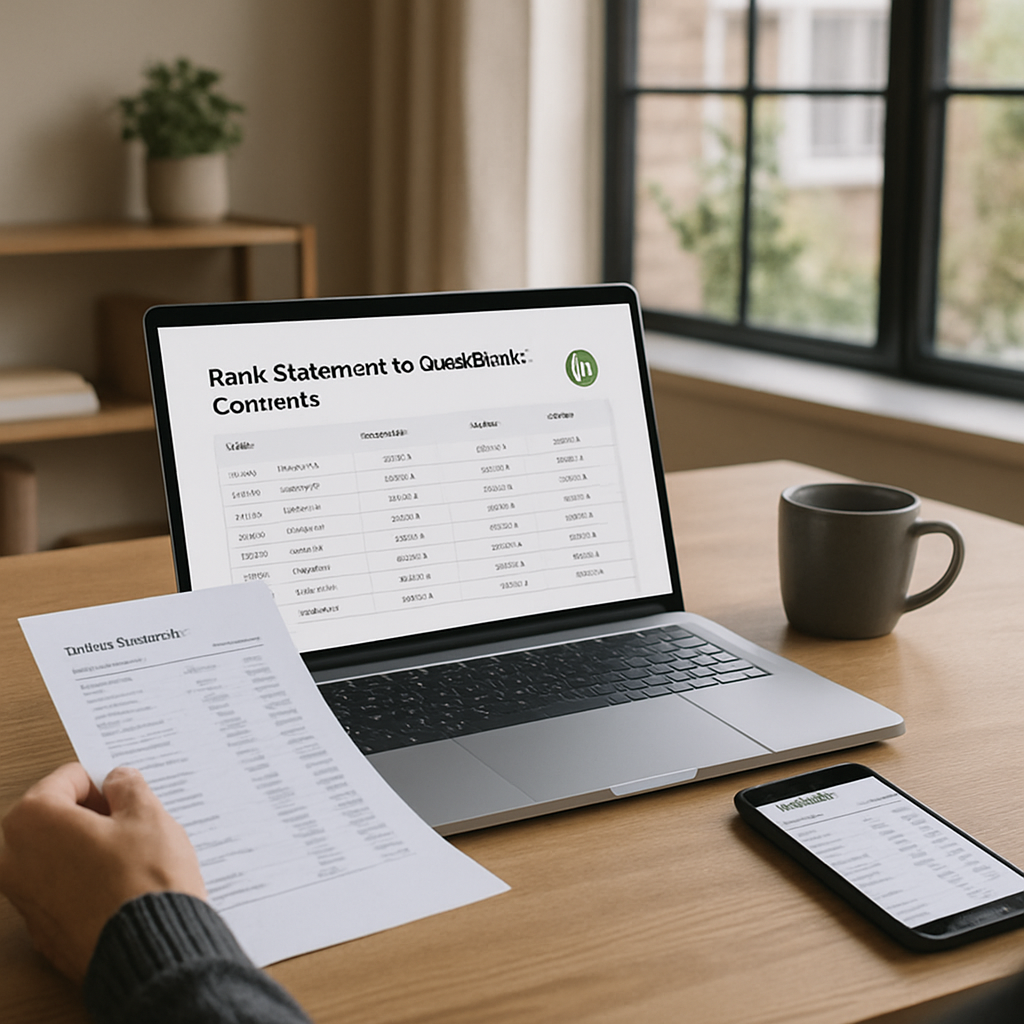
Manually entering bank transactions into QuickBooks is one of the most time-consuming and error-prone tasks a bookkeeper or small business owner faces. A single monthly statement can contain hundreds of line items, and retyping each one invites typos, missed transactions, and hours of wasted labor. This is exactly why a reliable bank statement to QuickBooks converter has become an essential tool for modern accounting workflows.
In this guide, we will explore why converting PDF bank statements into QuickBooks-ready formats matters, how the technology works, what to look for in a converter, and how a tool like Bank Statement Boss fits into a streamlined bookkeeping process. Whether you are a solo entrepreneur reconciling your own accounts or an accountant managing dozens of clients, understanding this technology will save you significant time and reduce costly errors.
Why Manual Bank Statement Entry Is Holding Your Business Back
Most banks issue statements as PDFs, which are designed for human reading, not software import. QuickBooks, on the other hand, expects structured data in formats like CSV, QBO, QFX, or OFX. Bridging that gap manually means either retyping transactions line by line or copying and pasting data that often comes out garbled, misaligned, or incomplete.
Consider the real costs of manual entry:
- Time drain: A 20-page statement can take an hour or more to transcribe accurately.
- Human error: Transposed numbers or missed decimal points can throw off reconciliation for weeks.
- Delayed reporting: Waiting on manual entry delays monthly close and financial decision-making.
- Staff burnout: Repetitive data entry is tedious and pulls skilled bookkeepers away from higher-value advisory work.
According to the American Institute of CPAs, firms that automate routine bookkeeping tasks report significant gains in client capacity without adding headcount. Automating statement conversion is one of the simplest ways to reclaim that time.
What Is a Bank Statement to QuickBooks Converter?
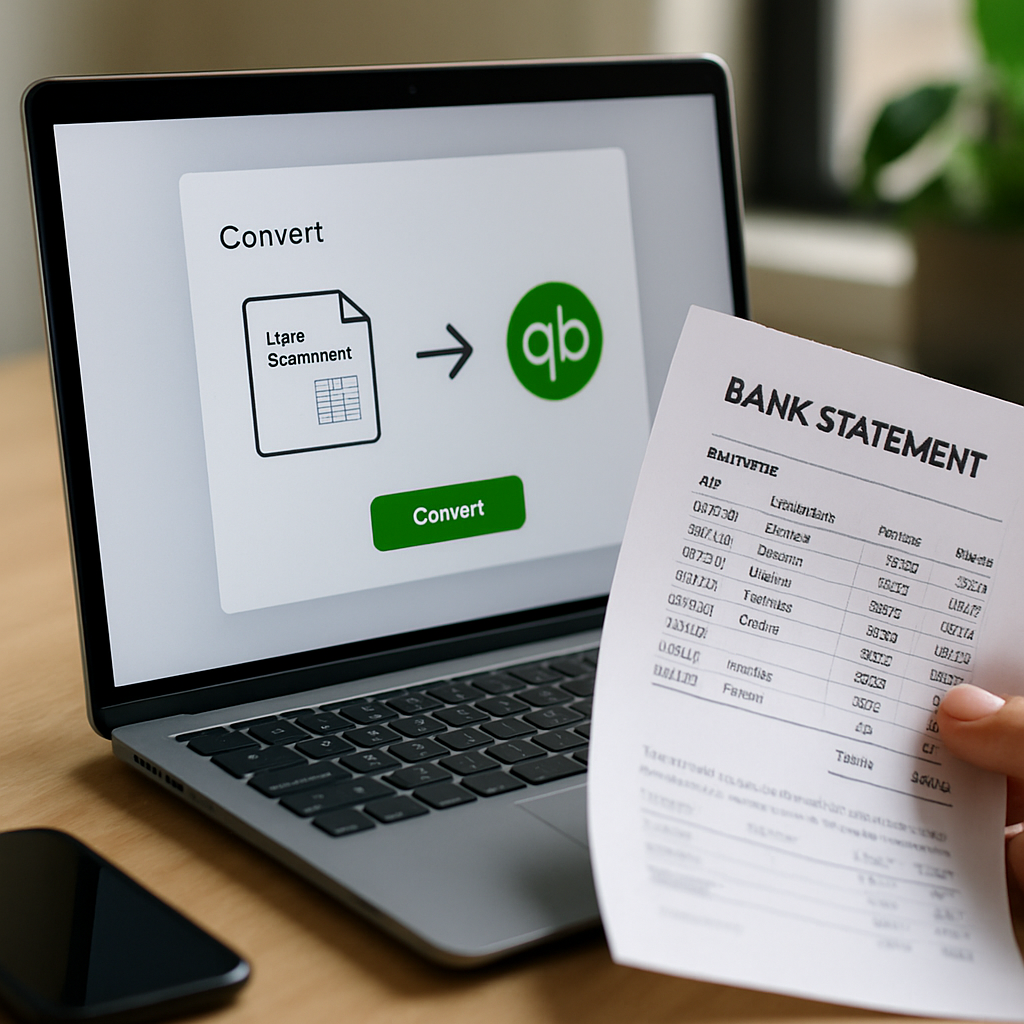
A bank statement to QuickBooks converter is software that reads PDF (or scanned image) bank and credit card statements, extracts the transaction data, and outputs it in a format QuickBooks can import directly. Modern converters use optical character recognition (OCR) combined with machine learning to identify dates, descriptions, deposits, withdrawals, and running balances, even across inconsistent bank formats.
The best tools go beyond simple text extraction. They:
- Detect and correct OCR errors using contextual pattern recognition.
- Categorize transactions automatically based on merchant or description patterns.
- Validate totals against the statement's stated opening and closing balances.
- Export clean, import-ready files in QBO, CSV, or Excel formats.
This is precisely the problem Bank Statement Boss was built to solve. Instead of spending hours manually transcribing statements, users upload a PDF and receive a structured, QuickBooks-compatible file in minutes, with claimed accuracy rates around 99%.
How the Conversion Process Works Step by Step
Understanding the mechanics behind statement conversion helps you evaluate whether a tool is trustworthy enough for financial data. Here is a typical workflow:
- Upload the PDF statement — either a digitally generated PDF or a scanned image from your bank's portal.
- OCR and layout analysis — the software identifies table structures, column headers, and transaction rows, even when banks use different layouts.
- Data extraction — dates, descriptions, debit and credit amounts, and balances are pulled into a structured dataset.
- Validation — the extracted totals are cross-checked against the statement's summary figures to catch extraction errors.
- Categorization (optional) — transactions are tagged with likely categories, such as office supplies, payroll, or utilities.
- Export — the cleaned data is converted into a QuickBooks-ready format like QBO, IIF, or CSV, or into a plain spreadsheet for manual review.
- Import into QuickBooks — the file is uploaded through QuickBooks' bank feed or file import feature.
This process typically takes a few minutes per statement, compared to the 30-90 minutes it might take to manually transcribe the same document.
Comparing Manual Entry, Generic Tools, and Dedicated Converters
Not all approaches to digitizing bank statements are created equal. Below is a comparison of the three common methods businesses use today.
| Method | Speed | Accuracy | Cost | Best For |
|---|---|---|---|---|
| Manual data entry | Very slow (hours per statement) | Prone to human error | Low direct cost, high labor cost | Very small transaction volumes |
| Generic PDF-to-Excel tools | Fast but often messy output | Moderate; formatting frequently breaks | Low to moderate | Simple, one-off conversions |
| Dedicated bank statement converter (e.g. Bank Statement Boss) | Minutes per statement | High (up to 99% claimed accuracy) | Subscription-based, scalable | Ongoing bookkeeping, multiple clients |
As the table shows, generic conversion tools often struggle with the varied table structures banks use, resulting in misaligned columns or merged fields. Purpose-built converters are trained specifically on financial statement layouts, which is why they consistently outperform general-purpose PDF tools for this use case.
Key Features to Look for in a Bank Statement Converter
When evaluating any bank statement to QuickBooks converter, accountants and bookkeepers should assess the following criteria carefully before committing to a subscription.
- Bank coverage: Does it support statements from your specific bank, credit union, or credit card issuer? Global coverage matters if you serve international clients.
- Output formats: Look for QBO, CSV, Excel, and IIF support to ensure compatibility with QuickBooks Online and QuickBooks Desktop.
- Accuracy guarantees: Vendors should be transparent about their accuracy rate and how it is measured.
- Data security: Since bank statements contain sensitive financial data, the provider should use encryption and clear data retention policies. Review resources like the National Institute of Standards and Technology guidelines on data protection for context on what strong security practices look like.
- Batch processing: The ability to upload multiple statements at once is essential for accountants managing several clients.
- Free trial or free tier: A no-cost option lets you test accuracy on your own statements before committing.
- Customer support: Responsive support matters when a conversion doesn't go as expected during a tight closing deadline.
Bank Statement Boss addresses many of these requirements directly, offering tiered plans (including a free option), support for most major banks worldwide, and export options tailored for QuickBooks, Xero, and Sage users alike.
QuickBooks Import Formats Explained
One point of confusion for many users is which file format to actually use when importing converted data into QuickBooks. Here is a breakdown of the common options.
| Format | Description | Compatible With | Notes |
|---|---|---|---|
| QBO | QuickBooks' native bank feed format | QuickBooks Online & Desktop | Best for direct bank feed-style import |
| CSV | Comma-separated spreadsheet format | QuickBooks Online (via mapping tool) | Requires manual column mapping |
| IIF | Intuit Interchange Format | QuickBooks Desktop | Legacy format, less commonly used now |
| Excel (XLSX) | Standard spreadsheet | Manual review, then convert to CSV/QBO | Useful for review before final import |
For most modern QuickBooks Online users, QBO or a properly formatted CSV is the recommended path. QuickBooks' own support documentation outlines the exact steps for importing bank transactions, but the key challenge remains getting your bank statement data into one of these structured formats in the first place, which is where a converter tool becomes indispensable.
Common Challenges When Converting Bank Statements
Even with advanced OCR and AI, certain challenges persist in the bank statement conversion process. Being aware of these helps set realistic expectations.
- Scanned or low-quality PDFs: Blurry scans or photographed statements reduce OCR accuracy. Always use the highest quality source file available.
- Multi-currency statements: International accounts may list transactions in multiple currencies, which requires careful handling during conversion.
- Non-standard layouts: Some smaller banks or credit unions use unusual table structures that are harder to parse automatically.
- Combined transaction descriptions: Some banks merge merchant name, location, and reference number into a single string, complicating categorization.
- Password-protected PDFs: These need to be unlocked before upload, which some tools handle automatically and others do not.
A quality converter should either handle these edge cases gracefully or clearly flag them for manual review rather than silently producing incorrect data. This is why validation steps, like checking extracted totals against the statement's summary balance, are so important.
Security and Compliance Considerations
Because bank statements contain highly sensitive financial information, security should be a top priority when choosing any conversion tool. Before uploading client or company data, consider the following:
- Encryption in transit and at rest: Files should be encrypted during upload and while stored on the provider's servers.
- Data retention policy: Understand how long the provider keeps your files and whether you can request permanent deletion.
- Compliance certifications: Look for adherence to standards discussed by organizations like the Federal Trade Commission regarding financial data handling.
- Access controls: If you are part of a firm, check whether the platform supports role-based access for different team members.
- Third-party audits: Some providers undergo independent security audits; ask if reports are available upon request.
Bookkeepers and accountants have a professional obligation to protect client data, so this step should never be skipped when adopting a new tool, regardless of how convenient the conversion features may be.
Who Benefits Most from Automated Statement Conversion
While any business handling bank statements can benefit from conversion automation, certain groups see outsized returns on the time invested in adopting these tools.
- Small business owners who handle their own books and want to avoid the tedium of manual entry each month.
- Bookkeepers managing multiple clients across different banks, each with unique statement formats.
- Accounting firms that need to onboard new clients quickly, including importing a year or more of historical transaction data.
- Tax preparers who need clean, categorized transaction histories during tax season crunch periods.
- Financial analysts who need structured data for cash flow forecasting or budget variance analysis.
For each of these groups, the value proposition is the same: less time spent on data transcription means more time spent on analysis, advisory work, and client relationships that actually grow the business.
Best Practices for a Smooth Conversion Workflow
To get the most out of any bank statement to QuickBooks converter, follow these practical recommendations:
- Download statements directly from your bank's portal rather than relying on scans or photos, whenever possible.
- Review the extracted data before import, checking a sample of transactions against the original PDF for accuracy.
- Reconcile opening and closing balances after conversion to confirm nothing was missed or duplicated.
- Standardize your categorization rules in QuickBooks so imported transactions map consistently to your chart of accounts.
- Keep a backup of original PDFs for audit trail purposes, even after successful conversion and import.
- Batch process by client or account if you manage multiple entities, to keep files organized and avoid cross-contamination of data.
- Test with a free tier first if available, to confirm the tool handles your specific bank's statement format well before committing to a paid plan.
Following this checklist reduces the risk of importing inaccurate data into QuickBooks, which can otherwise cascade into reconciliation headaches weeks or months down the line.
How Bank Statement Boss Fits Into This Process
Bank Statement Boss was designed specifically to solve the pain points outlined throughout this guide. Rather than being a generic PDF conversion tool retrofitted for financial use, it focuses exclusively on bank and credit card statement conversion, with AI models tuned to recognize the layouts used by major banks around the world.
Key aspects of the service include:
- High accuracy extraction, with a reported 99% accuracy rate on supported statement formats.
- Multiple export formats, including options compatible with QuickBooks, Xero, and Sage, so firms are not locked into a single accounting platform.
- Tiered subscription plans, including a free tier for those who want to test the service on a limited number of statements before upgrading.
- Broad bank coverage, supporting statements from most major financial institutions globally, which is particularly valuable for firms serving international clients.
- Speed, converting statements in minutes rather than the hours required for manual transcription.
For accountants managing many clients, or business owners simply trying to keep their books current without hiring additional staff, this kind of purpose-built tool can meaningfully change how bookkeeping time is allocated each month.
Frequently Asked Questions
Does converting a bank statement guarantee 100% accuracy? No conversion tool can guarantee absolute perfection, since OCR technology depends on the quality of the source PDF. However, tools with strong validation steps, like cross-checking extracted totals against stated balances, can achieve very high accuracy rates and flag discrepancies for manual review.
Can I convert scanned paper statements, not just digital PDFs? Many converters, including Bank Statement Boss, support scanned documents, though accuracy is generally higher with digitally generated PDFs downloaded directly from a bank's online portal.
Is it safe to upload bank statements to an online converter? Reputable providers use encryption and clear data retention policies. Always review a provider's security practices before uploading sensitive financial documents, and consult resources like the Consumer Financial Protection Bureau for general guidance on protecting financial data online.
What if my bank isn't supported? Most established converters support a wide range of banks, but coverage can vary. It's worth checking supported institutions before subscribing, or starting with a free tier to test compatibility.
Final Thoughts
Converting bank statements into QuickBooks-ready formats no longer needs to be a manual, error-prone chore that eats into billable or productive hours. With AI-powered extraction, validation, and formatting handled automatically, small business owners, accountants, and bookkeepers can redirect their time toward higher-value work like financial analysis, tax planning, and client advisory services.
Choosing the right bank statement to QuickBooks converter comes down to accuracy, security, format compatibility, and support for your specific bank. Bank Statement Boss brings all of these elements together in a single platform, offering fast, accurate, and secure conversion of PDF bank and credit card statements into QuickBooks, Xero, and Sage-compatible formats, backed by tiered plans that scale from solo entrepreneurs to full accounting firms. If you are ready to eliminate manual data entry from your monthly close process, exploring what Bank Statement Boss offers is a practical next step toward a faster, more accurate bookkeeping workflow.
Article written by FrontRank