

Manually retyping transaction data from PDF bank statements into spreadsheets is one of the most tedious tasks a bookkeeper, freelance accountant, or small business owner can face. It's slow, error-prone, and takes time away from actual analysis. That's why so many people search for a bank statement to Excel converter free of charge — hoping to skip manual entry without paying for software. But is a free tool really the best choice, or does it end up costing more in wasted time and errors?
In this article, we'll break down how free and paid bank statement converters compare, what to look for in a reliable tool, and when it makes sense to upgrade to a dedicated platform like Bank Statement Boss.
Why Convert Bank Statements to Excel in the First Place
Bank and credit card statements are typically issued as PDFs — a format designed for readability, not data manipulation. When you need to reconcile accounts, prepare tax filings, or import transactions into accounting software, a PDF is nearly useless without conversion.
Converting statements to Excel or CSV format allows you to:
- Sort and filter transactions by date, amount, or category
- Import data directly into QuickBooks, Xero, or Sage
- Build cash flow reports and budget forecasts
- Spot duplicate charges, fraud, or discrepancies faster
- Save hours compared to manual transcription
According to the U.S. Small Business Administration, efficient bookkeeping is one of the top factors in small business financial health. Automating repetitive data entry tasks like statement conversion frees up time for higher-value work such as financial planning and client advising.
Free vs. Paid Bank Statement Converters: What's the Real Difference?
Free tools can be tempting, especially for solopreneurs or very small businesses with minimal transaction volume. But "free" often comes with trade-offs that aren't obvious until you're knee-deep in a messy spreadsheet.
Here's a side-by-side comparison of what you typically get with free versus paid converters:
| Feature | Free Converters | Paid Converters (e.g., Bank Statement Boss) |
|---|---|---|
| Accuracy on scanned/image PDFs | Often poor | High, using AI-based OCR |
| Multi-page statement support | Limited | Full support |
| Formatting for QuickBooks/Xero/Sage | Rarely included | Built-in templates |
| Data security & encryption | Varies, often unclear | Bank-level encryption |
| Batch processing | Not usually available | Yes |
| Customer support | Minimal or none | Dedicated support |
| API access | No | Available on higher-tier plans |
| Cost | $0 | Subscription or pay-per-use |
Free tools can work fine for a single, well-formatted statement from a major bank. But once you're dealing with multiple accounts, scanned documents, or non-standard layouts, accuracy drops significantly — and that's when errors creep into your books.
Common Problems With Free Bank Statement Converters
Many free converters are built for general-purpose PDF-to-Excel conversion rather than the specific structure of financial statements. This creates several recurring issues:
- Misaligned columns — Transaction descriptions, dates, and amounts often shift into the wrong cells, especially with multi-column layouts.
- Broken formatting on scanned PDFs — If your statement was scanned rather than digitally generated, basic tools without OCR (optical character recognition) may fail entirely.
- Missing transactions — Some free tools truncate long statements or skip transactions that span page breaks.
- No accounting-specific formatting — Raw exported data may not map cleanly to the fields QuickBooks or Xero expect (date format, debit/credit columns, memo fields).
- Security concerns — Free web-based converters sometimes store uploaded files longer than necessary or lack clear data privacy policies, which is risky when you're uploading sensitive financial documents.
The Federal Trade Commission has repeatedly warned consumers and businesses to scrutinize how online tools handle uploaded financial data, particularly free ones that may monetize user data instead of charging a fee.
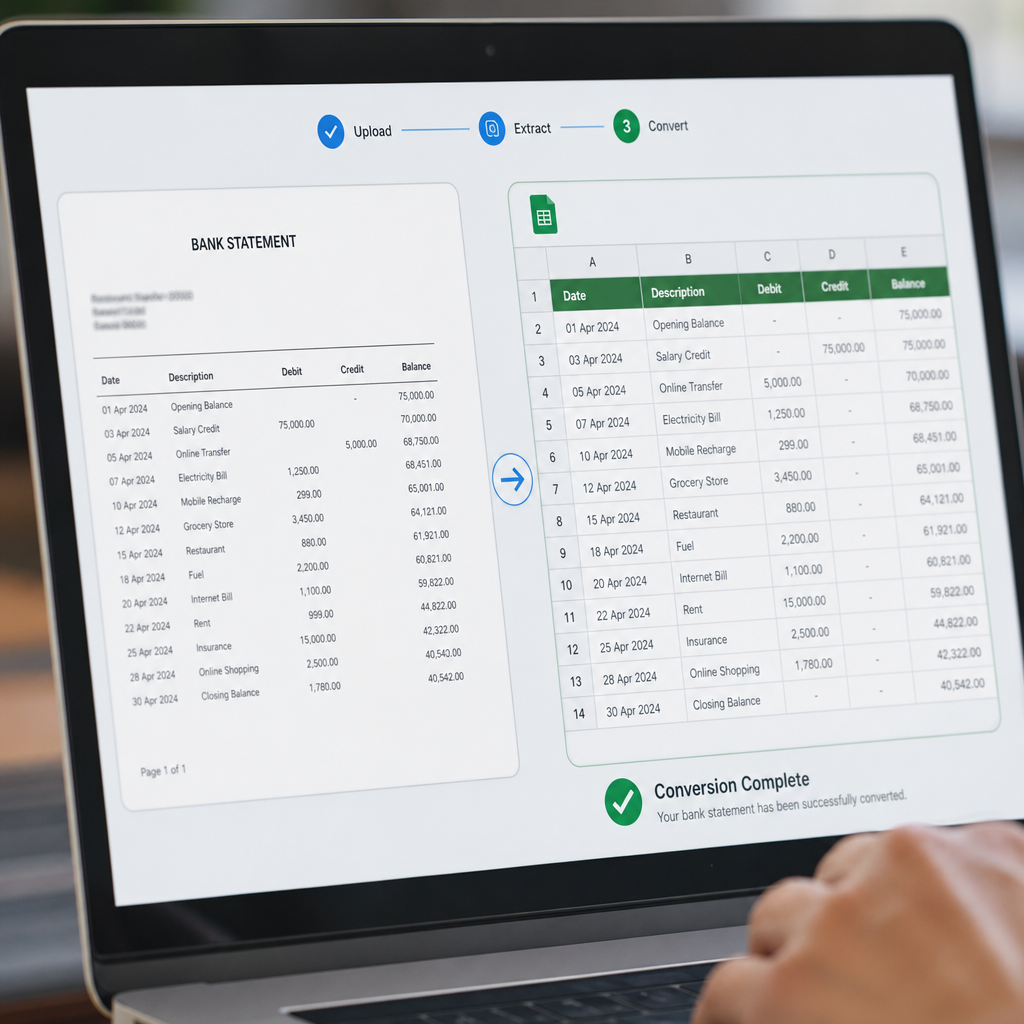
What to Look for in a Reliable Bank Statement Converter
Whether you choose a free tool or a paid subscription, evaluate any converter against these criteria before trusting it with financial data:
- OCR quality: Can it accurately read scanned or image-based PDFs, not just digitally native ones?
- Bank compatibility: Does it support statements from major banks and credit unions, including varying formats?
- Export options: Can you export to CSV, XLSX, and formats compatible with QuickBooks, Xero, or Sage?
- Data security: Is the connection encrypted (HTTPS/TLS)? Are uploaded files deleted after processing?
- Batch processing: Can you upload multiple statements at once, or do you have to do it one file at a time?
- Accuracy validation: Does it flag potential errors, like mismatched totals, for manual review?
A useful resource for understanding data handling best practices is the National Institute of Standards and Technology's guidance on data security, which outlines principles that any SaaS tool handling financial documents should follow — encryption, access control, and minimal data retention.
Free Tools: When They're Good Enough
Free bank statement to Excel converters aren't inherently bad — they just have a narrower use case. They tend to work well when:
- You only need to convert one or two statements occasionally
- Your bank issues clean, digitally generated (not scanned) PDFs
- You don't need the output formatted specifically for accounting software
- You're comfortable manually reviewing and cleaning the exported data afterward
- There's no sensitive client data involved, or you've verified the tool's privacy policy
For a freelancer converting their own personal checking account statement twice a year, a free tool might genuinely be sufficient. But for bookkeepers managing multiple clients, or finance teams processing dozens of statements monthly, the calculus changes quickly.
Quick Checklist: Is a Free Tool Right for You?
- I convert fewer than 5 statements per month
- My statements are digital PDFs, not scans
- I don't need QuickBooks/Xero/Sage-ready formatting
- I have time to manually verify the output
- I'm not handling client or third-party financial data
If you checked most of these boxes, a free converter may work for now. If not, a dedicated tool will likely save you more time and reduce risk.
When It Makes Sense to Upgrade to a Paid Converter
For professionals managing recurring bookkeeping work, the cost-benefit equation tips quickly toward paid tools. Consider the time cost alone: if manually reviewing and correcting a poorly converted statement takes even 20 minutes per document, and you're processing 20 statements a month, that's over 6 hours of unnecessary work — every month.
Here's a simple breakdown of the time and cost trade-offs:
| Scenario | Free Tool (with manual cleanup) | Bank Statement Boss |
|---|---|---|
| 5 statements/month | ~1.5 hours cleanup time | Minutes, automated formatting |
| 20 statements/month | ~6+ hours cleanup time | Batch processed in minutes |
| Multi-client bookkeeping | High error risk across clients | Consistent, accounting-ready output |
| Client data security | Uncertain | Encrypted, secure handling |
| Integration with accounting software | Manual reformatting required | Direct QuickBooks/Xero/Sage compatibility |
This is where a purpose-built platform like Bank Statement Boss becomes valuable. Rather than relying on generic PDF-to-Excel logic, it uses AI trained specifically on bank and credit card statement layouts, which significantly reduces formatting errors and manual review time.
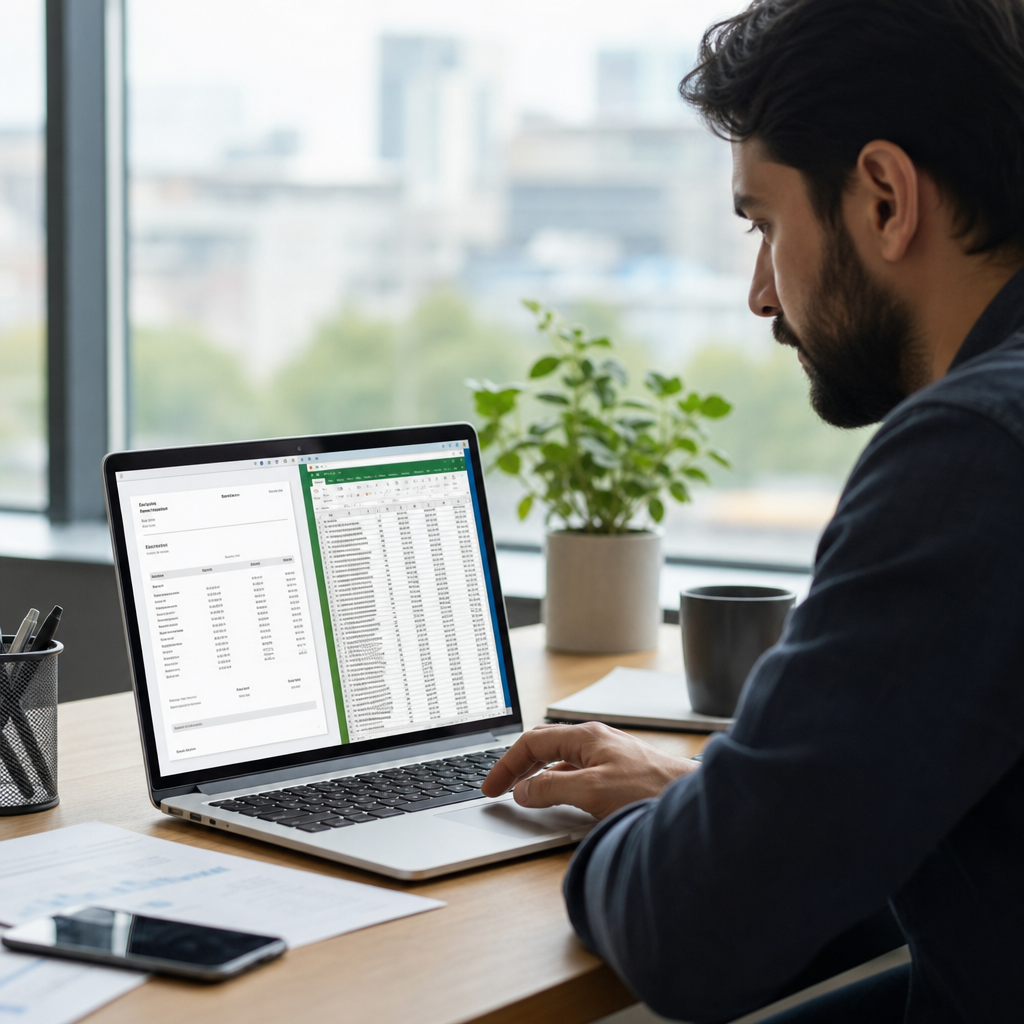
How Bank Statement Boss Compares to Generic Free Converters
Bank Statement Boss was built specifically to solve the problems bookkeepers and finance teams run into with generic converters. Key differentiators include:
- AI-powered extraction that understands transaction structure, not just raw text layout
- Accounting-ready exports formatted for direct import into QuickBooks, Xero, and Sage
- Secure data handling, with encrypted uploads and processing designed around financial data sensitivity
- API access for higher-tier plans, allowing finance teams to automate statement processing at scale
- Batch conversion, so you're not uploading files one at a time
For a solo bookkeeper juggling multiple clients, or a finance team consolidating statements across several business accounts, these features translate directly into time saved and fewer reconciliation headaches. You can see how the process works in more detail on the Bank Statement Boss homepage.
It's also worth noting that document automation is a broader trend across finance and operations teams. Resources like frontrank.com and leadmailbox.com regularly cover how automation tools are reshaping repetitive back-office work, from document processing to client communication — a useful broader context for anyone evaluating whether to automate a manual task like statement conversion.
Best Practices for Converting Bank Statements Safely
Regardless of which tool you choose, follow these practices to protect your financial data and ensure accuracy:
- Verify the tool's privacy policy before uploading any statement, especially for client data.
- Check for HTTPS encryption on any web-based converter.
- Cross-check totals after conversion — compare the ending balance on the PDF against your spreadsheet sum.
- Avoid public or shared computers when uploading sensitive financial documents.
- Delete uploaded files from any service once conversion is complete, if the platform allows manual deletion.
- Use accounting-specific export formats whenever possible to avoid reformatting time later.
The Consumer Financial Protection Bureau offers general guidance on protecting financial documents and data online, which is a useful reference when evaluating any third-party tool that processes bank statements.
Frequently Asked Questions
Is it safe to use a free bank statement converter? It depends on the provider. Always review their data retention and privacy policy before uploading sensitive financial documents. Look for HTTPS encryption at minimum, and avoid tools with vague or missing privacy disclosures.
Can free converters handle scanned PDF statements? Many cannot. Scanned statements require OCR technology to accurately extract text, and basic free tools often lack this capability, leading to garbled or incomplete output.
Will the exported file work directly with QuickBooks or Xero? Generic converters usually export raw CSV or XLSX files that need reformatting. Purpose-built tools like Bank Statement Boss format exports specifically for compatibility with major accounting platforms.
How many statements can I convert with a free tool? This varies widely by provider — some limit free users to a handful of pages or files per month, while others have no explicit limit but degrade in accuracy with longer documents.
Is a paid converter worth it for a small business with few transactions? If you're only converting one or two statements a year, a free tool may suffice. But if you handle recurring monthly reconciliation, a paid tool typically pays for itself in time saved.
Making the Right Choice for Your Workflow
Choosing between a free bank statement to Excel converter and a paid, purpose-built platform ultimately comes down to volume, accuracy requirements, and how much manual cleanup time you're willing to absorb. Occasional, low-stakes conversions can often be handled with free tools, provided you're diligent about verifying accuracy and data security. But for bookkeepers, accountants, and finance teams managing recurring statement conversions across multiple clients or accounts, the time savings, formatting consistency, and security features of a dedicated tool quickly outweigh the upfront cost.
Bank Statement Boss was designed precisely for this gap — offering AI-powered accuracy, accounting-ready formatting, and secure handling that generic free converters simply aren't built to match. Whether you're digitizing a handful of statements or processing dozens each month, Bank Statement Boss gives you a faster, more reliable path from PDF to spreadsheet, so you can spend less time on data entry and more time on the financial work that actually matters.
Article written by FrontRank