

Manually transcribing bank statement data into spreadsheets is one of the most tedious tasks in bookkeeping. A single transaction misread or fat-fingered can throw off an entire reconciliation, and the hours lost re-keying PDF statements add up fast for accountants managing multiple clients. That's where bank statement parser software comes in—purpose-built technology that reads PDF or scanned statements and automatically extracts transaction data into clean, usable formats.
This article breaks down what bank statement parser software actually does, why it matters for small business owners and finance professionals, how to evaluate different tools, and what the future of this technology looks like. Whether you're a solo freelancer managing your own books or a bookkeeping firm processing hundreds of client statements monthly, understanding this category of software can save you significant time and reduce costly errors.
1. What Bank Statement Parser Software Actually Does
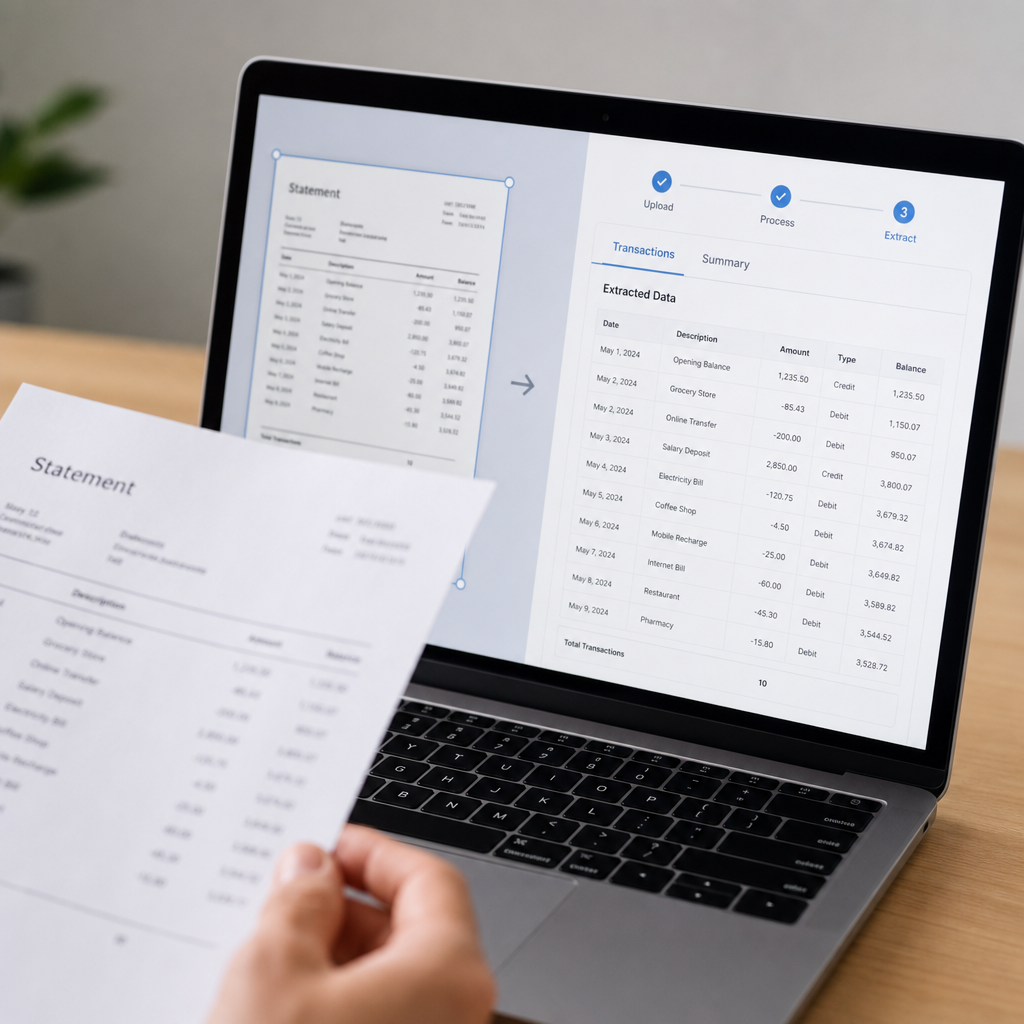
At its core, bank statement parser software takes an unstructured document—typically a PDF bank or credit card statement—and converts it into structured, tabular data. Instead of manually copying transaction dates, descriptions, and amounts into Excel or Google Sheets, the software identifies these fields automatically and organizes them into rows and columns.
Modern tools use a combination of optical character recognition (OCR) and machine learning to handle both digitally generated PDFs and scanned paper statements. The best solutions can recognize formatting variations across hundreds of different bank templates, correctly separating debits from credits, identifying running balances, and flagging any transactions that need manual review.
Key capabilities typically include:
- Automated field extraction — dates, payees, amounts, and balances pulled without manual input
- Multi-bank template recognition — support for statements from various financial institutions, each with unique layouts
- Export flexibility — output in CSV, Excel, or formats designed for accounting platforms
- Batch processing — the ability to upload and convert multiple statements simultaneously
- Data validation — automatic checks to ensure debits and credits reconcile against stated balances
Tools like Bank Statement Boss are built specifically around this workflow, using AI to convert PDF statements into structured spreadsheets that are ready for immediate use in accounting software, removing the guesswork of manual transcription.
2. Why Manual Data Entry No Longer Makes Sense
Manual entry might feel like the "safe" option for small operations, but the risks compound quickly as transaction volume grows. According to research published by the American Institute of CPAs, manual bookkeeping errors are among the top causes of reconciliation discrepancies reported by small business clients. Even experienced bookkeepers make transcription mistakes when processing hundreds of line items across multiple statements each month.
Consider the time cost alone. A typical monthly business bank statement might contain 50–150 transactions. Manually entering each line—checking dates, matching descriptions, verifying amounts—can take anywhere from 30 minutes to over an hour per statement, depending on formatting complexity. Multiply that by a dozen clients or several months of catch-up bookkeeping, and the hours become substantial.
Beyond time, there's the accuracy problem. A misplaced decimal point or transposed digit can cascade into hours of troubleshooting during reconciliation. The Journal of Accountancy has repeatedly highlighted how automation reduces error rates in repetitive financial data tasks, and statement parsing is a prime example of a task well-suited to automation.
Common Manual Entry Pain Points
- Inconsistent statement formats across banks make copy-paste unreliable
- Scanned or image-based PDFs can't be copy-pasted at all
- Multi-page statements increase the chance of skipped or duplicated rows
- Credit card statements often mix purchases, payments, and fees in confusing layouts
- Time spent on data entry is time not spent on higher-value advisory work
3. Key Features to Look for in Parser Software
Not all bank statement parsing tools are created equal. When evaluating options, it's worth looking beyond basic PDF-to-Excel conversion and considering the broader workflow needs of a bookkeeping practice or finance team.
Accuracy and Format Support
The software should handle a wide range of bank and credit card statement formats without requiring manual template setup for every new client. Look for tools that explicitly support major banks and credit unions, as well as international formats if you serve a broader client base.
Accounting Software Compatibility
A parser is only as useful as its output. Files that import cleanly into QuickBooks, Xero, or Sage save an extra formatting step. Bank Statement Boss, for instance, formats exports specifically for compatibility with these platforms, which eliminates the common friction point of reformatting columns after conversion.
Security and Compliance
Because bank statements contain sensitive financial data, security should never be an afterthought. Reputable providers use encryption in transit and at rest, offer clear data retention policies, and ideally hold certifications or compliance frameworks relevant to financial data handling.
Batch Processing and API Access
For firms processing statements at scale, the ability to upload multiple files at once—or integrate directly via API—can be a major differentiator. This is particularly relevant for bookkeeping firms and finance teams that need to build statement parsing into a larger automated workflow.
4. Comparing Approaches: Manual, Free Tools, and Dedicated Parser Software
Choosing the right approach depends on volume, budget, and how much accuracy matters for your specific use case. Below is a comparison of the three most common approaches businesses take.
| Approach | Time per Statement | Accuracy | Cost | Best For |
|---|---|---|---|---|
| Manual entry | 30–90 minutes | Variable, error-prone | Free (but high labor cost) | Very low volume, occasional use |
| Free/generic PDF converters | 10–20 minutes + cleanup | Moderate, often misaligned columns | Free to low cost | Simple, single-page statements |
| Dedicated parser software | 1–5 minutes | High, purpose-built for financial data | Subscription-based | Regular bookkeeping, multi-client firms |
Generic PDF-to-Excel converters can technically extract text, but they aren't built to understand the structure of a financial statement. They often misalign columns, merge unrelated fields, or fail entirely on scanned documents. Dedicated bank statement parser software is trained specifically to recognize transaction tables, dates, and running balances, which is why accuracy rates are significantly higher.
Feature Comparison Across Tool Types
| Feature | Manual Entry | Generic Converter | Dedicated Parser Software |
|---|---|---|---|
| Handles scanned PDFs | Yes (slow) | Rarely | Yes |
| Multi-bank template support | N/A | Limited | Extensive |
| Accounting software formatting | No | No | Yes |
| Batch upload | No | No | Yes |
| API access | No | No | Yes (higher tiers) |
| Data validation checks | Manual only | No | Automated |
5. Real-World Use Cases Across Different Roles
Bank statement parser software isn't a one-size-fits-all tool—different users benefit from it in different ways.
Small Business Owners
Owners running lean operations often handle their own bookkeeping between other responsibilities. Converting monthly statements automatically means less time spent squinting at PDFs and more time running the business. It also reduces the anxiety around tax season, since digitized records are easier to organize and hand off to an accountant.
Freelance Accountants and Bookkeepers
For professionals managing multiple clients, consistency and speed are everything. Parser software allows bookkeepers to standardize how statement data comes in, regardless of which bank a client uses. This is particularly valuable during onboarding, when a new client might hand over a year's worth of historical statements that need to be digitized quickly.
Finance Teams at Growing Companies
As companies scale, finance teams often deal with multiple bank accounts, corporate cards, and subsidiary entities. Automating statement conversion supports faster month-end close processes and reduces the manual reconciliation burden on internal teams. Combined with API access, statement parsing can become part of a broader automated finance stack, feeding cleaned data directly into ERP or accounting systems.
Numbered Workflow: Typical Implementation Steps
- Gather PDF statements from all relevant bank and credit card accounts
- Upload documents in bulk to the parser software
- Review the automated extraction for flagged or low-confidence entries
- Export the cleaned data in the format required by your accounting platform
- Import directly into QuickBooks, Xero, Sage, or your ERP system
- Archive the original PDFs and structured exports for audit purposes
6. Security, Compliance, and Data Handling Considerations
Because bank statements reveal sensitive financial details—account numbers, transaction histories, sometimes personal identifying information—security has to be a top priority when choosing parser software. This is especially true for bookkeeping firms handling data on behalf of multiple clients, where a breach could have reputational and legal consequences well beyond a single business.
When evaluating a provider's security posture, look for:
- Encryption of data both in transit (TLS) and at rest
- Clear data retention policies, including options to delete files after processing
- Access controls for team accounts, especially for firms with multiple staff members
- Compliance alignment with relevant frameworks, and transparency about how AI models are trained or used
- Audit trails for firms that need to demonstrate compliance to regulators or clients
The National Institute of Standards and Technology publishes widely referenced guidance on data security practices that many SaaS providers use as a baseline for handling sensitive financial documents. Providers who reference these kinds of standards in their security documentation tend to be more transparent about how they actually protect client data.
Bank Statement Boss addresses this by combining secure data handling with the conversion process itself, so firms don't have to choose between speed and safety. This dual focus is increasingly important as regulatory scrutiny around financial data handling continues to grow in 2026.
7. Choosing the Right Tool for Your Workflow
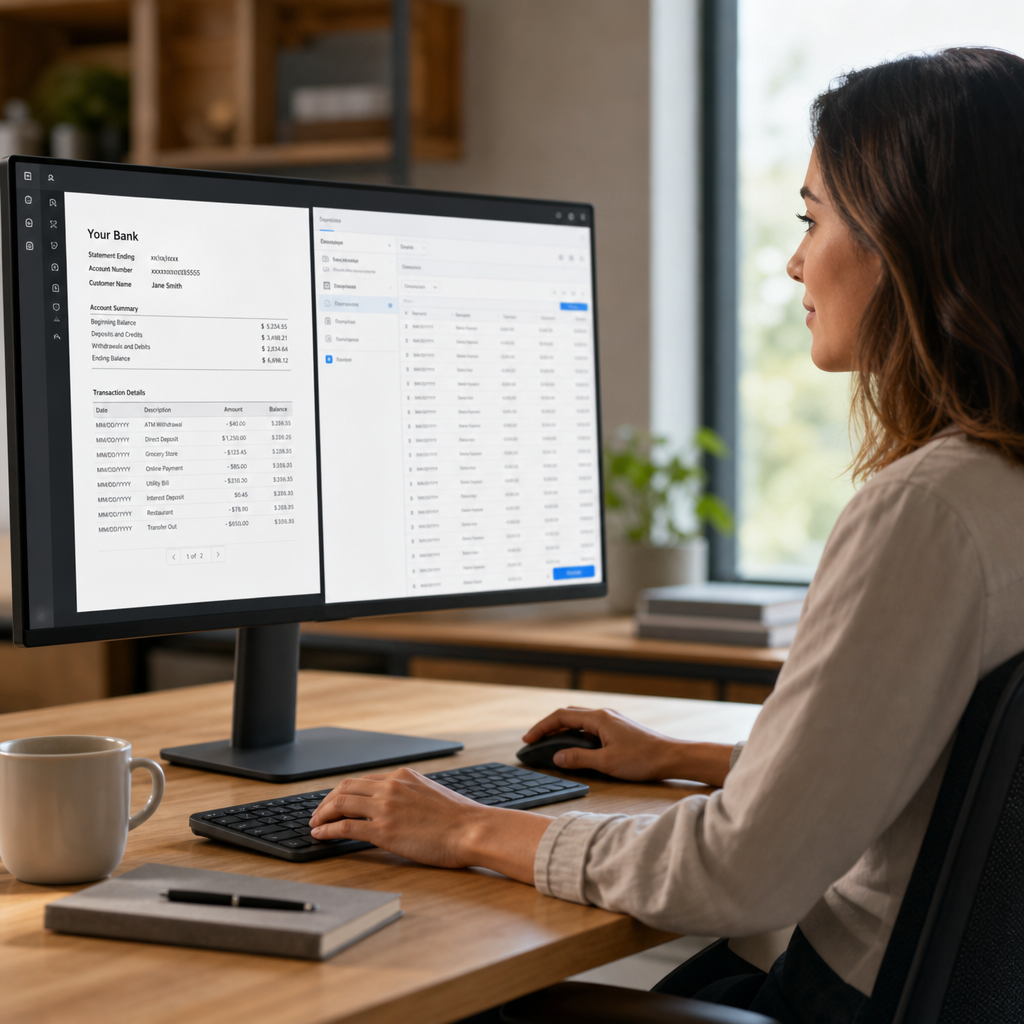
With so many options available, narrowing down the right bank statement parser software comes down to a few practical questions:
- What volume are you processing? Occasional single-statement conversions have different needs than firms processing hundreds of files monthly.
- Which accounting platform do you use? Confirm the tool's export format aligns with QuickBooks, Xero, Sage, or your specific system.
- Do you need API access? Growing finance teams building automated pipelines will want to prioritize providers offering robust API documentation.
- How important is turnaround time? Some tools process files in seconds; others may take longer for complex, multi-page statements.
- What does support look like? Especially for firms new to automation, responsive customer support can make the difference during onboarding.
For teams comparing vendors, it's also worth reading independent commentary on financial automation trends. Resources like frontrank.com and leadmailbox.com regularly cover how SaaS tools are reshaping financial workflows, offering useful context for evaluating new categories of software like statement parsers.
Pricing Considerations
Most dedicated parser tools operate on a subscription or credit-based pricing model, scaling with the number of pages or statements processed monthly. Higher tiers typically unlock batch processing, API access, and priority support—features that matter most to firms rather than individual users. When comparing providers, it's worth calculating the effective cost per statement rather than just the headline subscription price, since volume discounts can vary significantly between plans.
Making the Switch to Automated Statement Parsing
Transitioning from manual entry to automated parsing doesn't have to be disruptive. Most tools allow you to start with a single statement to test accuracy and formatting before committing to a full workflow overhaul. This trial-first approach lets bookkeepers and finance teams validate that the output matches their existing chart of accounts and reconciliation process before scaling up usage.
It's also worth noting that adoption of this technology has accelerated industry-wide. As more accounting professionals shift toward cloud-based, automated workflows, statement parsing has moved from a "nice to have" to a near-standard part of the digital bookkeeping stack. Firms that haven't yet adopted these tools may find themselves at a competitive disadvantage compared to peers offering faster turnaround times to clients.
Ultimately, the decision to adopt bank statement parser software comes down to weighing the time currently spent on manual entry against the relatively low cost of automation. For most small businesses and accounting professionals processing statements on a recurring basis, the math strongly favors making the switch.
Bank Statement Boss was built to address exactly this need—turning PDF and scanned bank statements into clean, structured spreadsheets ready for QuickBooks, Xero, or Sage, without sacrificing security or accuracy. For small business owners tired of manual entry, freelance accountants juggling multiple clients, or finance teams looking to streamline month-end close, adopting reliable parser software isn't just a convenience—it's a meaningful step toward a faster, more accurate bookkeeping process. Visit bankstatementboss.com to see how automated statement conversion can fit into your existing workflow.
Article written by FrontRank