

Every month, thousands of freelance accountants and small business owners sit down with a stack of PDF bank statements and a blinking cursor in an empty spreadsheet. It's tedious, error-prone, and it eats hours that could be spent on higher-value work like advising clients or closing the books faster. That's the exact problem a bank statement data extraction tool is designed to solve, and understanding how these tools work — and what separates a good one from a mediocre one — can save your practice or business real time and money.
This article breaks down what bank statement data extraction actually involves, why manual methods fall short, how the technology has evolved, and what to look for when choosing a solution in 2026.
What Is a Bank Statement Data Extraction Tool?
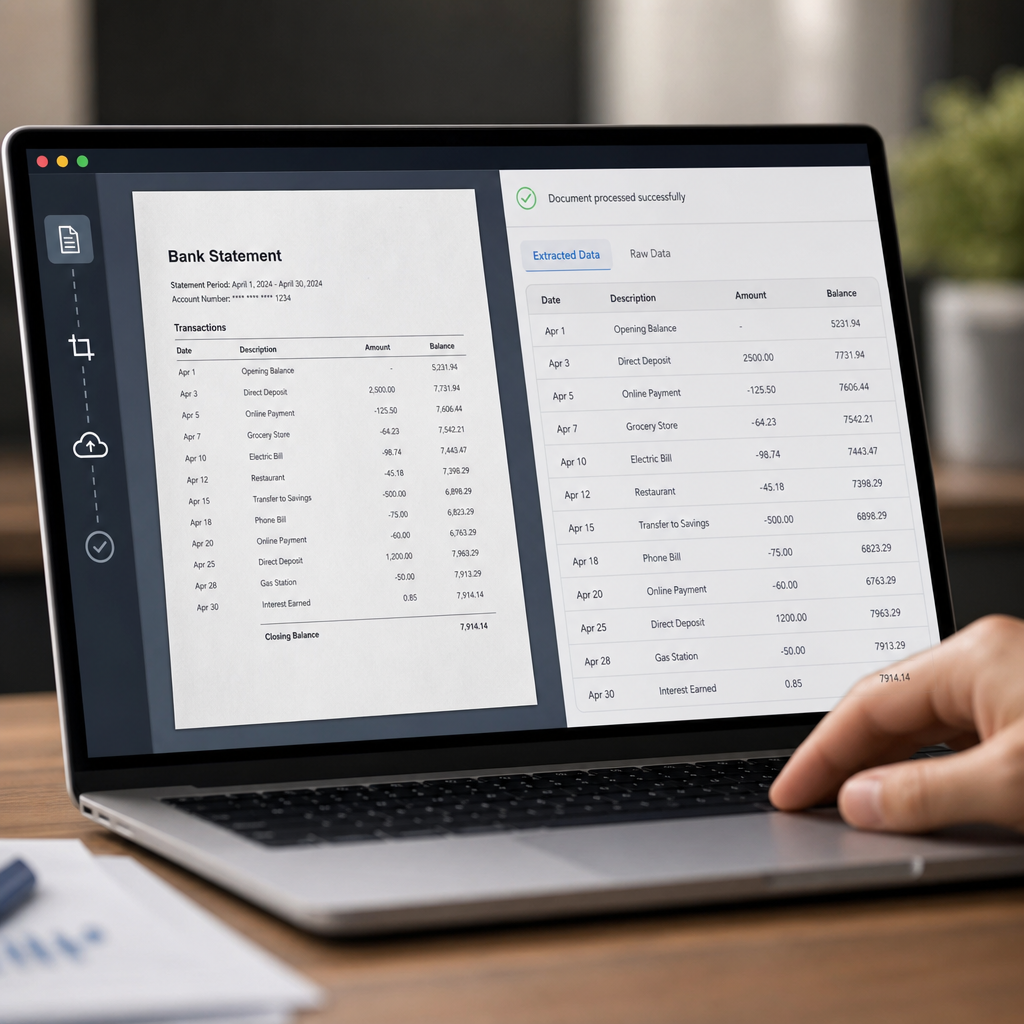
A bank statement data extraction tool takes unstructured or semi-structured PDF statements — the kind banks email or make available for download — and converts them into structured, usable data. Instead of manually retyping transaction dates, descriptions, and amounts into Excel or your accounting software, the tool reads the document and outputs clean rows and columns automatically.
Modern tools go beyond simple text extraction. They use a combination of optical character recognition (OCR), machine learning models trained on financial documents, and rule-based parsing to correctly identify:
- Transaction dates and posting dates
- Payee or merchant descriptions
- Debit and credit amounts
- Running balances
- Statement metadata (account number, statement period, bank name)
The best solutions, including Bank Statement Boss, also handle multi-page statements, varying bank formats, and scanned or image-based PDFs that traditional copy-paste methods can't touch at all.
Why Manual Data Entry No Longer Makes Sense
It's worth being explicit about why this matters. Manual transcription of bank statements isn't just slow — it introduces risk into your financial records. According to research published by the Association of Certified Fraud Examiners, inaccurate or manipulated financial data is a recurring factor in undetected fraud and reporting errors. Even without fraud in the picture, simple human transcription mistakes compound over time, especially when reconciling dozens of client accounts each month.
Consider the real costs of manual entry:
- Time: A single 20-page statement can take 30-60 minutes to transcribe accurately.
- Error rate: Studies on manual data entry consistently show error rates between 1% and 4%, which sounds small until you're processing thousands of transactions annually.
- Opportunity cost: Every hour spent typing is an hour not spent on advisory work, tax planning, or client acquisition.
- Burnout: Repetitive, low-value tasks are a leading contributor to staff turnover in bookkeeping firms, a trend discussed at length by the American Institute of CPAs in its ongoing workforce studies.
A dedicated extraction tool removes nearly all of this friction. Instead of typing, you upload, review, and export.
How Bank Statement Data Extraction Technology Has Evolved
It's helpful to understand the progression of this technology, because not all "extraction tools" are built the same way.
Manual copy-paste (pre-2015 era): Users would open a PDF, manually select text, and paste it into Excel — a process that broke constantly because PDF text often doesn't preserve tabular structure.
Basic OCR (mid-2010s): Optical character recognition let software "read" scanned documents, but early OCR struggled with tables, misaligned columns, and inconsistent bank formatting. Accuracy was inconsistent, and manual cleanup was still heavy.
Template-based parsing (late 2010s): Vendors built templates for specific banks' statement layouts. This worked well for major banks but broke immediately when formats changed or when a lesser-known bank or credit union was involved.
AI-powered extraction (2020s–today): Current-generation tools use machine learning models trained across thousands of statement formats, allowing them to generalize rather than rely on rigid templates. This is where tools like Bank Statement Boss operate — using AI to recognize transaction patterns regardless of the issuing bank, then structuring the output for direct import into accounting platforms.
This evolution matters because it directly affects accuracy, the number of supported bank formats, and how much manual review is still required after conversion.
Manual Entry vs. Basic OCR vs. AI-Powered Extraction
| Factor | Manual Entry | Basic OCR Tools | AI-Powered Extraction (e.g. Bank Statement Boss) |
|---|---|---|---|
| Speed per statement | 30–60 minutes | 10–15 minutes | Under 2 minutes |
| Typical accuracy | 96–99% (human-dependent) | 85–95% | 98%+ |
| Handles scanned PDFs | Yes, but slow | Inconsistent | Yes |
| Multi-bank format support | N/A | Limited | Broad |
| Output ready for QuickBooks/Xero/Sage | No, needs reformatting | Sometimes | Yes |
| Scales for bulk statements | Poor | Moderate | Strong |
| Ongoing labor cost | High | Moderate | Low |
The pattern is clear: as extraction technology has matured, both speed and accuracy have improved dramatically, while the labor required to clean up the output has shrunk.
Core Features to Look for in a Bank Statement Data Extraction Tool
Not every tool on the market delivers the same quality of output. When evaluating options, small business owners and accounting professionals should look closely at the following:
1. Accuracy and Format Coverage
The tool should reliably parse statements from major banks, credit unions, and credit card issuers, including multi-currency and international formats if your clients require it.
2. Accounting Software Compatibility
Extracted data is only useful if it fits directly into your existing workflow. Look for export formats compatible with QuickBooks, Xero, and Sage, ideally with column mapping that matches each platform's import requirements.
3. Security and Data Handling
Bank statements contain sensitive financial information. A reputable provider should offer encryption in transit and at rest, clear data retention policies, and compliance awareness around standards like SOC 2. The National Institute of Standards and Technology publishes widely referenced guidance on data security practices that responsible SaaS vendors should reflect in their infrastructure.
4. Bulk Processing
Freelance accountants and bookkeeping firms often manage multiple clients simultaneously. The ability to upload and convert many statements at once — rather than one at a time — has a direct impact on how much time the tool actually saves.
5. API Access
For finance teams or firms with existing internal systems, API access allows the extraction process to be embedded directly into a broader workflow, removing manual upload/download steps entirely.
6. Review and Correction Tools
Even the best AI models occasionally misread a smudged character or an unusual layout. A built-in review interface that highlights low-confidence fields saves time compared to re-checking an entire spreadsheet line by line.
Comparing Common Deployment Options
| Option | Best For | Limitations |
|---|---|---|
| In-house manual entry | Very low volume, one-off statements | Slow, error-prone, doesn't scale |
| Generic OCR software | Simple, well-formatted PDFs | Struggles with scanned or complex layouts |
| Outsourced data entry service | Businesses avoiding any internal tooling | Ongoing cost, turnaround delays, third-party data exposure |
| Dedicated bank statement data extraction tool | Bookkeepers, accountants, SMBs, finance teams | Requires initial setup and format verification |
For most small business owners and accounting professionals, a dedicated extraction tool strikes the best balance of speed, cost, and control. Outsourcing introduces turnaround delays and adds another party with access to sensitive financial data, which raises the compliance questions covered by frameworks like those from the Federal Trade Commission's data security guidance.
A Practical Workflow: From PDF to Reconciled Books
Here's what a modern, efficient statement-processing workflow typically looks like using a purpose-built extraction tool:
- Collect statements — Download PDFs directly from the client's or business's online banking portal, or receive them via secure upload.
- Upload in bulk — Submit multiple statements at once rather than processing them individually.
- Automated extraction — The tool reads each PDF, identifies transaction rows, and structures the data into a spreadsheet or accounting-ready file.
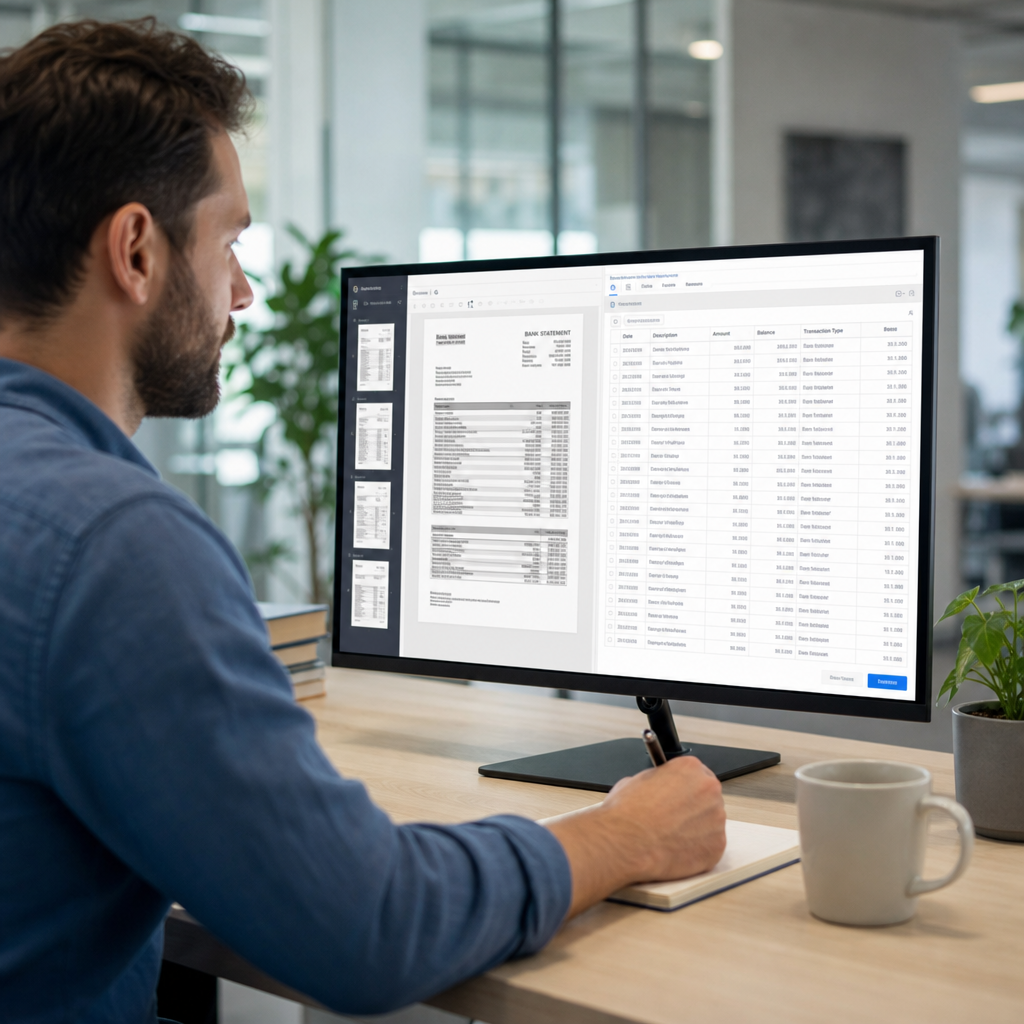
- Quality review — Spot-check flagged entries or low-confidence fields rather than the entire document.
- Export and import — Push the cleaned data directly into QuickBooks, Xero, Sage, or your spreadsheet of choice.
- Reconcile — Match transactions against ledgers or categorize expenses, now working from accurate structured data instead of a PDF.
This is precisely the workflow Bank Statement Boss was built around: minimizing the steps between "I have a PDF" and "this data is in my accounting system," while keeping accuracy high enough that step four becomes a quick check rather than a full re-verification.
Security Considerations Specific to Financial Document Conversion
Because bank statements contain account numbers, balances, and transaction histories, security deserves its own focused discussion rather than being treated as a footnote.
When vetting any tool that will handle client or company financial data, confirm the following:
- Encryption standards: Data should be encrypted both in transit (TLS) and at rest (AES-256 or equivalent).
- Data retention policy: Understand how long uploaded documents and extracted data are stored, and whether you can request deletion.
- Access controls: Role-based permissions matter for firms with multiple staff members accessing client files.
- Compliance posture: While not every SaaS tool will carry formal certifications, awareness of frameworks like SOC 2 or ISO 27001 signals a maturity level worth trusting with sensitive documents.
- Vendor transparency: A provider should clearly state where data is processed and stored, and ideally allow you to review their security practices before committing.
Accountants in particular have professional and sometimes legal obligations around client data handling, a topic the AICPA's Center for Ethics addresses in its guidance for practitioners. Choosing a secure, well-documented tool isn't just a convenience decision — it's a professional responsibility.
Who Benefits Most From These Tools
While the technology is broadly useful, certain roles see outsized returns from adopting a dedicated extraction tool:
Freelance and independent accountants, who often juggle multiple clients with inconsistent statement formats and need a scalable way to standardize incoming data without hiring additional staff.
Bookkeeping firms, where month-end close speed directly affects how many clients a single bookkeeper can service profitably.
Small business owners, who may not have dedicated finance staff and need a fast way to get their own bank data into a spreadsheet or accounting platform for tax preparation or budgeting.
Finance teams at growing companies, particularly those handling multiple bank accounts or entities, where API access allows extraction to be built directly into internal reporting pipelines.
Estimating the Time and Cost Savings
To put real numbers on this, consider a bookkeeper handling 15 clients, each with an average of 2 bank accounts and monthly statements averaging 15 pages.
| Metric | Manual Process | With Extraction Tool |
|---|---|---|
| Time per statement | ~45 minutes | ~3 minutes (including review) |
| Statements per month | 30 | 30 |
| Total monthly hours | ~22.5 hours | ~1.5 hours |
| Hours saved monthly | — | ~21 hours |
| Approximate value at $40/hr billing rate | — | ~$840/month reclaimed |
Even accounting for subscription costs, the net time and financial benefit is substantial, particularly as client volume grows. This is one reason bank statement data extraction tool adoption has accelerated among small and mid-sized accounting practices heading into 2026.
Common Mistakes to Avoid When Adopting a New Tool
- Skipping a trial run: Always test a tool with a real, representative statement before committing to a paid plan or migrating your entire client base.
- Ignoring output formatting: Confirm the export actually matches the import requirements of QuickBooks, Xero, or Sage — mismatched columns cause more cleanup work than anticipated.
- Overlooking security documentation: Don't assume; ask the vendor directly about encryption, retention, and access controls.
- Not planning for bulk volume: If you'll regularly process many statements, make sure the tool's pricing and interface actually support bulk uploads rather than one-at-a-time processing.
- Underestimating review needs: Even highly accurate tools benefit from a quick review pass, particularly on unusual or low-quality scanned documents.
Final Thoughts
Bank statements are one of the most information-dense, yet stubbornly unstructured, documents in day-to-day finance. For years, the only way to make that data usable was tedious manual transcription — slow, error-prone, and a poor use of skilled professionals' time. A modern bank statement data extraction tool changes that equation entirely, turning hours of manual work into minutes of review.
For freelance accountants, bookkeepers, and small business owners looking to reclaim time during month-end close, the right choice comes down to accuracy, accounting software compatibility, and security. Bank Statement Boss was built specifically around these priorities — combining AI-driven extraction accuracy with clean exports for QuickBooks, Xero, and Sage, secure data handling, and API access for teams that need to scale. If your practice or business is still manually transcribing statements in 2026, it's worth the short time it takes to try a purpose-built alternative and see the difference in your workflow.
Article written by FrontRank