
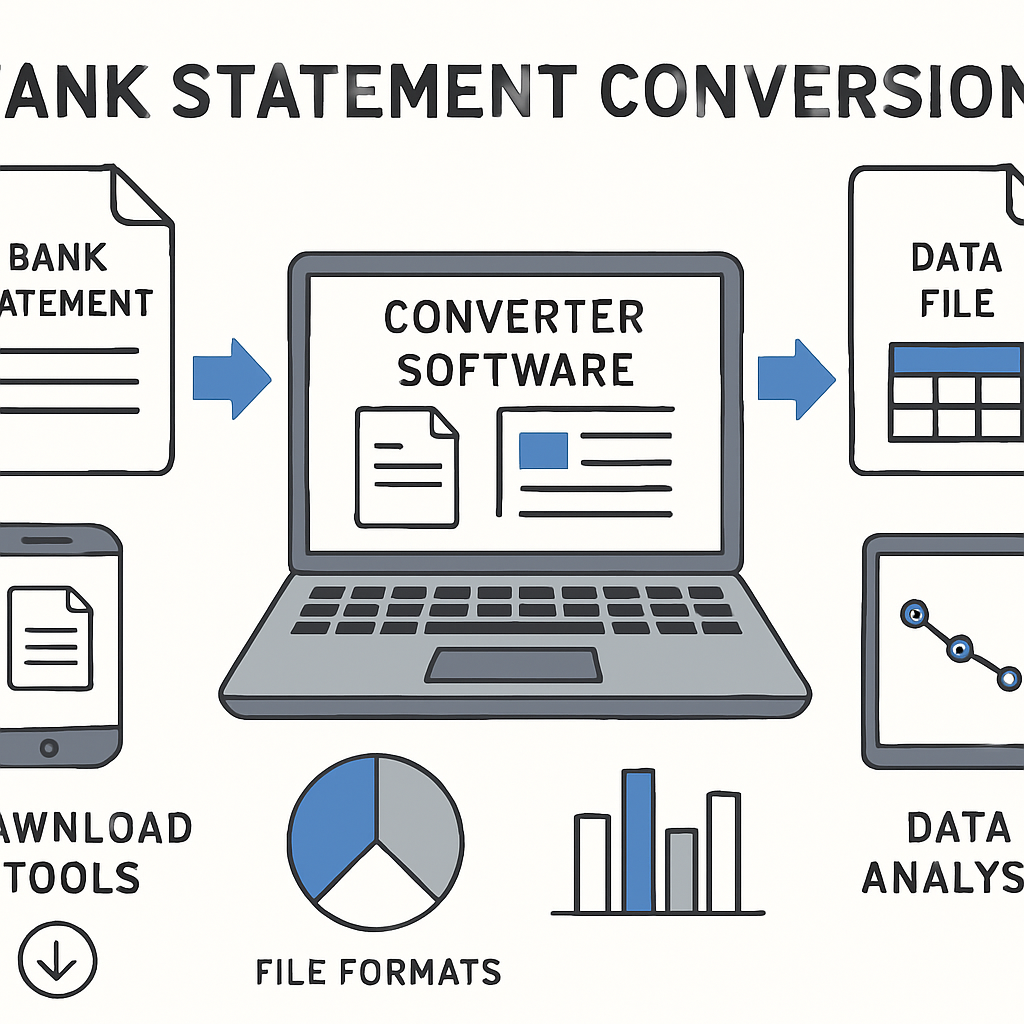
Manual data entry from PDF bank statements is one of the most time-consuming and error-prone tasks facing bookkeepers, accountants, and small business owners today. Every month, financial professionals spend hours retyping transaction data into spreadsheets or accounting software, often introducing costly mistakes along the way. Bank statement converter software has emerged as the solution to this widespread problem, using automation and artificial intelligence to transform static PDF statements into structured, usable data in minutes rather than hours.
This guide explores everything you need to know about bank statement converter software: how it works, why it matters, what features to look for, and how tools like Bank Statement Boss are changing the way financial professionals handle statement data.
What Is Bank Statement Converter Software?
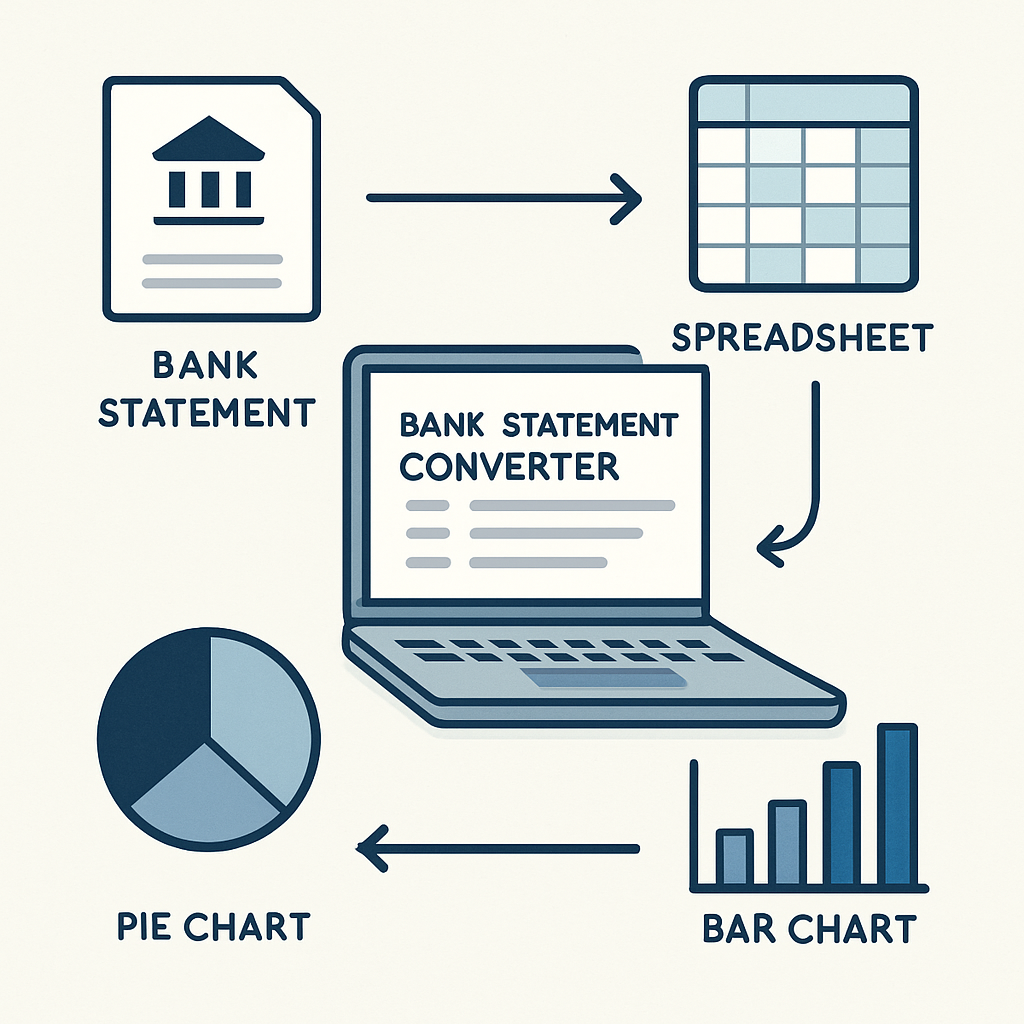
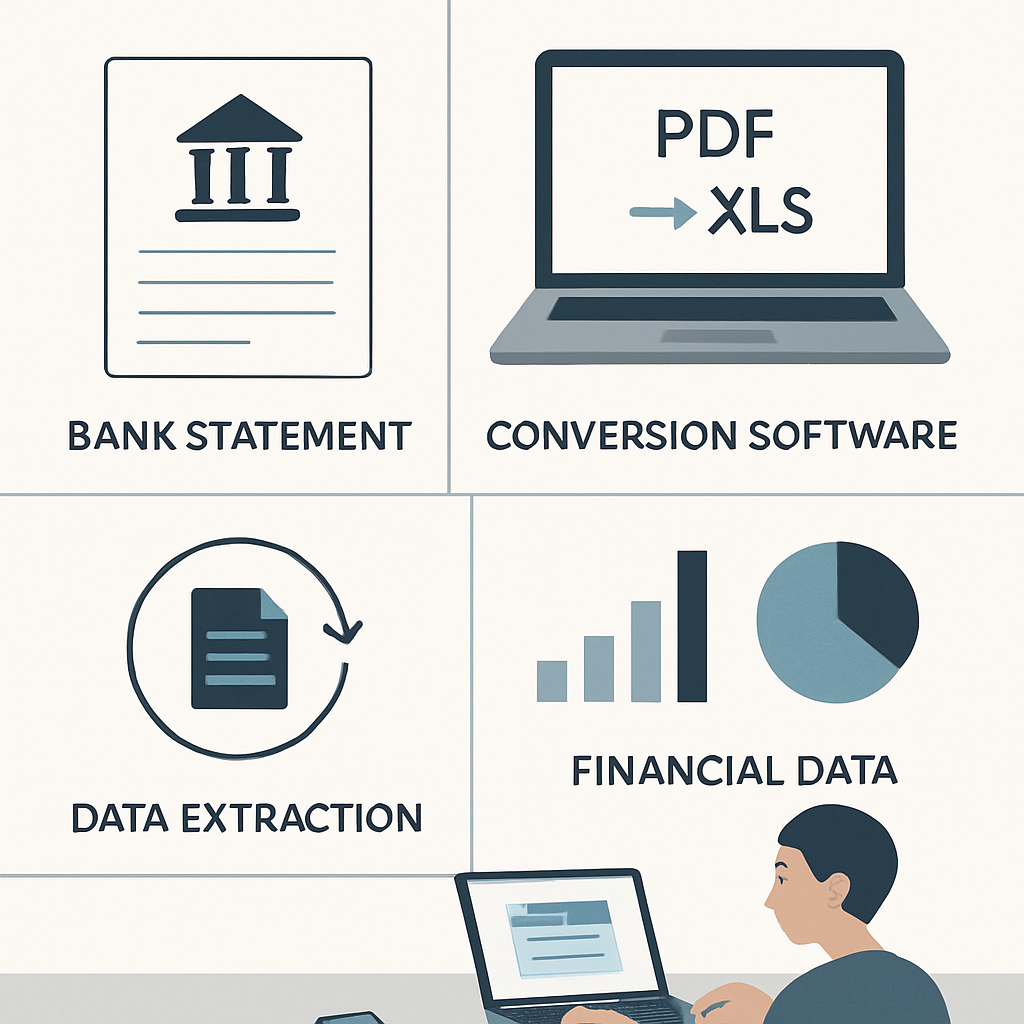
Bank statement converter software is a specialized tool that extracts transaction data from PDF bank and credit card statements and converts it into structured formats such as Excel, CSV, or direct imports for accounting platforms like QuickBooks, Xero, and Sage. Rather than manually copying figures line by line, users simply upload their PDF statements, and the software uses optical character recognition (OCR) and machine learning algorithms to identify dates, descriptions, deposits, withdrawals, and running balances.
The technology behind these tools has advanced significantly in recent years. Early conversion tools relied on basic OCR, which struggled with inconsistent bank formats and often produced garbled or inaccurate results. Modern solutions, however, use AI-powered pattern recognition trained on thousands of statement layouts from banks around the world, enabling much higher accuracy rates even with scanned or image-based PDFs.
For accounting professionals managing multiple clients, or small business owners trying to reconcile their books quickly, this shift from manual transcription to automated extraction represents a fundamental change in workflow efficiency.
Why Manual Data Entry Is No Longer Sustainable
Before diving into the specifics of conversion software, it is worth understanding why manual entry has become such a significant pain point for modern finance teams.
- Time cost: A single multi-page bank statement can take 30 to 60 minutes to manually transcribe, depending on transaction volume.
- Error risk: Human transcription errors, such as transposed digits or missed transactions, can lead to inaccurate financial reporting and reconciliation headaches.
- Scalability issues: Firms handling dozens or hundreds of client statements each month simply cannot scale manual processes without hiring additional staff.
- Compliance pressure: Accurate, timely record-keeping is essential for tax compliance and audit readiness, and manual processes increase the risk of falling behind.
- Opportunity cost: Time spent on data entry is time not spent on higher-value advisory work, financial analysis, or client relationships.
According to the Institute of Finance and Management, finance departments that automate repetitive data tasks report significant reductions in processing time and error rates, freeing staff to focus on strategic work rather than administrative burden.
Given these pressures, it is no surprise that demand for reliable bank statement converter software has grown rapidly among bookkeepers, accountants, and small business owners alike.
How Bank Statement Converter Software Works
At a high level, most bank statement converter tools follow a similar process, though the sophistication and accuracy can vary widely between providers.
Step 1: Upload the PDF statement Users upload one or more PDF bank or credit card statements, whether digitally generated or scanned images.
Step 2: Automated data extraction The software applies OCR and AI-based parsing to identify structural elements of the statement, including transaction dates, descriptions, amounts, and balances.
Step 3: Data validation and cleanup Advanced tools cross-check extracted figures against running balances to catch discrepancies automatically, flagging any transactions that may need manual review.
Step 4: Export to desired format Once validated, the data is exported into a clean spreadsheet (Excel or CSV) or formatted for direct import into accounting software such as QuickBooks, Xero, or Sage.
Tools like Bank Statement Boss streamline this entire pipeline, offering 99% accuracy and support for statements from most major banks worldwide, which is particularly valuable for accounting firms serving clients across different financial institutions and countries.
Key Features to Look for in Bank Statement Converter Software
Not all conversion tools are created equal. When evaluating options, finance professionals should consider the following criteria:
- Accuracy rate: Look for solutions that advertise verified accuracy rates, ideally 95% or higher, backed by validation processes rather than raw OCR guesses.
- Bank compatibility: The tool should support a wide range of banks and statement formats, including international institutions if you serve clients outside your home country.
- Export flexibility: Support for multiple output formats, including Excel, CSV, and direct integrations with QuickBooks, Xero, and Sage, adds significant workflow value.
- Security and compliance: Since bank statements contain sensitive financial data, the software should use encryption and comply with data protection standards such as those outlined by the National Institute of Standards and Technology.
- Batch processing: For accountants managing multiple clients, the ability to upload and convert multiple statements simultaneously is essential.
- Pricing transparency: Tiered pricing plans, including a free tier for occasional users, make it easier to scale usage according to need.
- Customer support: Responsive support channels matter when dealing with time-sensitive financial deadlines.
These criteria form the foundation of a solid evaluation framework, and they are precisely the areas where a purpose-built platform can distinguish itself from generic OCR tools.
Comparing Bank Statement Converter Software Options
To help illustrate the differences between typical categories of conversion tools, the table below compares general approaches finance professionals often consider.
| Solution Type | Accuracy | Bank Coverage | Export Formats | Best For |
|---|---|---|---|---|
| Generic OCR software | 70-85% | Limited, format-sensitive | Basic text/CSV | One-off, simple documents |
| Manual data entry | Depends on staff | Universal | Any, manually typed | Very low volume needs |
| Spreadsheet macros/templates | 80-90% | Limited to known formats | Excel only | Tech-savvy individual users |
| AI-powered converter (e.g. Bank Statement Boss) | Up to 99% | Most major banks worldwide | Excel, CSV, QuickBooks, Xero, Sage | Accountants, bookkeepers, businesses |
As shown, AI-powered platforms designed specifically for bank statement conversion offer clear advantages in both accuracy and format flexibility compared to generic tools or manual processes.
Here is a further breakdown comparing pricing tiers commonly found in the bank statement conversion software market:
| Plan Tier | Typical Monthly Cost | Statement Volume | Common Features |
|---|---|---|---|
| Free | $0 | Low (a few statements) | Basic conversion, limited exports |
| Starter/Individual | $10-$25 | Moderate | Multiple export formats, email support |
| Professional | $30-$75 | High | Batch processing, priority support |
| Enterprise/Firm | Custom pricing | Very high, multi-client | API access, dedicated support, custom integrations |
Bank Statement Boss offers tiered subscription plans including a free option, making it accessible for solo bookkeepers just starting out as well as larger accounting firms with heavy statement volumes.
Use Cases Across Different Professions
Bank statement converter software is not a one-size-fits-all solution; different professionals benefit from it in distinct ways.
Small Business Owners Many small business owners lack the resources for a full-time bookkeeper, and manually reconciling bank statements each month becomes a dreaded chore. Converting statements into clean spreadsheets allows them to quickly import data into accounting software or review cash flow trends without hours of manual transcription.
Accountants and Bookkeepers Professionals managing multiple clients need to process large volumes of statements efficiently. Batch conversion capabilities and direct exports to platforms like QuickBooks and Xero eliminate redundant data entry, allowing firms to serve more clients without proportional increases in staff time.
Finance Professionals and Analysts Corporate finance teams performing reconciliations, audits, or cash flow analysis benefit from having historical statement data in structured formats that can be easily manipulated, filtered, and analyzed within Excel or business intelligence tools.
Tax Preparers During tax season, preparers often need to reconstruct a full year of financial activity from client bank statements. Automated conversion tools significantly reduce the time needed to organize this data ahead of filing deadlines, which is especially valuable given the strict timelines set by agencies like the Internal Revenue Service.
Auditors Auditors reviewing financial records for compliance purposes benefit from quickly digitizing statements to cross-reference against ledgers and detect anomalies, supporting the kind of rigorous documentation standards emphasized by the American Institute of CPAs.
Security and Data Privacy Considerations
Because bank statements contain highly sensitive personal and financial information, security should be a top priority when selecting a conversion tool. Reputable providers implement several layers of protection:
- Encryption in transit and at rest: Data should be encrypted both while being uploaded and while stored on servers.
- Automatic data deletion: Many providers automatically delete uploaded files after processing to minimize data retention risk.
- Compliance certifications: Look for adherence to recognized security frameworks and privacy regulations relevant to your jurisdiction, such as GDPR for European clients.
- Access controls: Role-based permissions help firms control which staff members can access sensitive client data within the platform.
- Transparent privacy policies: A trustworthy provider will clearly explain how data is used, stored, and protected.
Before adopting any bank statement converter software, it is worth reviewing the provider's privacy policy and asking direct questions about data handling practices, particularly if you work with regulated industries or handle data subject to strict compliance requirements outlined by bodies such as the Federal Trade Commission.
Step-by-Step: How to Convert a Bank Statement Using Software
For those new to bank statement converter software, the process is typically straightforward. Here is a general walkthrough:
- Create an account on the chosen platform, such as Bank Statement Boss, and select an appropriate subscription tier based on your expected volume.
- Upload your PDF statement(s), either individually or in batch if the platform supports bulk processing.
- Allow the software to process the file, during which AI algorithms extract transaction data and validate totals against statement balances.
- Review the extracted data for any flagged discrepancies or unclear entries, making manual corrections if necessary.
- Select your export format, whether that is a clean Excel spreadsheet, CSV file, or a direct import file formatted for QuickBooks, Xero, or Sage.
- Download or sync the converted data directly into your accounting workflow.
This process, which might take a few minutes per statement, replaces what could otherwise be an hour or more of manual data entry, particularly for statements with dense transaction histories.
Common Challenges and How Modern Software Solves Them
Even with automation, certain challenges have historically made bank statement conversion difficult. Understanding these challenges helps clarify why AI-powered solutions represent such a meaningful improvement over older methods.
Challenge 1: Inconsistent Bank Formats Every bank formats its statements differently, with varying column layouts, fonts, and terminology. Older OCR tools struggled to adapt, often producing jumbled results. Modern AI-powered converters are trained on a wide variety of bank formats, allowing them to accurately parse statements regardless of layout differences.
Challenge 2: Scanned or Low-Quality PDFs Not all statements are digitally generated; some are scanned images with lower resolution. Advanced OCR combined with machine learning helps modern tools still achieve high accuracy even with imperfect source documents.
Challenge 3: Multi-Currency and International Statements Businesses operating internationally often deal with statements in multiple currencies and languages. Robust converter software supports statements from most major banks worldwide, accommodating the needs of globally operating businesses and accounting firms with international clients.
Challenge 4: Large Transaction Volumes High-volume accounts, such as those for active businesses, can have hundreds of transactions per statement. Manual entry at this scale is simply impractical, whereas automated tools handle large transaction volumes just as efficiently as smaller ones.
Challenge 5: Integration With Existing Accounting Systems Extracted data is only useful if it fits smoothly into existing workflows. This is why export compatibility with platforms like QuickBooks, Xero, and Sage is such a critical feature, eliminating the need for additional reformatting steps after conversion.
Evaluating ROI: Is Bank Statement Converter Software Worth the Investment?
For many finance professionals, the decision to adopt bank statement converter software comes down to return on investment. Consider the following simplified comparison for a bookkeeper processing 20 client statements per month:
| Metric | Manual Entry | Automated Conversion |
|---|---|---|
| Average time per statement | 45 minutes | 5 minutes |
| Total monthly time (20 statements) | 15 hours | 1.7 hours |
| Estimated hourly rate | $35 | $35 |
| Monthly labor cost | $525 | $59.50 |
| Software subscription cost | $0 | $30-$75 |
| Net monthly savings | — | Approximately $400-$450 |
Even accounting for subscription costs, the time savings translate directly into either reduced labor expenses or the capacity to take on additional clients without increasing headcount. For firms billing clients on an hourly basis, this efficiency gain can also mean redirecting saved hours toward higher-margin advisory services.
Beyond the direct financial calculation, there are softer benefits as well: reduced staff burnout from tedious data entry, fewer reconciliation errors, faster turnaround times for clients, and improved capacity to take on seasonal workload spikes, such as during tax season.
Choosing the Right Bank Statement Converter Software for Your Needs
With numerous options available, selecting the right tool requires matching software capabilities to your specific use case. Consider the following checklist when making a decision:
Do you need support for a specific bank or international statement format?
How many statements do you typically process per month, and does the pricing tier match that volume?
Which accounting software do you currently use, and does the converter offer direct export compatibility?
What level of accuracy do you require, particularly for high-stakes financial reporting or audit preparation?
Does the provider offer a free trial or free tier to test functionality before committing to a paid plan?
How important is customer support responsiveness for your workflow?
Bank Statement Boss addresses each of these considerations directly, offering AI-powered conversion with 99% accuracy, support for most major banks worldwide, and export compatibility with QuickBooks, Xero, and Sage. Its tiered subscription model, including a free option, makes it accessible whether you are an individual bookkeeper handling a handful of clients or a growing firm processing hundreds of statements each month.
Final Thoughts
The shift away from manual bank statement processing is no longer optional for finance professionals who want to remain competitive and efficient. As transaction volumes grow and client expectations for faster turnaround times increase, relying on outdated manual entry methods introduces unnecessary risk, cost, and inefficiency into everyday financial workflows.
Bank statement converter software solves this problem directly, transforming static PDF documents into structured, accurate, and immediately usable financial data. Whether you are a small business owner trying to simplify monthly bookkeeping, an accountant managing dozens of client accounts, or a finance professional preparing for an audit, adopting the right conversion tool can save significant time while reducing costly errors.
Bank Statement Boss offers a compelling solution for exactly these needs, combining high accuracy, broad bank compatibility, and flexible export options into a single, easy-to-use platform. By eliminating the tedious burden of manual data entry, it allows finance professionals to redirect their time and energy toward the work that truly matters: delivering accurate financial insight and better serving their clients or business goals.
Article written by FrontRank