

Manually transcribing bank and credit card statements into spreadsheets is one of the most tedious tasks in bookkeeping. A single misplaced digit can throw off a reconciliation, and copying hundreds of transactions by hand eats up hours that could be spent on higher-value client work. That's where a bank statement converter comes in—a tool designed to transform static PDF statements into structured, editable data that plugs directly into your accounting workflow.
This guide explains how bank statement converters work, why they matter for small businesses and accounting professionals, and what to look for when choosing one. We'll also compare popular formatting options and show how a purpose-built tool like Bank Statement Boss simplifies the entire process.
What Is a Bank Statement Converter?
A bank statement converter is software that extracts transaction data from PDF bank or credit card statements and reformats it into a usable structure—typically CSV, Excel, or a format compatible with accounting platforms like QuickBooks, Xero, or Sage. Instead of manually retyping dates, descriptions, and amounts, the software reads the PDF, identifies the relevant fields, and outputs a clean spreadsheet in seconds.
Modern converters use a combination of optical character recognition (OCR) and machine learning to interpret the layout of a statement, even when banks use different templates, fonts, or column arrangements. This is particularly important because there is no universal PDF statement format—every financial institution structures its statements differently, and older or scanned statements can be especially difficult to parse accurately.
Why Manual Data Entry Is No Longer Sustainable
For years, bookkeepers and small business owners have relied on manual entry or basic copy-paste methods to move bank statement data into spreadsheets. While this might work for a handful of transactions, it quickly becomes unmanageable as transaction volume grows. Consider the following:
- A small business with three accounts and 150 transactions per month spends roughly 4-6 hours monthly on manual entry alone.
- Human error rates in manual data entry average between 1% and 4%, according to industry studies on data quality management.
- Reconciliation delays caused by data entry backlogs can push financial reporting timelines back by days or weeks.
For freelance accountants managing multiple clients, this problem multiplies. Each client may bank with a different institution, meaning bookkeepers must mentally switch between formats constantly. This is precisely the inefficiency that automated conversion tools were built to eliminate.
How Bank Statement Converters Work
At a technical level, most bank statement converters follow a similar processing pipeline:
- Upload — The user uploads a PDF statement (digital or scanned) to the platform.
- Extraction — OCR and pattern-recognition algorithms scan the document to identify transaction rows, dates, descriptions, debits, credits, and running balances.
- Structuring — The extracted data is organized into a tabular format, matching fields like "Date," "Description," "Amount," and "Balance."
- Validation — Many tools cross-check totals and running balances to flag discrepancies before finalizing the output.
- Export — The structured data is exported as CSV, XLSX, or a format pre-mapped for QuickBooks, Xero, or Sage import.
Some platforms, including Bank Statement Boss, also offer API access, allowing finance teams to integrate statement conversion directly into their existing software stack rather than uploading files manually each time.
Key Features to Look For
Not all converters are built the same. When evaluating a bank statement converter, professionals should weigh the following criteria:
- Accuracy of OCR extraction — Look for tools that boast high accuracy rates, ideally above 98%, even with scanned or low-resolution documents.
- Format compatibility — Direct export options for QuickBooks, Xero, and Sage save additional formatting steps.
- Security and compliance — Since bank statements contain sensitive financial data, encryption and secure storage policies matter. Reputable providers align with standards discussed by the Federal Trade Commission's data security guidance.
- Multi-bank support — The tool should recognize statement layouts from a wide range of banks and credit unions.
- Batch processing — For bookkeepers managing multiple clients, the ability to upload and convert multiple statements simultaneously is a major time-saver.
- API access — Useful for finance teams that want to automate conversion within larger financial workflows.
- Customer support and turnaround time — Especially important during month-end or tax season crunches.
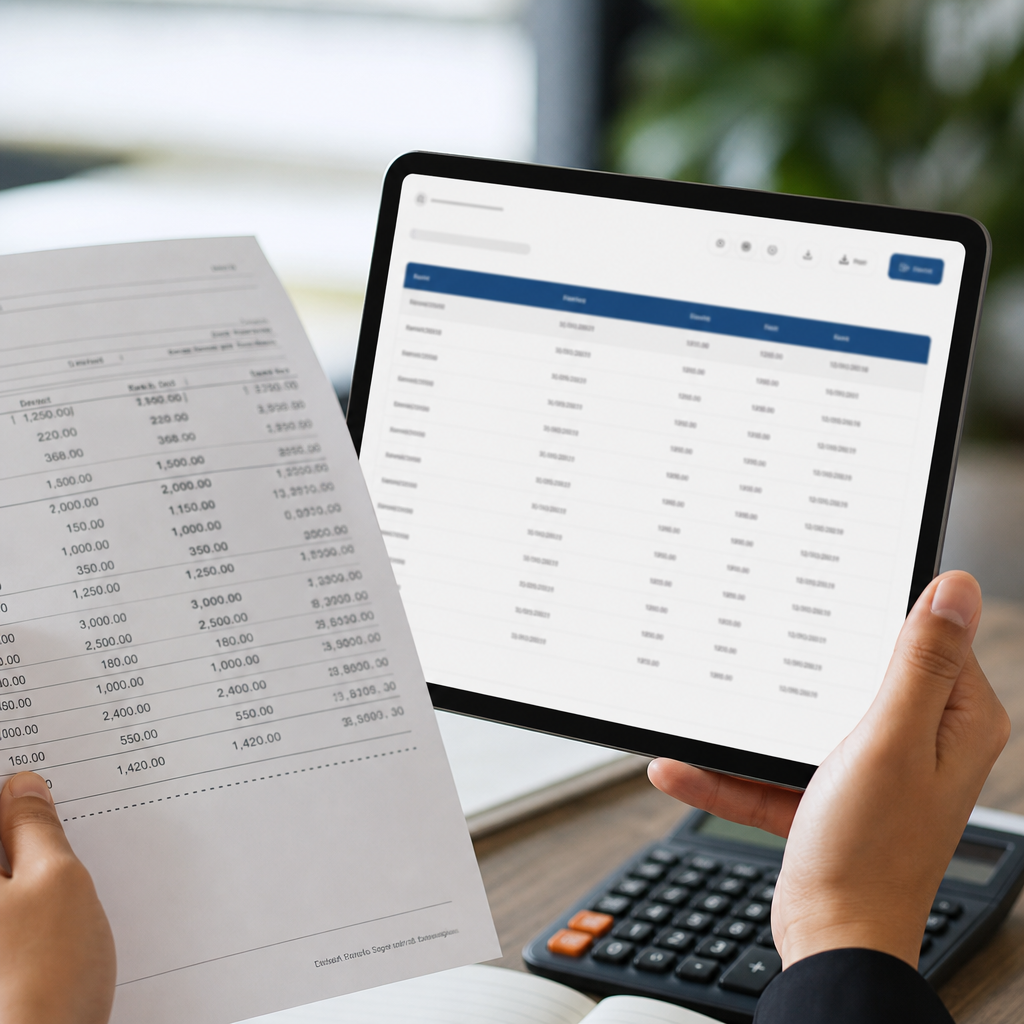
Comparing Manual Entry, Generic Tools, and Dedicated Converters
To understand the real value of a dedicated bank statement converter, it helps to compare it against the alternatives businesses typically use.
| Method | Average Time (100 transactions) | Error Rate | Accounting Software Ready | Cost |
|---|---|---|---|---|
| Manual entry | 2-3 hours | 1-4% | No (requires reformatting) | Free (labor cost only) |
| Generic PDF-to-Excel tools | 30-45 minutes | 5-10% (misreads columns) | Rarely | Low to moderate |
| Dedicated bank statement converter (e.g., Bank Statement Boss) | 2-5 minutes | Under 2% | Yes, pre-formatted | Subscription-based |
As shown above, generic PDF-to-Excel converters often struggle because they aren't trained specifically on financial statement layouts. They may misinterpret multi-column statements or fail to separate debits from credits correctly. Purpose-built financial converters are trained specifically on transaction data, which significantly reduces error rates and formatting headaches.
Accounting Software Compatibility: What to Expect
One of the most valuable aspects of a quality bank statement converter is native compatibility with popular accounting platforms. Here's how the top three platforms typically handle imported statement data:
| Accounting Platform | Preferred Import Format | Common Use Case |
|---|---|---|
| QuickBooks | CSV / QBO | Bank feed reconciliation, categorization |
| Xero | CSV | Manual bank statement import for reconciliation |
| Sage | CSV / OFX | General ledger and multi-currency reconciliation |
Because each platform expects slightly different column headers and date formats, a converter that automatically maps extracted data to these specifications eliminates a significant amount of trial and error. This is particularly valuable for bookkeepers who juggle multiple clients using different software.
For a deeper dive into transaction categorization best practices, QuickBooks' own resource center offers useful guidance on structuring imported data for smoother reconciliation.
Security Considerations When Converting Financial Documents
Because bank statements contain highly sensitive information—account numbers, transaction histories, and balances—security cannot be an afterthought. When selecting a bank statement converter, consider:
- Encryption in transit and at rest — Files should be encrypted using industry-standard protocols such as TLS 1.2 or higher during upload and storage.
- Data retention policies — Understand how long the platform stores your files and whether you can request permanent deletion.
- Access controls — For firms with multiple staff members, role-based permissions prevent unauthorized access to client files.
- Compliance certifications — Look for SOC 2 or similar attestations, which indicate a provider has undergone independent security audits.
- Third-party data sharing policies — Confirm that your statement data isn't being used to train unrelated AI models or sold to third parties.
Financial professionals should treat these questions with the same seriousness they'd apply to any other financial software vendor, since a single reporting requirement, such as data classification standards from the National Institute of Standards and Technology, can inform how a company should vet any tool that touches sensitive client data.
Bank Statement Boss addresses these concerns directly by offering encrypted file handling and clear data retention practices, which is one reason bookkeeping firms increasingly rely on bankstatementboss.com for client statement processing rather than piecing together manual workflows.

Use Cases Across Different Professions
A bank statement converter isn't a one-size-fits-all tool—it serves distinct purposes depending on who's using it.
Small Business Owners Owners managing their own books often lack the time or accounting background to manually reconcile transactions. Converting statements into spreadsheets makes it far easier to track expenses, prepare for tax season, and monitor cash flow trends without hiring a full-time bookkeeper.
Freelance Accountants and Bookkeepers Professionals managing multiple clients need consistency and speed. A converter that batch-processes statements from various banks and outputs data pre-formatted for platforms like Xero or QuickBooks dramatically reduces the administrative overhead of client onboarding and monthly reconciliation.
Finance Teams in Growing Companies As companies scale, finance departments often deal with statements from multiple business accounts, credit lines, and even international banking partners. API access—offered on higher-tier plans from providers like Bank Statement Boss—allows these statements to be processed automatically as part of a broader financial operations pipeline, reducing reliance on manual uploads.
Tax Preparers During tax season, preparers often receive a stack of PDF statements from clients who don't maintain organized digital records. Quickly converting these into structured data allows preparers to identify deductible expenses and reconcile income more efficiently, especially when working against deadlines outlined by the IRS recordkeeping guidelines.
Common Challenges in Statement Conversion (and How to Solve Them)
Even the best converters encounter edge cases. Understanding these challenges helps set realistic expectations:
- Scanned or low-quality PDFs — Statements scanned from paper copies can have inconsistent formatting or blurred text. High-quality OCR engines mitigate this, but results may still require a quick manual review.
- Multi-page statements with inconsistent headers — Some banks repeat headers on every page, while others only include them on the first page. A good converter tracks context across the entire document rather than treating each page independently.
- Foreign currency and multi-currency statements — International transactions may include currency symbols or codes that need to be normalized during extraction.
- Statements with images or watermarks — Security features like watermarks can occasionally interfere with text recognition, requiring more advanced extraction models.
- Non-standard date formats — Since banks vary between MM/DD/YYYY and DD/MM/YYYY formats, converters must intelligently detect and standardize dates to avoid reconciliation errors.
Providers who continuously refine their extraction models—rather than relying on a static template system—tend to handle these edge cases more reliably over time.
Step-by-Step: Converting a Bank Statement the Right Way
If you're new to using a bank statement converter, here's a simple workflow to follow:
- Gather your statements — Download PDF statements directly from your bank's portal rather than using screenshots or printed scans when possible, as native PDFs convert more accurately.
- Choose the right export format — Confirm whether your accounting software prefers CSV, XLSX, QBO, or OFX before exporting.
- Upload to your converter — Use a secure platform like Bank Statement Boss to upload one or multiple statements at once.
- Review extracted data — Even with high accuracy rates, it's good practice to spot-check a sample of transactions against the original PDF.
- Import into your accounting software — Use the platform's import feature to bring the structured data into QuickBooks, Xero, or Sage.
- Reconcile and categorize — Assign categories to transactions and reconcile against your bank balance to confirm everything matches.
Following this process consistently each month prevents backlogs and keeps your books audit-ready year-round.
The Broader Shift Toward Automation in Bookkeeping
The demand for tools like bank statement converters reflects a larger trend: bookkeeping and financial operations are steadily moving away from manual processes and toward automation. Much like invoice processing and expense management have been transformed by AI-driven tools, statement conversion is becoming a standard part of the modern bookkeeping stack.
Industry commentary on this shift, including analysis published on frontrank.com, highlights how firms that adopt automation early tend to scale client rosters more efficiently without proportionally increasing headcount. Similarly, discussions on leadmailbox.com point to how financial service providers are using automation not just for internal efficiency, but as a client-facing value proposition—faster turnaround times and fewer errors translate directly into stronger client retention.
This trend isn't limited to large firms. Solo bookkeepers and small accounting practices are increasingly expected to offer the same speed and accuracy as larger firms, and tools like bank statement converters help level that playing field.
Choosing the Right Bank Statement Converter for Your Needs
When comparing providers, ask these questions:
- Does it support the specific banks and statement formats you work with regularly?
- Can it export directly in the format your accounting software requires?
- What security certifications or practices does the provider maintain?
- Does it offer batch processing for multiple statements or clients?
- Is there an API option if you plan to scale your automation needs?
- What is the pricing structure, and does it align with your transaction volume?
Bank Statement Boss was built specifically around these requirements, offering AI-powered extraction, multi-format export compatibility, and tiered plans that include API access for growing finance teams. For professionals who process statements regularly, investing in a dedicated tool rather than relying on generic converters or manual entry typically pays for itself within the first month through time savings alone.
Final Thoughts
Converting bank statements from PDF to spreadsheet format used to be a purely manual, error-prone task. Today, AI-powered tools have transformed this process into something that takes minutes rather than hours, while also improving accuracy and compatibility with leading accounting platforms. Whether you're a small business owner trying to stay on top of your books, a freelance bookkeeper juggling multiple clients, or a finance team looking to scale operations, a reliable bank statement converter is no longer a luxury—it's becoming a standard part of efficient financial management.
Bank Statement Boss offers exactly this kind of solution: secure, accurate, and built specifically for the needs of accounting professionals and business owners. By visiting bankstatementboss.com, you can see firsthand how quickly a cluttered stack of PDF statements can become clean, organized, accounting-ready data—freeing up your time to focus on the financial decisions that actually move your business forward.
Article written by FrontRank