

Choosing an app to read bank statements sounds like a simple decision until you actually try one and discover the output is a mess of misaligned columns, missing transactions, or a format your accounting software refuses to import. Small business owners, bookkeepers, and freelance accountants lose hours every month cleaning up data that was supposed to save them time in the first place.
The problem isn't that these tools don't exist. It's that most buyers don't know what to look for, so they end up repeating the same mistakes: picking a tool based on price alone, ignoring security certifications, or assuming "AI-powered" automatically means accurate. This article walks through the most common pitfalls and shows you how to evaluate an app to read bank statements the right way, so you don't waste time or compromise sensitive financial data.
Mistake 1: Assuming All PDF Parsing Tools Work the Same Way
Not every app to read bank statements uses the same underlying technology, and the differences matter more than most buyers realize. There are three broad approaches in the market today:
- Template-based parsers that only work with a handful of pre-mapped bank layouts.
- Basic OCR (optical character recognition) tools that convert images to text but don't understand context.
- AI-driven extraction engines that recognize transaction patterns, dates, and categories across virtually any statement format, including scanned or low-quality PDFs.
Template-based tools break the moment a bank updates its statement design. Basic OCR tools often misread numbers, merge columns, or lose formatting entirely. AI-driven platforms, like bankstatementboss.com, are built to adapt to new formats without manual template updates, which is why they tend to produce more consistent, accounting-ready output.
Before choosing a tool, ask the vendor directly: "Does your system use static templates, OCR, or trained AI models?" The answer tells you how resilient the tool will be when you inevitably encounter an unfamiliar statement layout.
Mistake 2: Ignoring Compatibility with Your Accounting Software
A shockingly common mistake is choosing an app based purely on its ability to "convert PDF to Excel" without checking whether the output actually works with QuickBooks, Xero, Sage, or whatever platform your firm relies on. A spreadsheet full of transactions is only useful if it imports cleanly, with the right column headers, date formats, and categorization fields.
Here's a quick comparison of common output formats and their typical compatibility:
| Output Format | QuickBooks Ready | Xero Ready | Sage Ready | Notes |
|---|---|---|---|---|
| Raw CSV (no formatting) | Partial | Partial | Partial | Often requires manual remapping |
| Generic Excel export | No | No | No | Column order usually mismatched |
| Structured CSV (bank-mapped) | Yes | Yes | Yes | Matches accounting import templates |
| Direct API/JSON feed | Yes | Yes | Yes | Best for automated workflows |
Tools built specifically for accounting workflows, such as bankstatementboss.com, format exports to match the import requirements of major platforms out of the box. That distinction alone can save a bookkeeper hours of remapping columns for every single client statement.
Mistake 3: Overlooking Data Security and Compliance
Bank statements contain some of the most sensitive data a business handles: account numbers, transaction histories, vendor relationships, and sometimes personal identifying information. Yet many buyers never ask how a tool stores, encrypts, or deletes uploaded files.
Before trusting any app to read bank statements, confirm the following:
- Is data encrypted both in transit and at rest?
- Does the vendor have a clear data retention and deletion policy?
- Is the platform compliant with recognized frameworks like SOC 2 or relevant data protection regulations such as the GDPR?
- Can you request immediate deletion of uploaded files after processing?
Financial institutions and regulators increasingly expect businesses to vet third-party software carefully. The Federal Trade Commission publishes guidance on data security practices that's worth reviewing if you handle client financial documents regularly. A reputable provider will publish its security practices openly rather than making you dig for them.
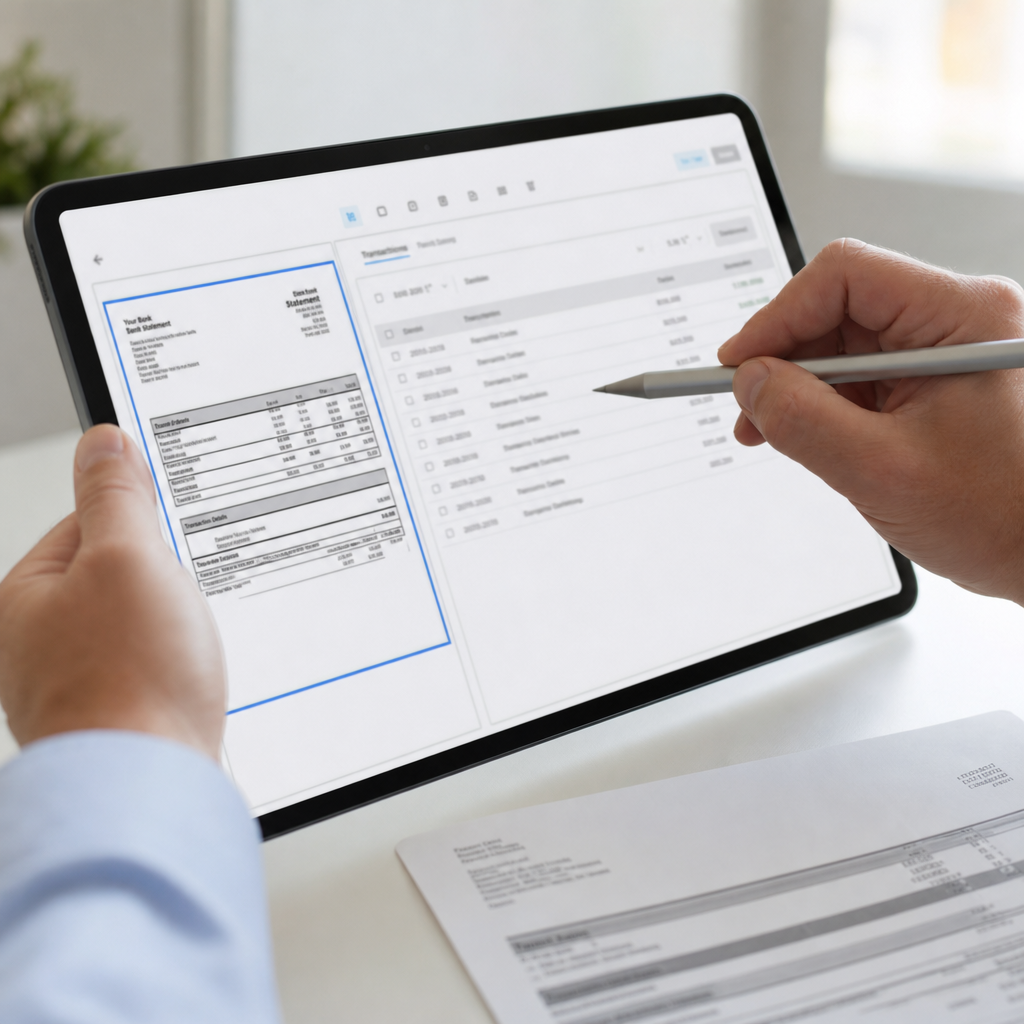
Mistake 4: Choosing Based on Price Without Testing Accuracy
It's tempting to pick the cheapest option, especially when budgets are tight for small firms and solo bookkeepers. But a "cheap" tool that misreads 1 in 20 transactions isn't actually saving you money. You end up paying for the subscription and still spending hours manually checking and correcting entries.
Instead of comparing price tags first, compare accuracy and verification features:
| Feature | Budget Tools | Mid-Tier Tools | Premium AI Tools |
|---|---|---|---|
| Line-item accuracy | ~85-90% | ~92-96% | 97%+ |
| Handles scanned/low-quality PDFs | Rarely | Sometimes | Usually |
| Built-in error flagging | No | Limited | Yes |
| Bulk upload support | No | Limited | Yes |
| API access | No | Rarely | Often (higher tiers) |
Run a free trial or sample conversion before committing. Upload a real (but non-sensitive, redacted if needed) statement and check every line against the original. A few minutes of testing up front can prevent weeks of reconciliation headaches later.
Mistake 5: Underestimating the Value of Bulk Processing
Freelance accountants and bookkeepers rarely deal with just one statement at a time. A single client engagement might involve twelve months of statements across multiple accounts, and a firm managing dozens of clients multiplies that volume quickly.
Many entry-level apps to read bank statements only support single-file uploads, forcing users to repeat the same manual process dozens or hundreds of times per month. That's a significant hidden cost in labor hours. Look for platforms that support:
- Bulk upload of multiple PDFs in one session
- Batch export to a single consolidated spreadsheet or separate files per account
- Automatic duplicate detection across overlapping statement periods
- Folder or client-based organization for multi-client workflows
If your workload includes recurring monthly statement processing for multiple clients, bulk capability isn't a nice-to-have, it's the feature that determines whether the tool actually saves time at scale.
Mistake 6: Forgetting About API Access and Automation Potential
As firms grow, many eventually want to automate statement processing entirely, feeding converted data directly into internal systems, dashboards, or client portals without manual exports and uploads. This is where API access becomes critical, and it's a feature most buyers don't think to ask about until they already need it.
An API lets developers or technical staff connect the statement-reading engine directly to accounting software, practice management tools, or custom-built financial dashboards. Without it, every workflow stays manual, no matter how good the initial conversion quality is.
When evaluating providers, ask:
- Is API access available, and at which pricing tier?
- What file formats does the API accept and return (JSON, CSV, XML)?
- Is there rate limiting that could bottleneck high-volume processing?
- Is there developer documentation and support available?
Platforms like bankstatementboss.com offer API access specifically for higher-tier plans, which makes sense for finance teams and accounting firms that need to scale beyond manual uploads. For a broader look at how automation is reshaping financial workflows, the Journal of Accountancy regularly covers trends in finance automation worth following.

Mistake 7: Not Checking How the Tool Handles Multi-Currency or International Formats
If your clients operate internationally, or you work with accounts in multiple currencies, this mistake can be costly. Many apps to read bank statements are built primarily around U.S. bank formats and struggle with:
- Non-U.S. date formats (day/month/year versus month/day/year)
- Currency symbols and decimal/comma separators used in European and other formats
- Multi-currency statements with embedded exchange rate notations
- Non-Latin character sets in vendor or payee names
Before committing to a tool, confirm whether it explicitly supports the currencies and regional formats relevant to your client base. Ask for a sample conversion using an international statement if that's part of your regular workload. A tool that only works flawlessly with domestic statements may create more cleanup work than it saves when international documents enter the mix.
What a Reliable App to Read Bank Statements Should Actually Deliver
Pulling the mistakes above together, here's a practical checklist to evaluate any app to read bank statements before you commit to a subscription:
- Format flexibility – handles multiple banks, layouts, and even scanned PDFs
- Accounting software compatibility – exports cleanly to QuickBooks, Xero, Sage, or your platform of choice
- Verified security practices – encryption, compliance certifications, and clear data deletion policies
- Proven accuracy – tested against real statements, not just vendor claims
- Bulk processing – supports multiple files and multiple clients efficiently
- API access – available for teams ready to automate workflows
- International support – handles multi-currency and regional formatting if needed
Running through this list with any vendor, including bankstatementboss.com, gives you a much clearer picture of whether a tool will actually solve your workflow problems or just shift the manual work somewhere else.
It's also worth comparing notes with peers. Communities like r/Bookkeeping and professional networks often share real experiences with specific tools, which can surface issues that marketing pages won't mention. Additionally, firms exploring broader financial automation strategies sometimes turn to resources like leadmailbox.com for guidance on streamlining client communication and document handling processes that complement statement conversion tools.
Why Getting This Decision Right Matters for Your Bottom Line
For bookkeepers and small accounting firms, statement conversion isn't a one-time task, it's a recurring monthly or quarterly obligation across every client file. A tool that saves 90% of manual entry time but introduces a 10% error rate can quietly erode the time savings through correction work and client trust issues if mistakes slip into financial reports.
On the other hand, a well-chosen app to read bank statements compounds its value over time. Multiply the hours saved per statement by the number of clients and the number of months in a year, and the difference between a mediocre tool and a well-built one becomes substantial, both in billable hours reclaimed and in reduced risk of reporting errors.
Small business owners handling their own books face a similar calculation, just at a smaller scale. The time spent manually transcribing a year of statements before tax season is time not spent serving customers or growing the business. Choosing the right tool the first time, rather than cycling through several disappointing options, pays off quickly.
Final Thoughts
The mistakes outlined here, choosing based on price alone, ignoring compatibility, overlooking security, skipping accuracy testing, underestimating bulk needs, forgetting API access, and neglecting international formats, are all avoidable with a bit of upfront diligence. An app to read bank statements should remove manual work from your month, not create new categories of cleanup.
Bank Statement Boss was built specifically to address these pain points: AI-powered extraction that adapts to varied statement formats, exports formatted for QuickBooks, Xero, and Sage, secure data handling practices, and API access for teams ready to automate further. If you're evaluating your options, visit bankstatementboss.com to see how a purpose-built conversion tool can turn a tedious monthly task into a matter of minutes rather than hours.
Article written by FrontRank