

Manually retyping bank statement data into spreadsheets is one of the most tedious tasks in modern bookkeeping. A single business checking account can generate hundreds of transactions a month, and multiply that across multiple clients or accounts, and the hours add up fast. This is why an AI powered PDF to Excel tool has become essential infrastructure for small business owners, freelance accountants, bookkeepers, and finance teams who need accurate, structured data without the manual grind.
This article explains how these tools work, why they outperform traditional conversion methods, what to look for when choosing one, and how a purpose-built solution like bankstatementboss.com fits into a modern accounting workflow.
What an AI Powered PDF to Excel Tool Actually Does
At its core, an AI powered PDF to Excel tool takes an unstructured or semi-structured PDF document—like a bank or credit card statement—and transforms it into a structured spreadsheet format such as XLSX or CSV. Unlike generic PDF converters that simply copy text line by line, AI-driven tools understand the context of the data.
That means they can recognize:
- Transaction dates, descriptions, and amounts, even when columns shift between statement formats
- Running balances and how they relate to debits and credits
- Multi-page statements where headers repeat or tables break across pages
- Scanned or image-based PDFs using optical character recognition (OCR)
- Multiple currencies, date formats, and regional number formatting
Traditional conversion tools rely on fixed templates or rigid column positions. The moment a bank changes its statement layout, those tools fail silently, producing garbled spreadsheets. AI-powered systems, by contrast, are trained on diverse statement layouts from hundreds of financial institutions, allowing them to adapt dynamically.
Why Manual Data Entry No Longer Makes Sense
Before automation, bookkeepers had two options: retype transactions manually or use basic PDF-to-text extraction and clean up the mess afterward. Both approaches are slow and error-prone.
Consider the real cost of manual entry:
- Time: A 20-page statement with 300+ transactions can take over an hour to transcribe accurately.
- Errors: Manual retyping introduces transposition errors, missed transactions, and misaligned columns.
- Opportunity cost: Hours spent on data entry are hours not spent on advisory work, reconciliation, or client service.
- Compliance risk: Inaccurate financial records can cause downstream problems during audits or tax filing season.
According to the Journal of Accountancy, firms that automate repetitive data entry tasks report significant gains in both accuracy and staff capacity, allowing accountants to focus on higher-value advisory services rather than clerical work.
An AI-powered conversion tool removes nearly all of this friction. Instead of an hour of manual work, a bookkeeper uploads a PDF and receives a clean spreadsheet in under a minute.
How AI-Powered Conversion Compares to Traditional Methods
It helps to see the differences side by side. The table below compares manual entry, basic PDF converters, and AI-powered tools like Bank Statement Boss.
| Feature | Manual Entry | Basic PDF Converter | AI-Powered Tool |
|---|---|---|---|
| Speed | Very slow (hours) | Moderate | Fast (seconds to minutes) |
| Accuracy | Prone to human error | Inconsistent, breaks on complex layouts | High, context-aware |
| Handles scanned PDFs | N/A | Rarely | Yes, via OCR |
| Adapts to new bank formats | N/A | No | Yes |
| Accounting software compatibility | Manual mapping required | Limited | Built-in formatting for QuickBooks, Xero, Sage |
| Scalability for bulk statements | Poor | Limited | Excellent |
| Data security controls | Depends on process | Varies | Encrypted handling, audit trails |
This comparison illustrates why bookkeeping professionals are shifting away from spreadsheets built by hand or rudimentary converters toward dedicated AI solutions that understand financial document structure.
Key Features to Look for in a PDF to Excel Conversion Tool
Not all tools labeled "AI-powered" deliver the same level of accuracy or usability. When evaluating a solution, finance professionals should look for the following capabilities:
- Bank-agnostic parsing: The tool should recognize statements from a wide range of banks and credit unions, not just a handful of major institutions.
- Structured export formats: Output should map cleanly into Excel, CSV, or directly into accounting platforms like QuickBooks, Xero, or Sage.
- Batch processing: The ability to upload and convert multiple statements at once is critical for bookkeepers managing several clients.
- Data validation: Automatic checks that confirm debits, credits, and running balances reconcile correctly.
- Security and compliance: Encryption in transit and at rest, plus clear data retention policies, since bank statements contain sensitive financial information.
- API access: For firms that want to embed conversion directly into their own workflows or software stack.
Bank Statement Boss was built specifically around these requirements, offering formatting compatible with major accounting platforms alongside secure handling practices and API access for higher-tier plans—making it suitable for solo bookkeepers and larger finance teams alike.
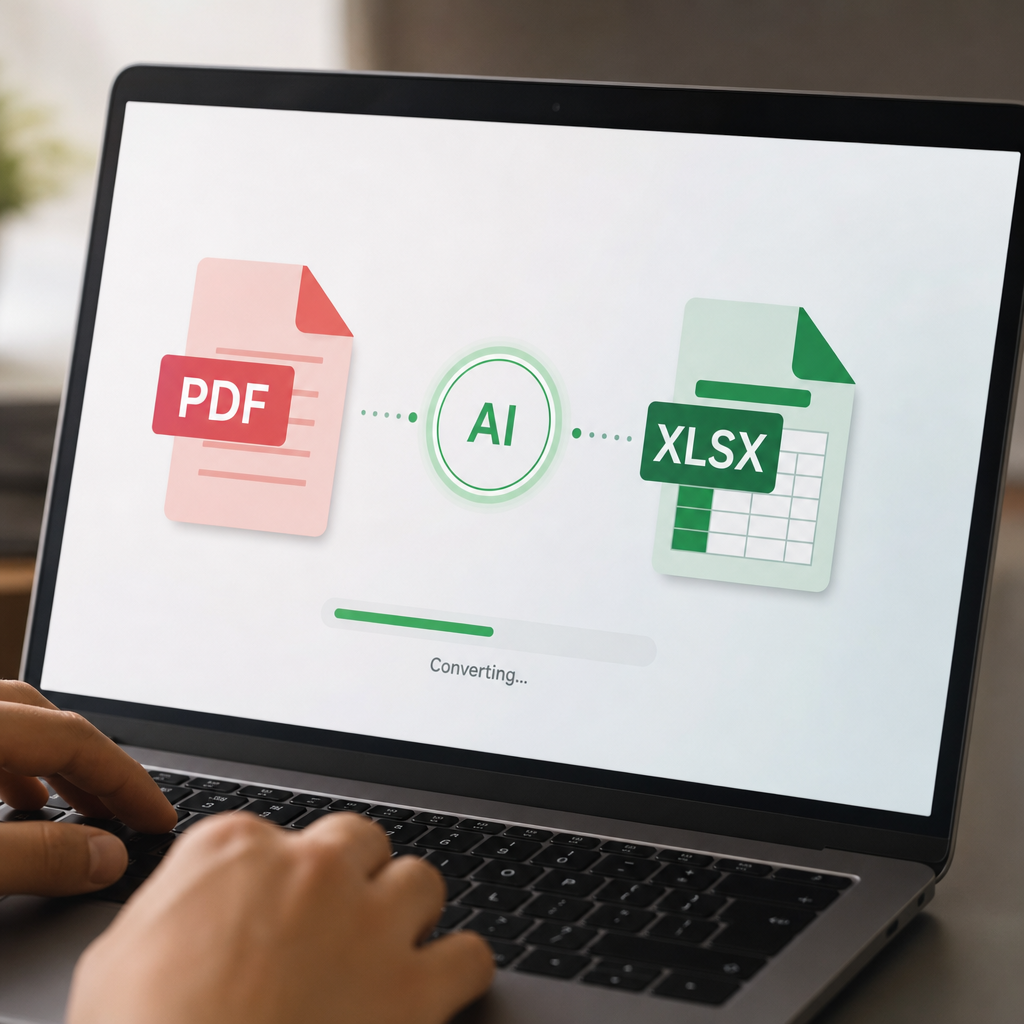
Step-by-Step: How the Conversion Process Works
Understanding the mechanics of AI-powered conversion helps demystify the "black box" feeling many users have about automated tools. Here's a typical workflow:
- Upload the PDF statement. This can be a digitally generated bank statement or a scanned paper document.
- Document classification. The AI identifies the statement type—checking account, credit card, savings—and the issuing institution's layout pattern.
- OCR and text extraction. For scanned documents, optical character recognition converts images of text into machine-readable characters.
- Table structure recognition. Machine learning models identify columns (date, description, amount, balance) even when the layout varies between pages or institutions.
- Data normalization. Dates, currencies, and number formats are standardized for consistency.
- Validation. The system cross-checks transaction totals against statement summaries to catch extraction errors.
- Export. Users download a clean spreadsheet or push data directly into accounting software via integration or API.
This entire pipeline, which would take a human reviewer significant time to replicate manually, typically completes in under a minute per document with a mature AI tool.
Use Cases Across Different Roles
An AI powered PDF to Excel tool isn't a one-size-fits-all product—it serves distinct needs depending on who is using it.
Small business owners often lack dedicated bookkeeping staff. They need a fast way to turn monthly statements into spreadsheets they can hand off to an accountant or import into budgeting software without wrestling with formatting.
Freelance accountants and bookkeepers manage multiple clients, each with different banks and statement formats. Batch conversion and consistent output formatting save enormous amounts of time across a client roster, a challenge explored in depth in discussions about extracting transactions from multiple PDF statements without losing track of client-specific details.
Finance teams at growing companies need to reconcile multiple accounts, sometimes across different banking relationships or international subsidiaries. Here, API access becomes particularly valuable, allowing statement data to flow directly into internal systems rather than requiring manual uploads each month.
Tax preparers during filing season need to quickly compile a year's worth of transaction history. Converting twelve months of statements manually is impractical under tight deadlines, making automated conversion tools especially valuable between January and April.
Accounting Software Compatibility Matters
One of the most overlooked aspects of PDF-to-Excel conversion is what happens after the spreadsheet is created. A technically accurate conversion is only useful if the output format aligns with how accounting software ingests data.
| Accounting Platform | Common Import Format | Key Formatting Requirement |
|---|---|---|
| QuickBooks | CSV or QBO | Specific date and column headers |
| Xero | CSV | Matches Xero's bank statement template |
| Sage | CSV or XLSX | Consistent decimal and date formatting |
| Generic Spreadsheet Use | XLSX | Flexible, but still needs clean headers |
Tools that only output a generic spreadsheet often leave users to manually reformat headers, adjust date formats, or reorder columns before the data can be imported. This defeats much of the time-saving purpose of automation. A well-designed AI conversion tool handles this formatting step automatically, mapping extracted data into templates that are immediately compatible with platforms like QuickBooks, Xero, and Sage.
This is a core part of how Bank Statement Boss approaches the problem: rather than treating conversion as a generic PDF-to-spreadsheet task, the platform is designed around the specific formatting needs of the accounting software bookkeepers already use.
Security and Compliance Considerations
Bank statements contain highly sensitive information, including account numbers, transaction histories, and sometimes personally identifiable information. Any tool handling this data must take security seriously.
Important considerations include:
- Encryption: Data should be encrypted both in transit (via TLS) and at rest.
- Data retention policies: Clear rules about how long uploaded documents and extracted data are stored, and when they are deleted.
- Access controls: Role-based permissions for firms with multiple staff members accessing client data.
- Compliance alignment: Awareness of frameworks like SOC 2 and data protection regulations relevant to financial information.
For accounting professionals bound by client confidentiality obligations, choosing a vendor with transparent security practices isn't optional—it's a professional responsibility. This is why reputable AI-powered conversion platforms publish clear documentation on how data is encrypted, stored, and eventually purged from their systems.

Beyond Conversion: Building a Connected Financial Workflow
PDF-to-Excel conversion is often just one piece of a larger financial automation puzzle. Many firms are now connecting statement conversion tools with budgeting apps, expense trackers, and reconciliation software to create an end-to-end pipeline from raw bank data to finished financial reports.
For instance, personal finance and budgeting platforms such as alcogoal.app demonstrate how structured financial data—once extracted cleanly from a PDF—can feed directly into tools that help individuals and small teams track spending habits and financial goals. When statement data is already clean and standardized thanks to an AI-powered conversion step, downstream tools like these can operate far more effectively, since they aren't wasting processing power correcting malformed inputs.
This connected approach reflects a broader trend in financial technology: rather than treating each tool in a workflow as an isolated step, modern bookkeeping increasingly relies on a chain of specialized tools, each handling one part of the process exceptionally well. Conversion tools handle extraction and formatting; budgeting or reconciliation tools handle analysis and reporting. The handoff between these tools only works smoothly when the data is clean from the start.
Common Challenges and How AI Tools Solve Them
Even experienced bookkeepers run into recurring problems when working with bank statement PDFs. Here's how AI-powered tools address the most common pain points:
- Inconsistent formatting across banks: Different institutions use wildly different statement layouts. AI models trained on diverse datasets generalize across these variations far better than fixed templates.
- Multi-page statements with repeated headers: AI systems can recognize and strip repeated header rows that would otherwise pollute a dataset.
- Scanned, low-quality PDFs: Advanced OCR combined with error-correction models can handle blurry scans or faxed documents that defeat basic text extraction.
- Transactions split across lines: Descriptions that wrap onto multiple lines are a common source of extraction errors; AI parsing models are trained to recognize and merge these correctly.
- Currency and locale differences: International businesses dealing with multiple currencies benefit from tools that automatically normalize formatting differences.
Resources like the IRS recordkeeping guidelines emphasize the importance of accurate, well-organized financial records for tax compliance—another reason why clean, error-free conversion matters well beyond day-to-day bookkeeping convenience.
Evaluating ROI: Is an AI PDF to Excel Tool Worth It?
For firms weighing whether to invest in a dedicated conversion tool versus continuing manual processes, a simple cost comparison often settles the question.
Assume a bookkeeper charges $50/hour and manually processes statements at a rate of one hour per 150 transactions. A client with three accounts generating 450 transactions monthly would require roughly three hours of manual entry—$150 in labor cost, recurring every month, purely for data entry before any actual bookkeeping analysis begins.
An AI-powered tool that converts those same statements in a few minutes, even at a monthly subscription cost, typically pays for itself within the first client engagement. Multiply this across a client roster of ten, twenty, or fifty businesses, and the time savings compound dramatically—freeing up capacity for billable advisory work rather than clerical tasks.
Final Thoughts
The shift toward AI-powered document processing isn't just a convenience upgrade—it's becoming a baseline expectation for modern bookkeeping and finance operations. As statement formats continue to vary across thousands of financial institutions, tools that rely on rigid templates will keep falling short, while AI-driven systems continue to improve in both accuracy and format compatibility.
For small business owners, freelance accountants, bookkeepers, and finance teams looking to eliminate manual data entry while maintaining clean, accounting-ready records, an AI powered PDF to Excel tool is no longer a luxury—it's a practical necessity. Platforms like bankstatementboss.com are built specifically to meet this need, combining accurate AI-driven extraction with formatting tailored for QuickBooks, Xero, and Sage, secure data handling, and API access for teams that need deeper integration. Rather than spending hours retyping transactions every month, professionals can rely on bankstatementboss.com to turn messy PDF statements into clean, structured spreadsheets in minutes, freeing up time for the work that actually grows a business.
Article written by FrontRank